
What is an Inventory Adjustment and Why Should I Use It?
An inventory adjustment is a manual change of an item's quantity that appears in your Heartland. Any time you have a mishap with an item and the inventory is off, or if you are going through your inventory and notice that an item's quantity is off in your Heartland, you are going to want to use it to adjust it to be correct. Whether that be putting it above, at, or below zero.
How To Do An Inventory Adjustment
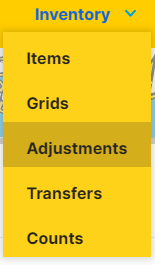
1. Under the inventory drop-down menu in Heartland choose “Adjustments” and add a new adjustment with the “+New” button.
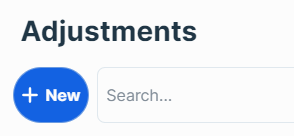
2. Select the location, and add the adjustment reason (For how to add new adjustment reasons see Reason Codes) and click save.
3. Once that has been done, add the items you'd like to adjust either by entering or scanning the item number into the text box at the bottom of the screen. When the item is selected you can then type in the amount you want to adjust it by. If you put a minus sign (-) before the number it will reduce the amount of items.

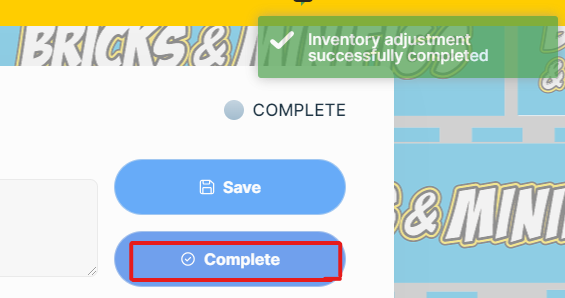
On the left of the “QTY ADJUSTMENT” input boxes there will be the current amount of the item you have listed in your inventory. On the right hand side you will see the amount of items after the adjustment. If you are satisfied with the adjustments click “Complete” to finalize the adjustments.
*Inventory adjustments do not replace purchase orders or counts. Inventory adjustments should only be used when necessary.