What Are Reason Codes
Adding reason codes is useful for a lot of things. It’s how you explain and track why item inventory was adjusted outside of adding using a PO, or how you explain why a certain customer got a special discount. It's a field you input when voiding tickets, and labels for cash in/out transactions. So, as you progress in your business you will find you want to add options to the different reason codes. Heartland makes this really easy.
How To Create A Reason Code
First open up the reason codes setting by opening up your Heartland settings and selecting the “Reason Codes” option.
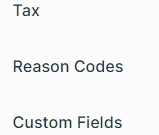
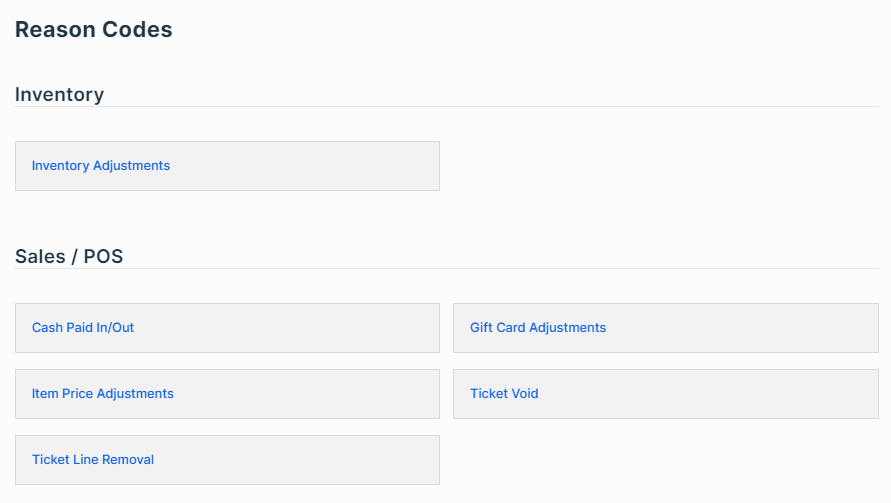
From there you select the reason code you want to edit. In my case I want to add an item inventory adjustment reason code so I will select the “Inventory Adjustments” option.
Once inside you will see a list of reason codes you have already created. You can delete old ones you don't want by pressing the “delete” link, or add new ones by clicking the “+New” button.
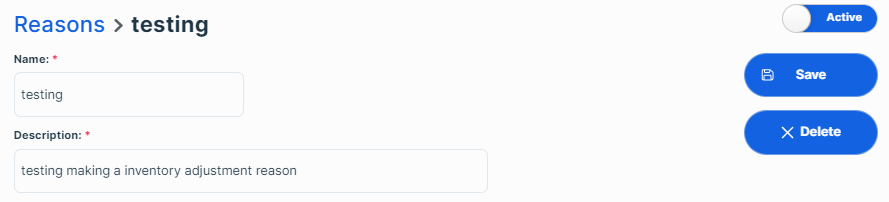
When you create a new reason code it will ask for a name and quick description for the reason code and then clicking save will save it to your system.