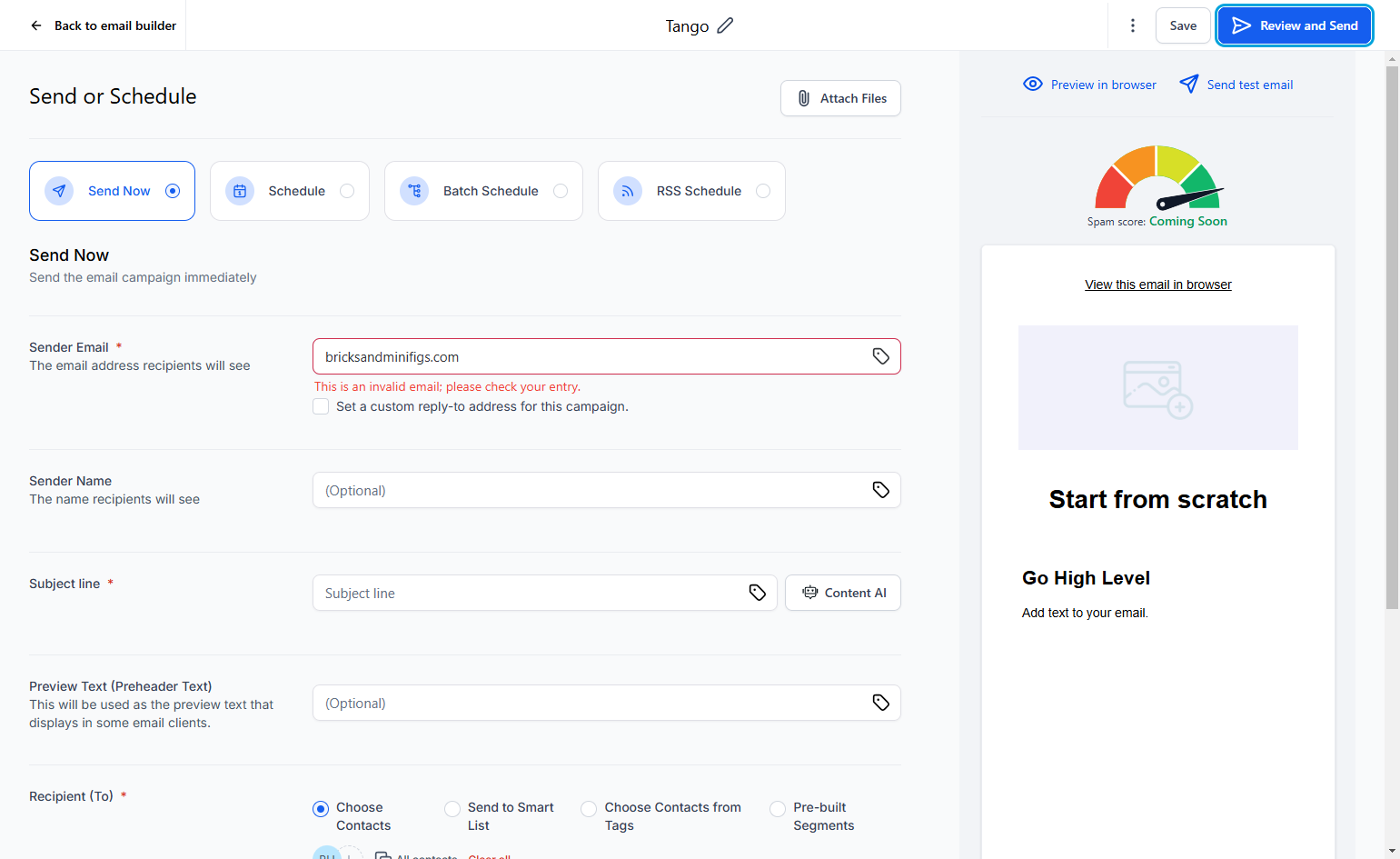
Interactive walkthrough, captured from the company’s help desk (originally an embedded Tango guide), reconstructed step by step:
1
2
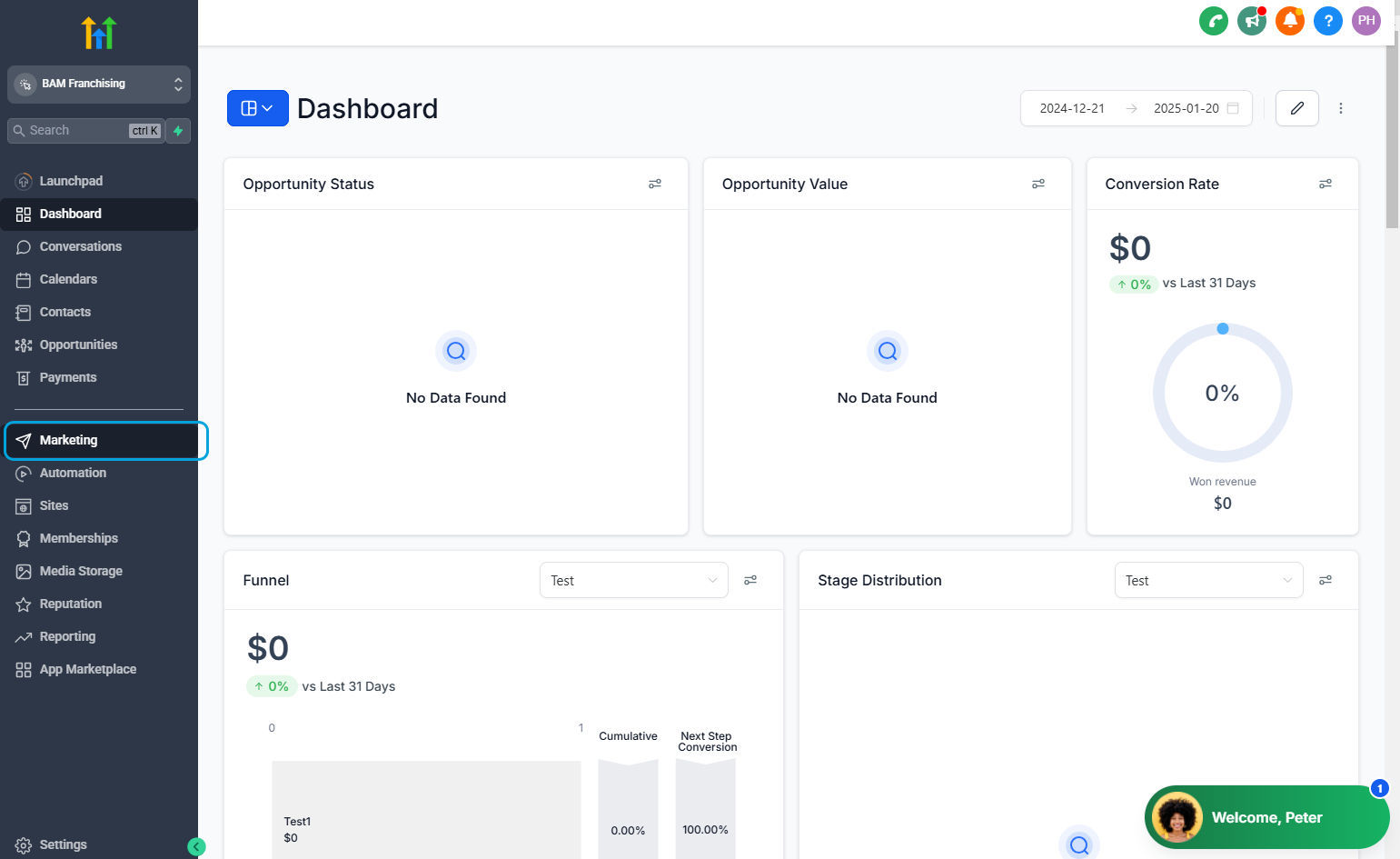
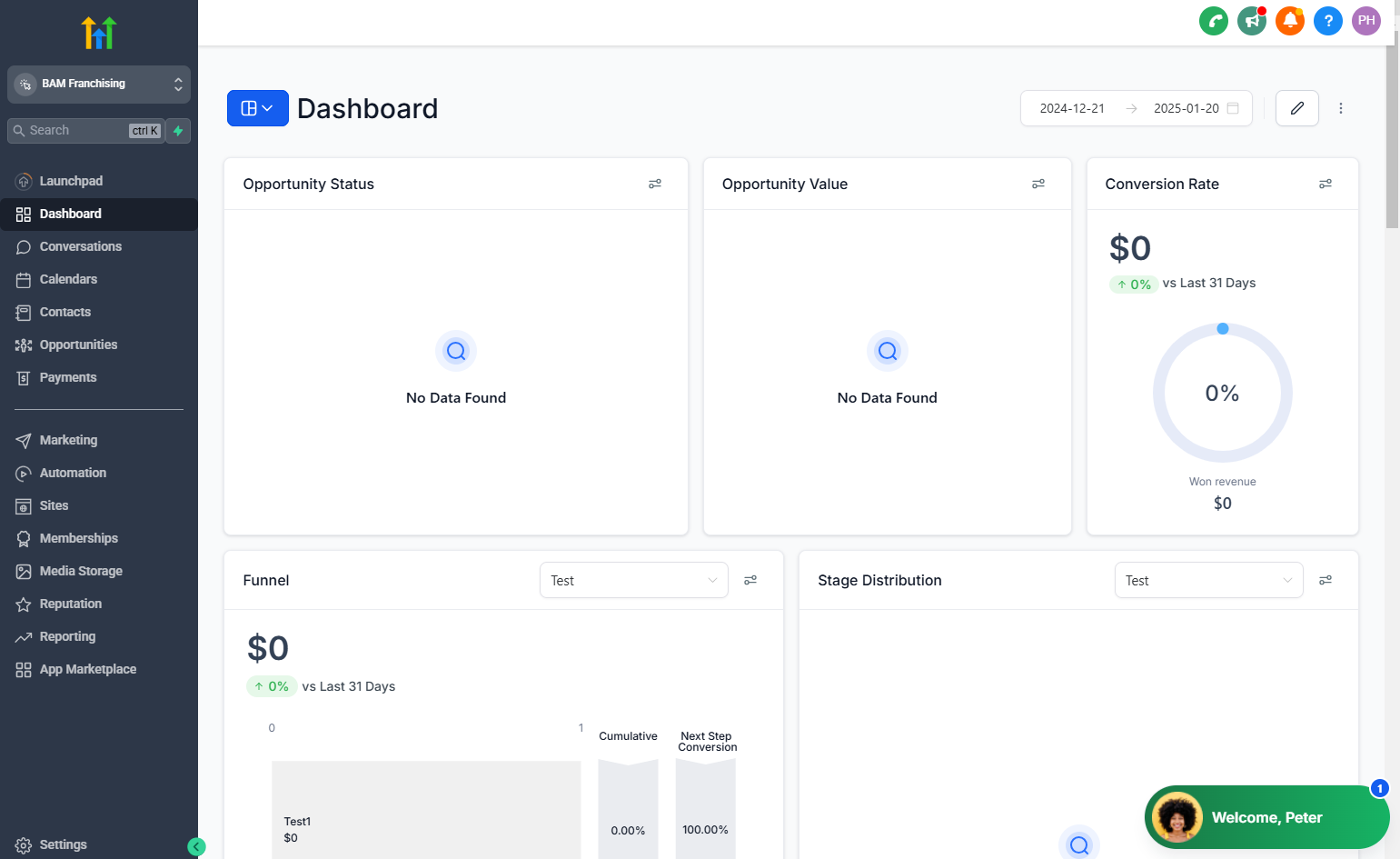
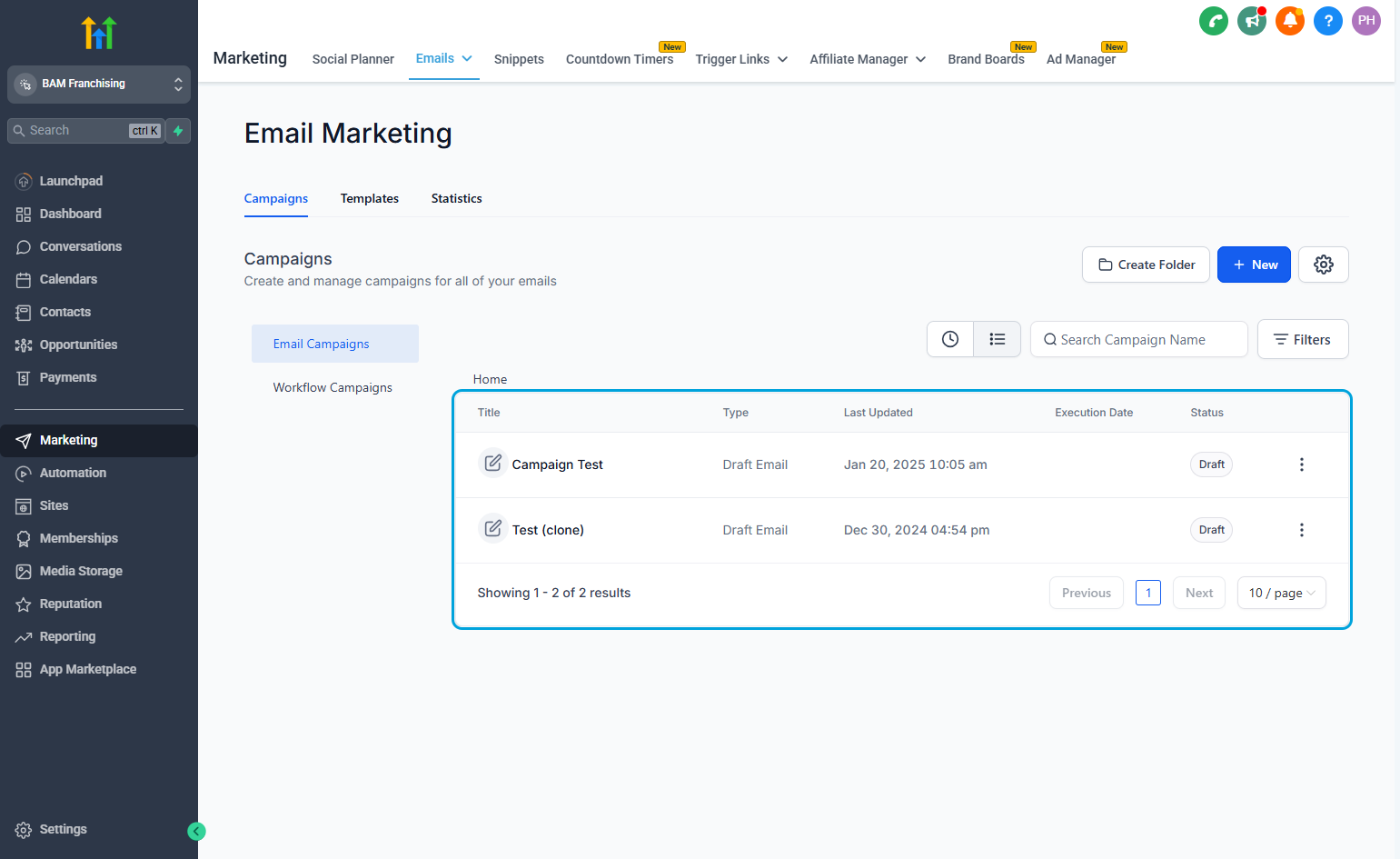
3All emails are sent through "Campaigns". You can also create templates that can be selected as you create your email campaign.
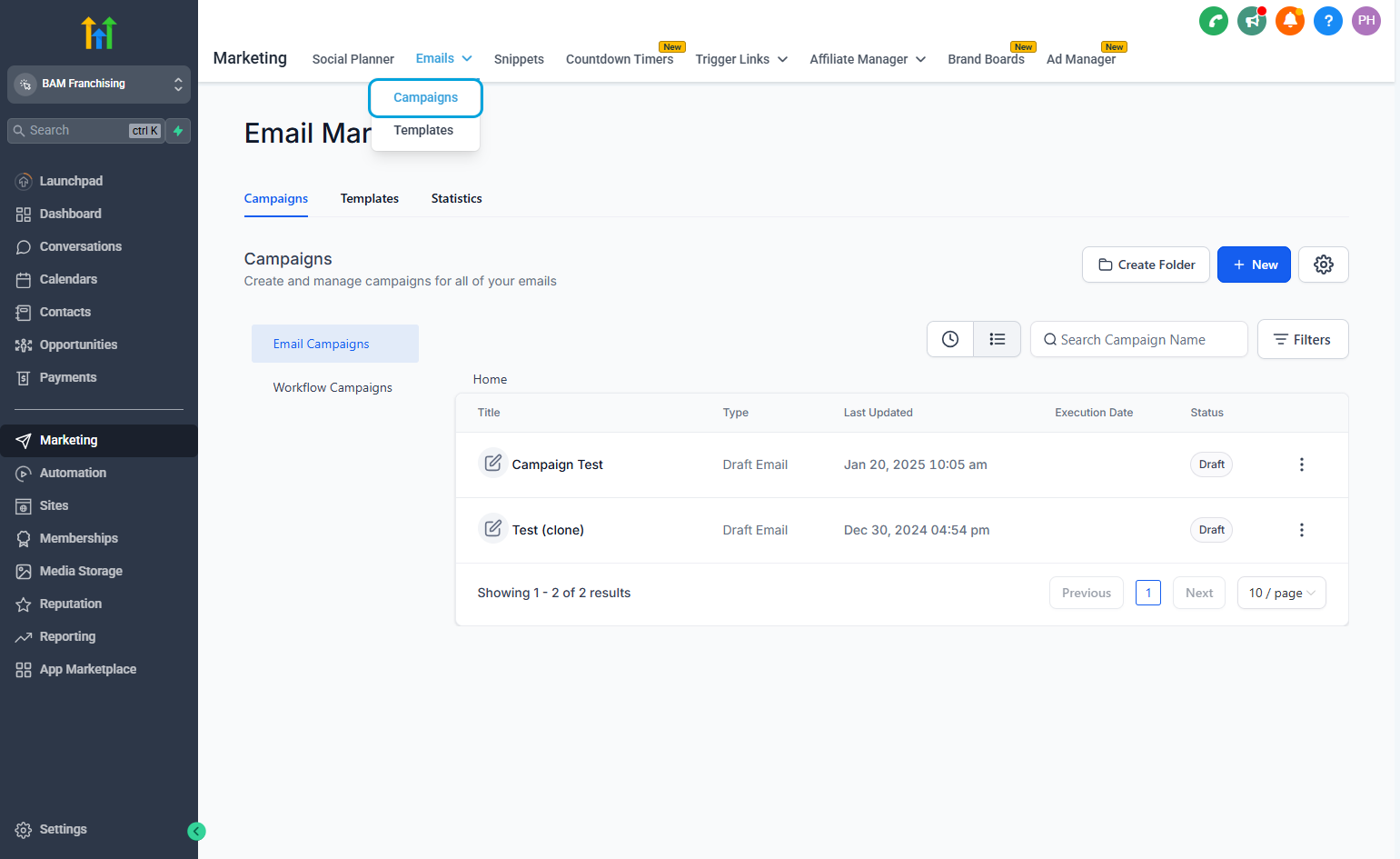
4This shows your email drafts and which campaigns have been sent.
5
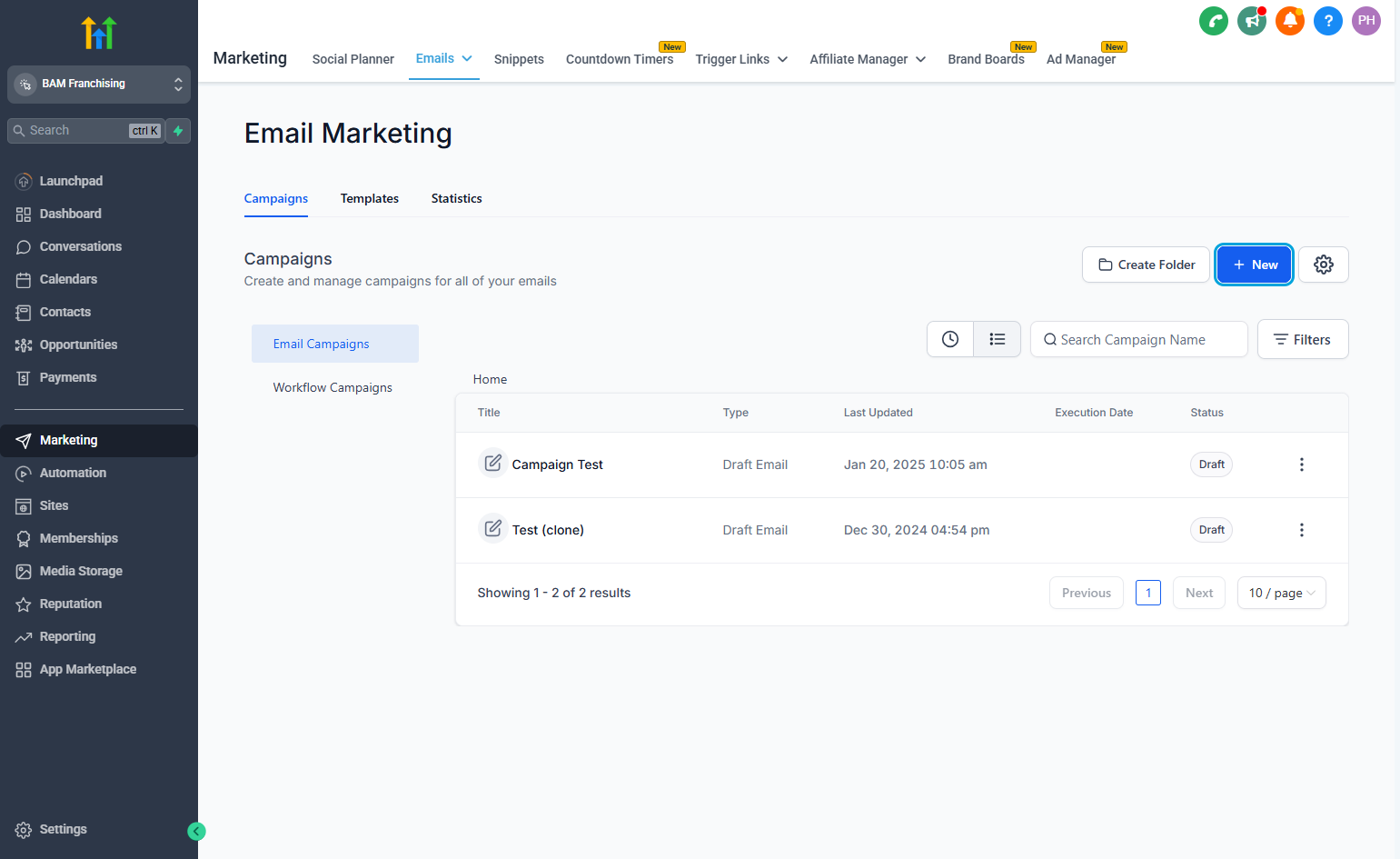
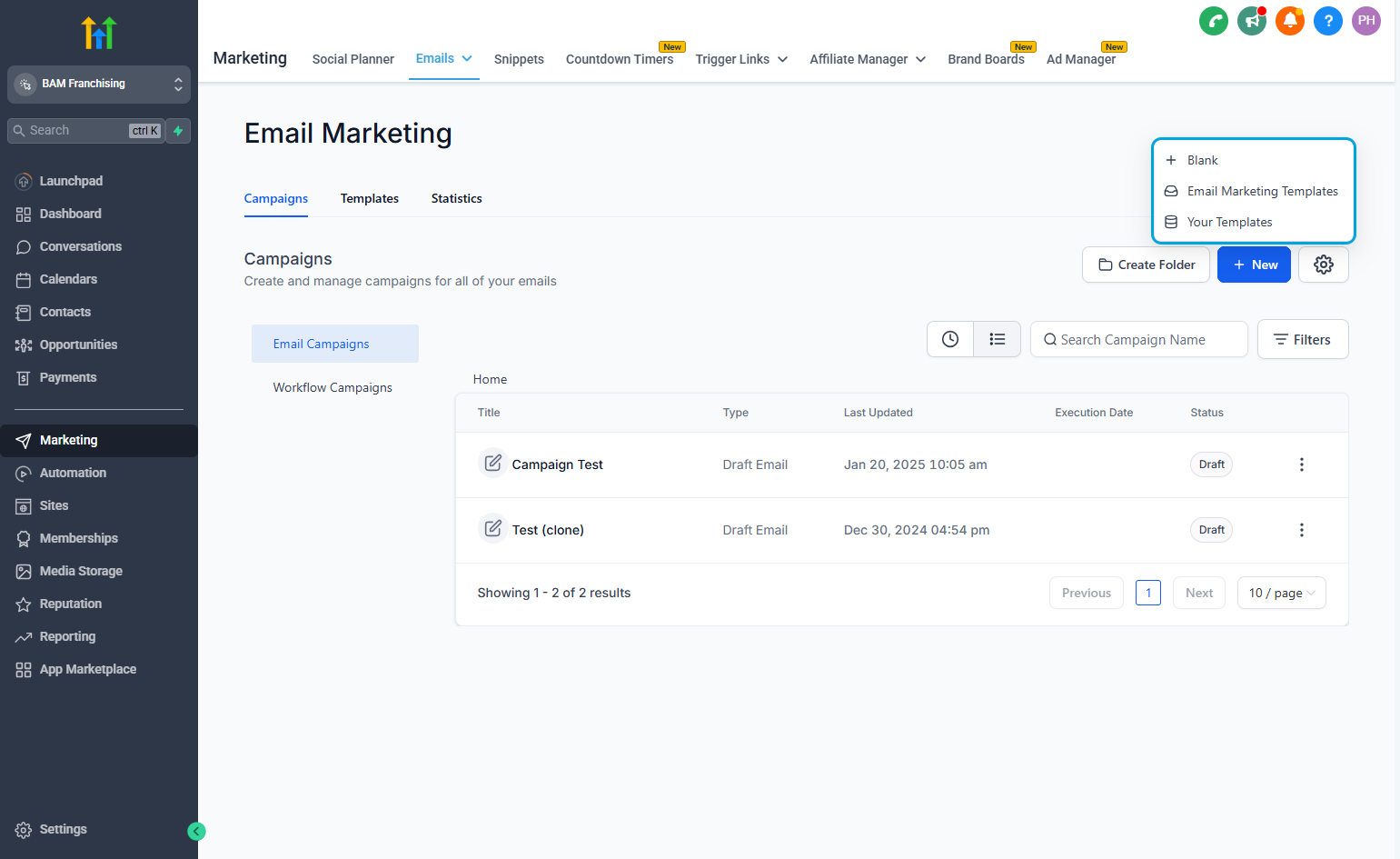
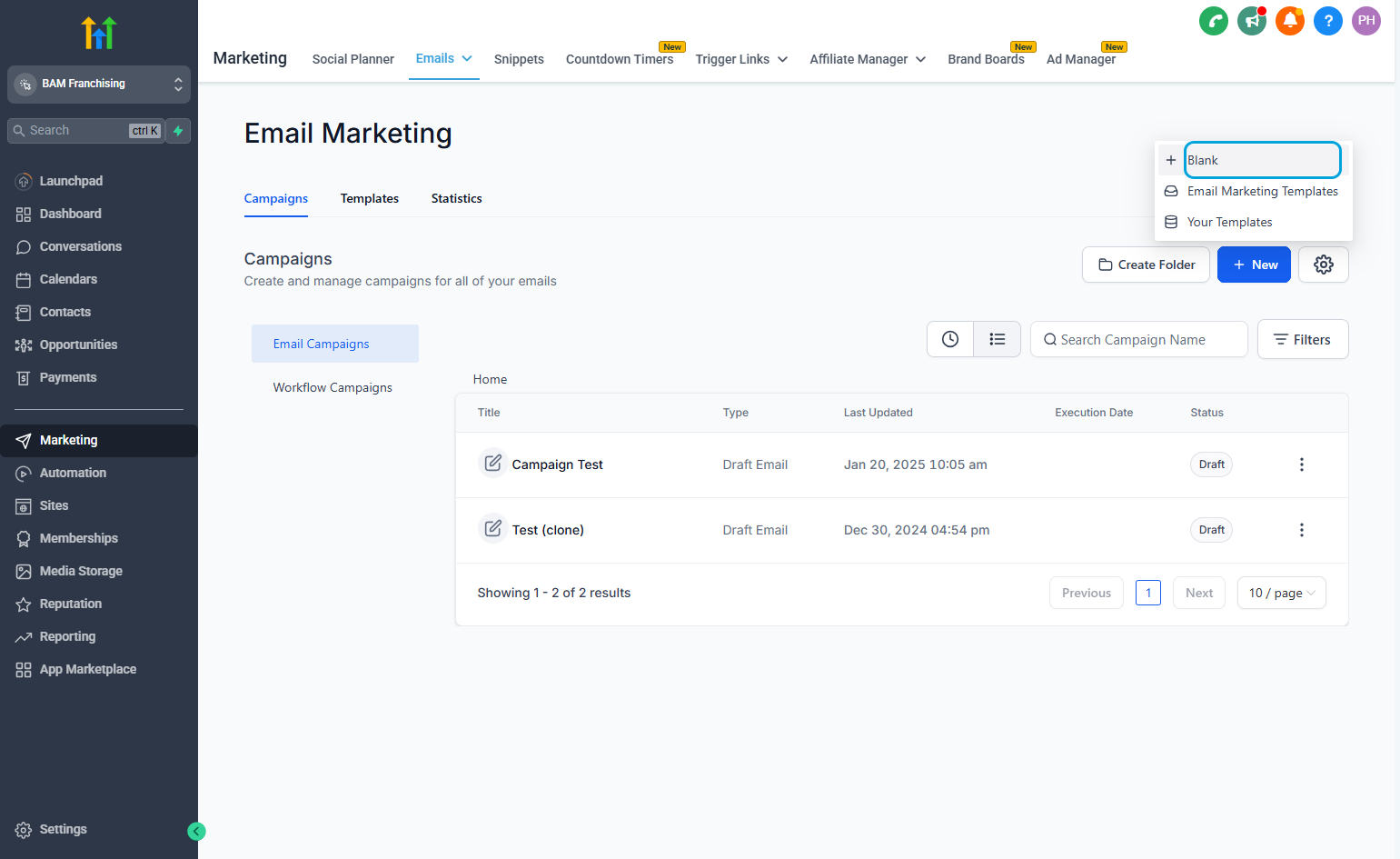
6You can create one from scratch, use a Go High Level template, or use your own template.
7
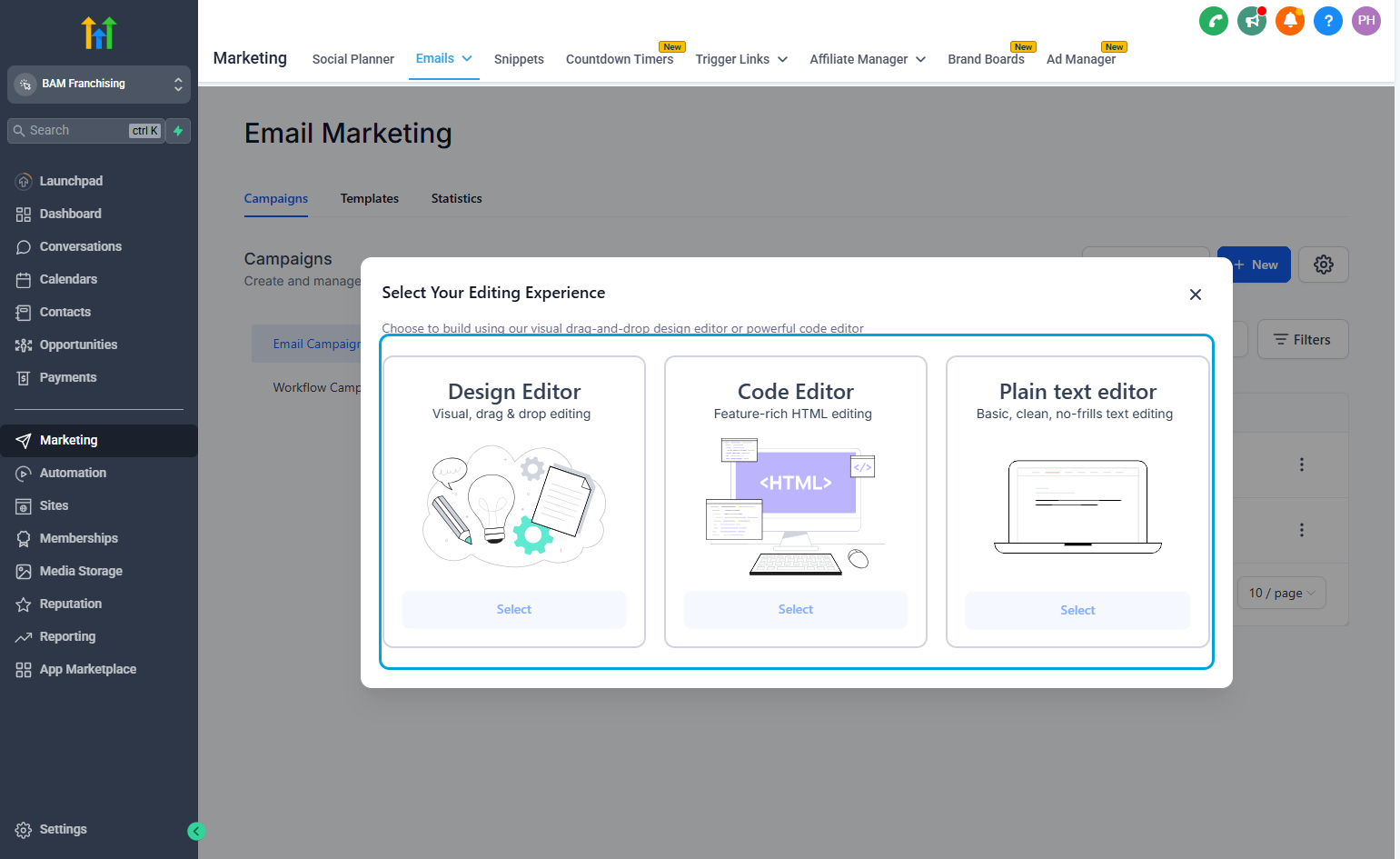
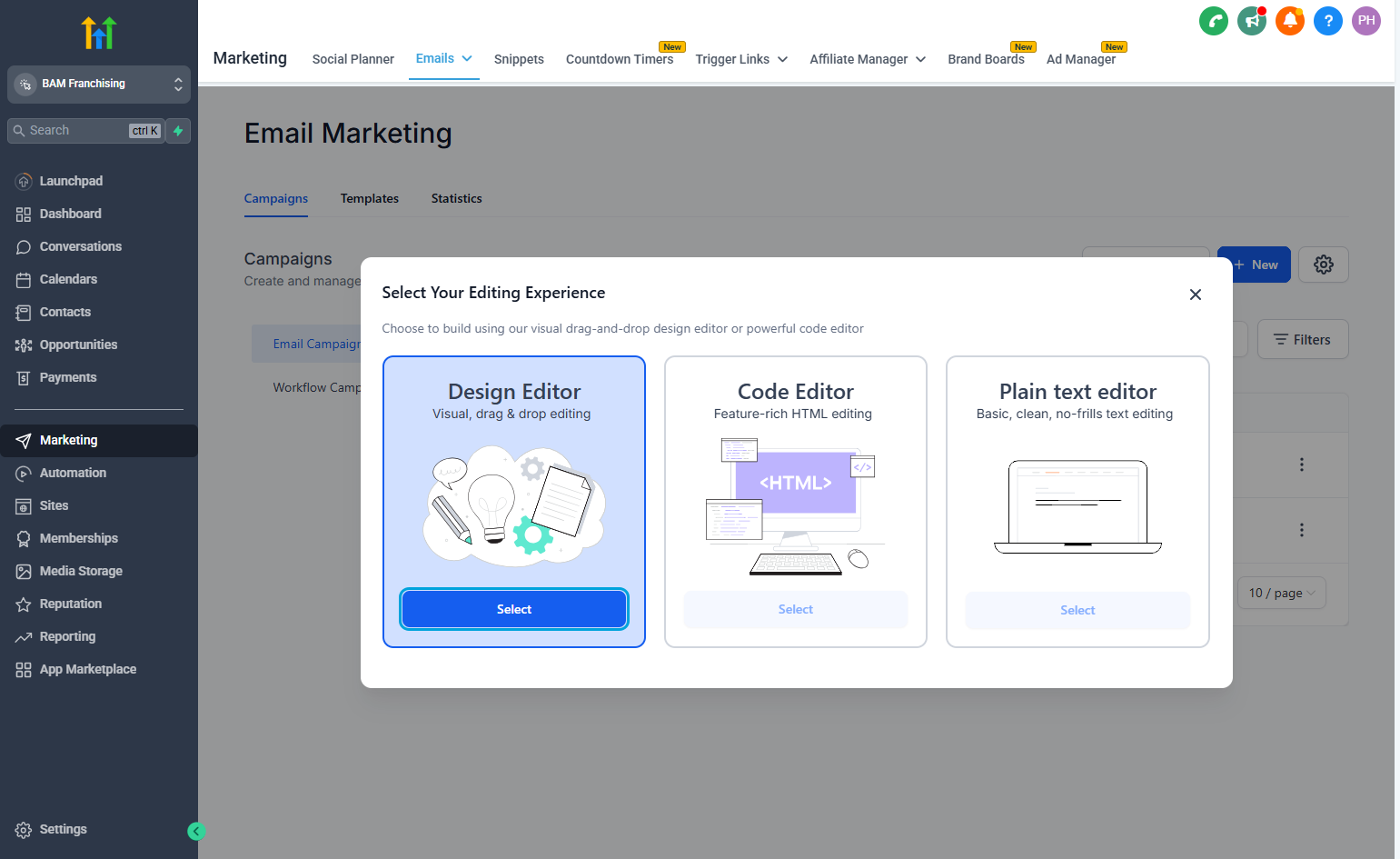
8If you're familiar with HTML or would like to to just send text you have the option to do so. "Design Editor" will be the most user friendly.
9
10
11
12
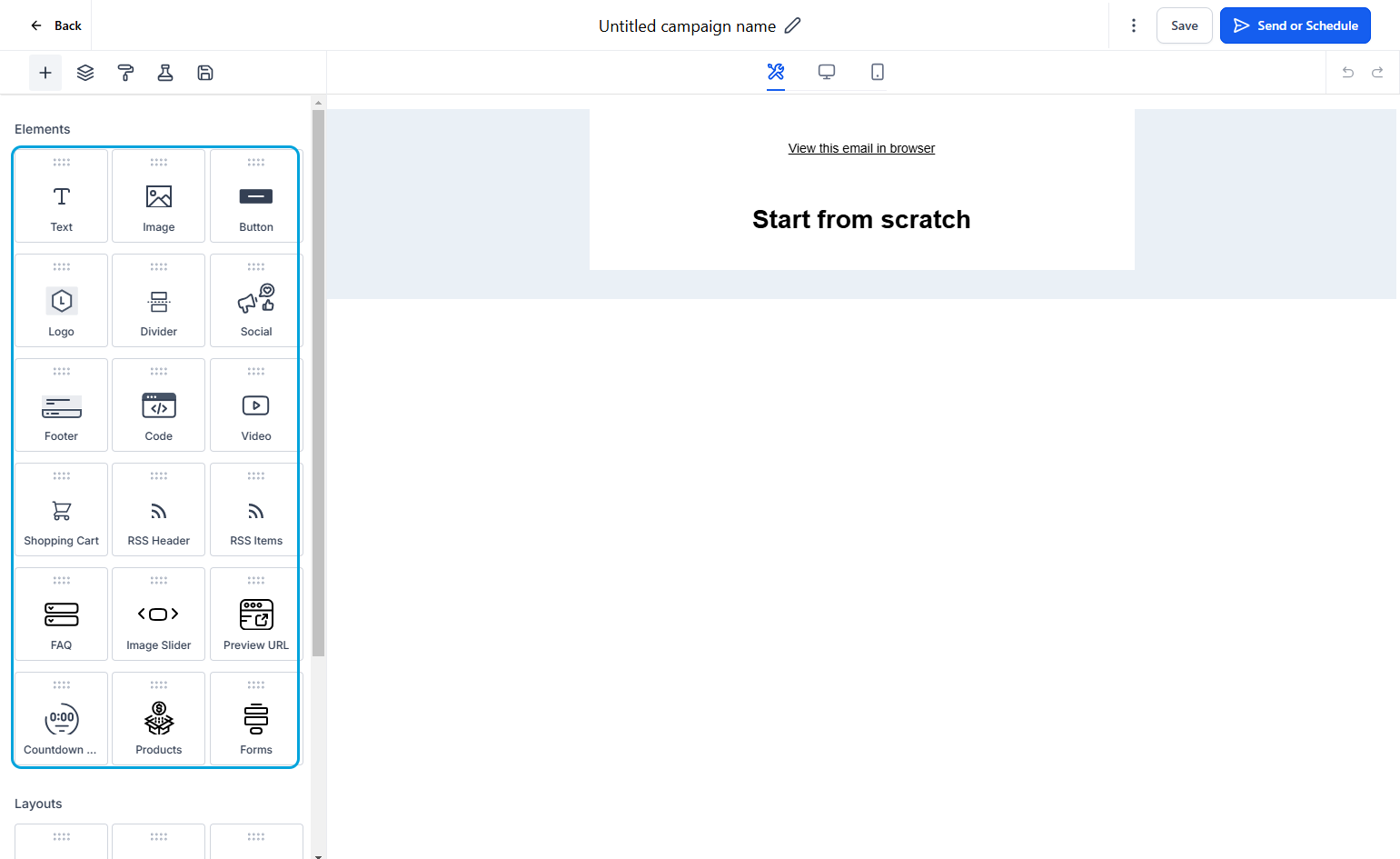
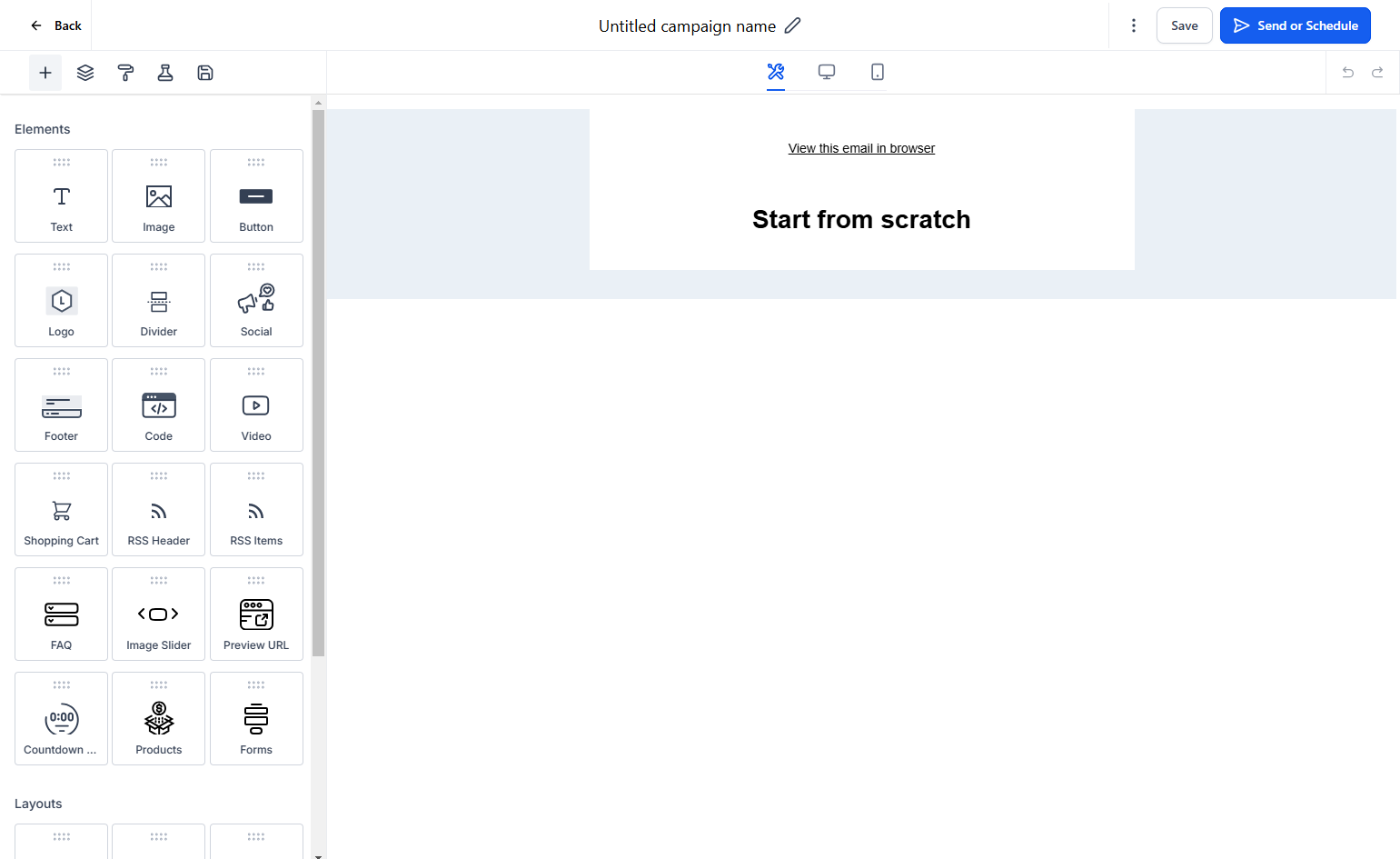
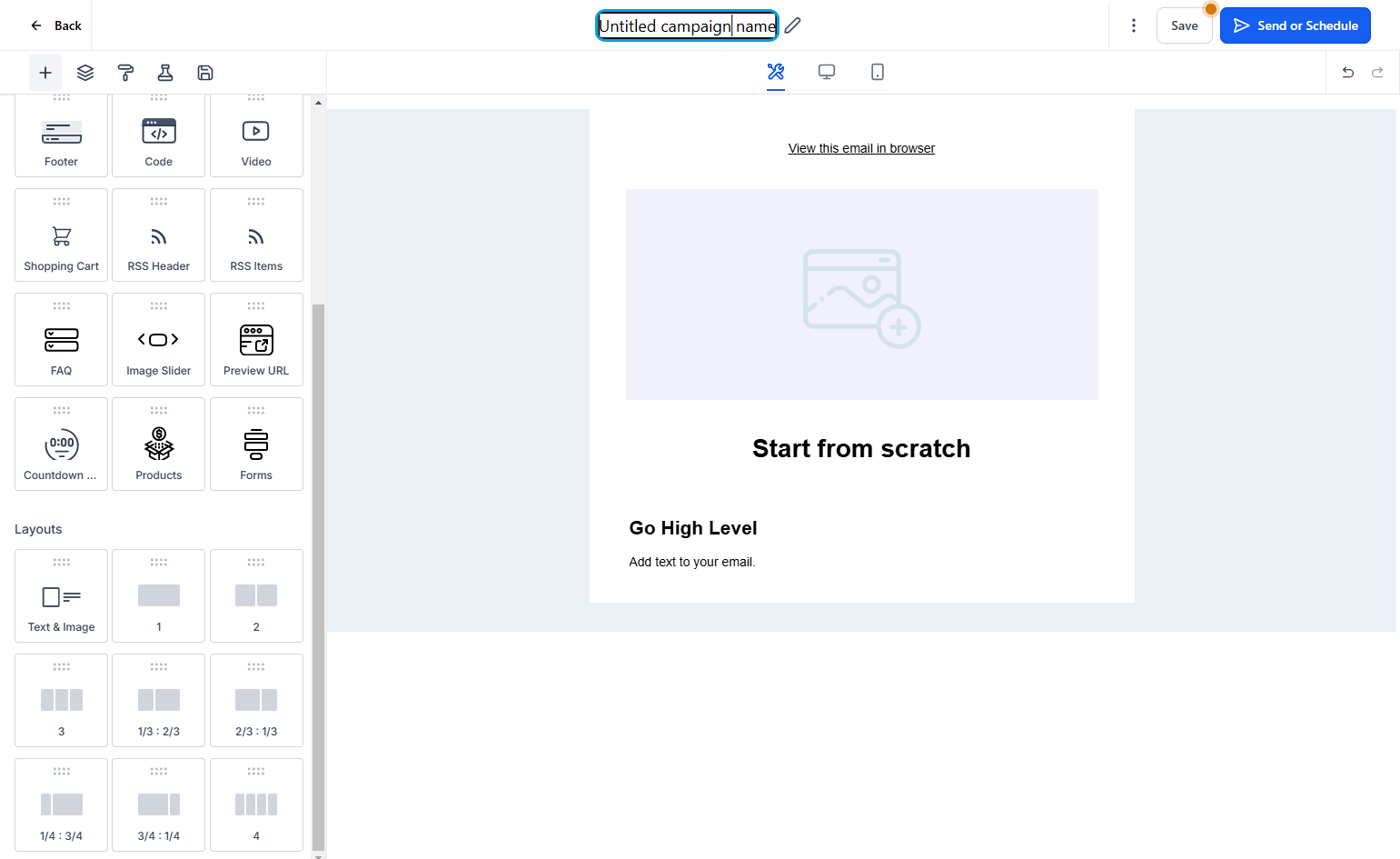
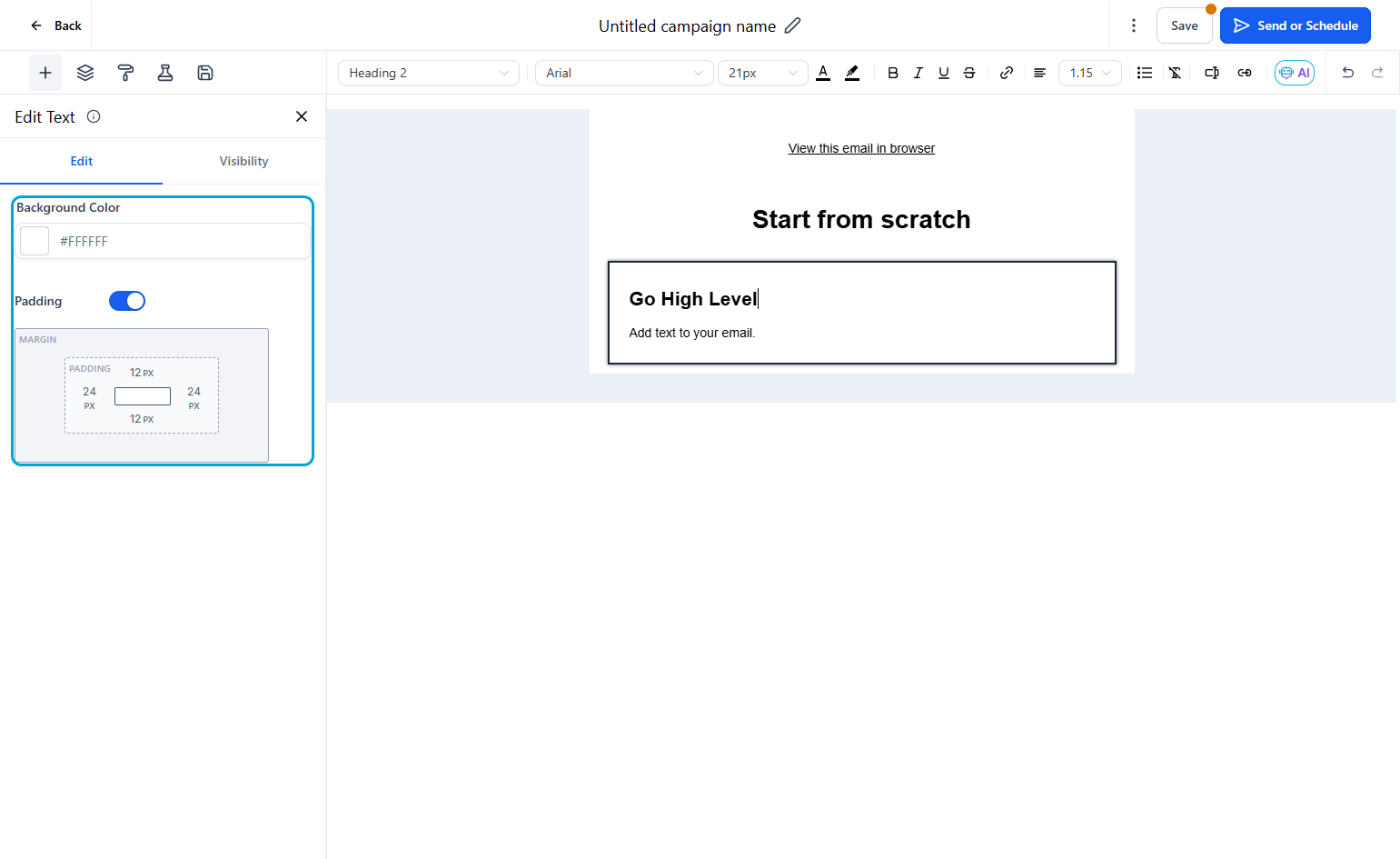
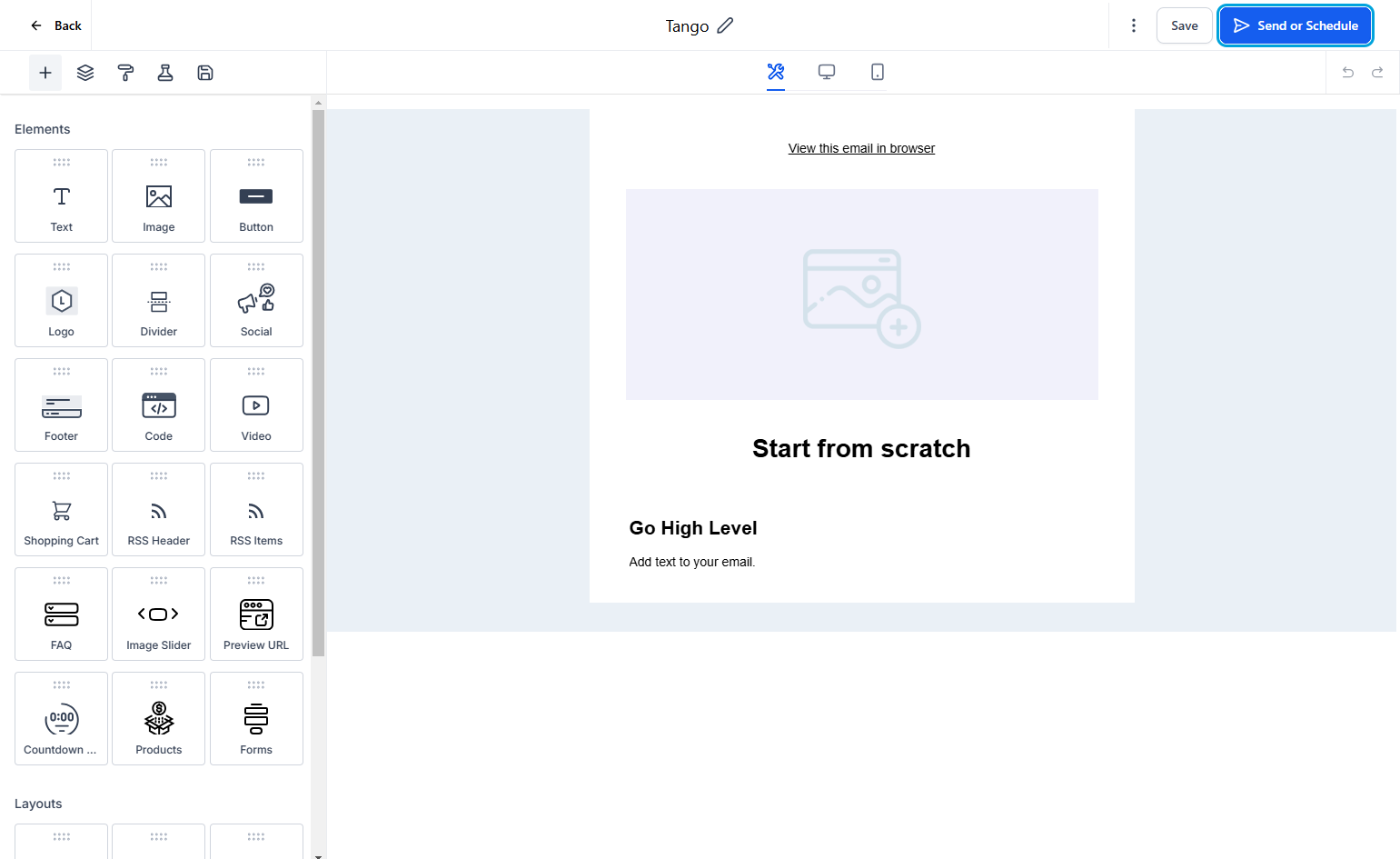
13To view the settings, select the element.
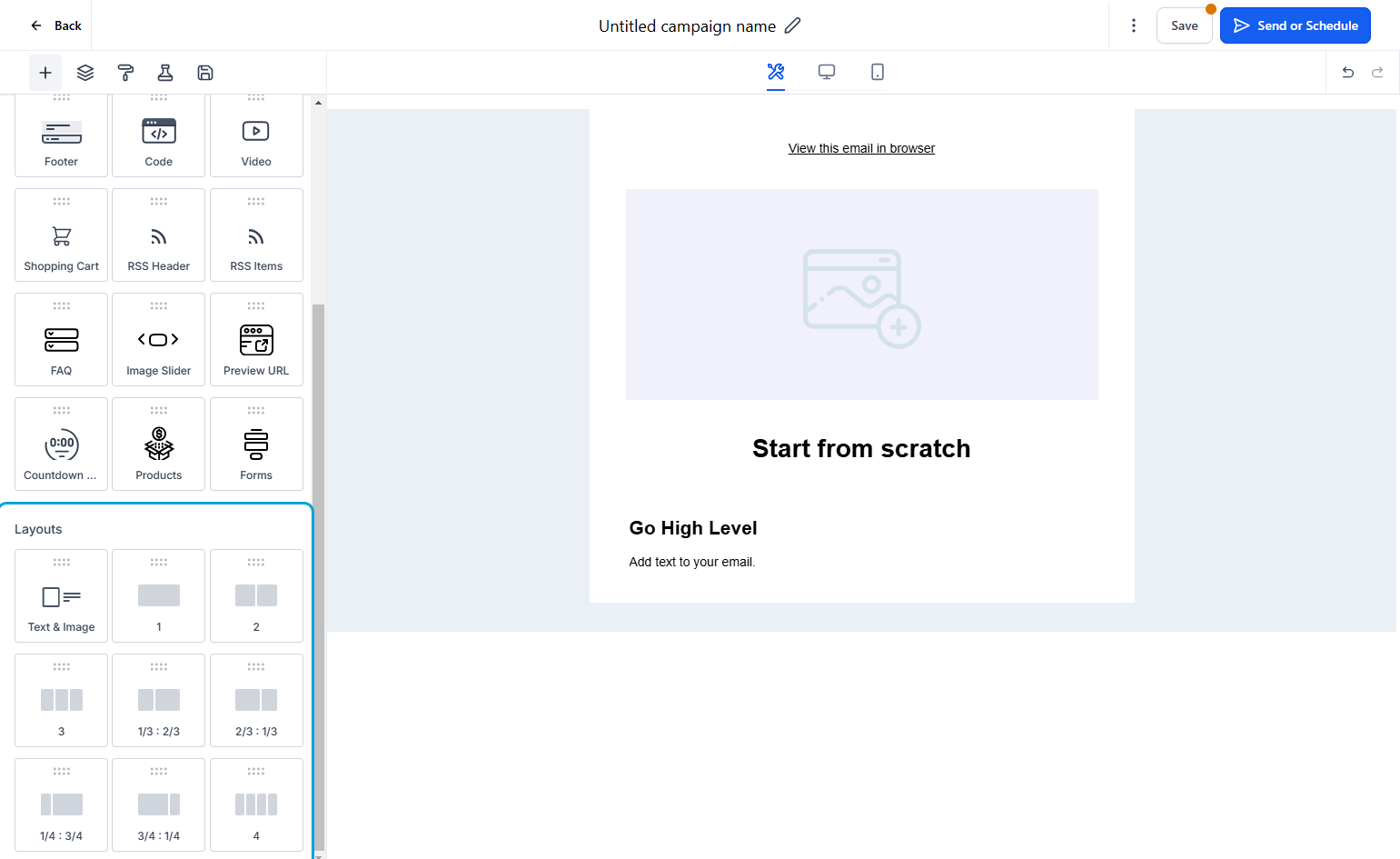
14This will allow you to change the columns and rows of the email.
15
16
17
18
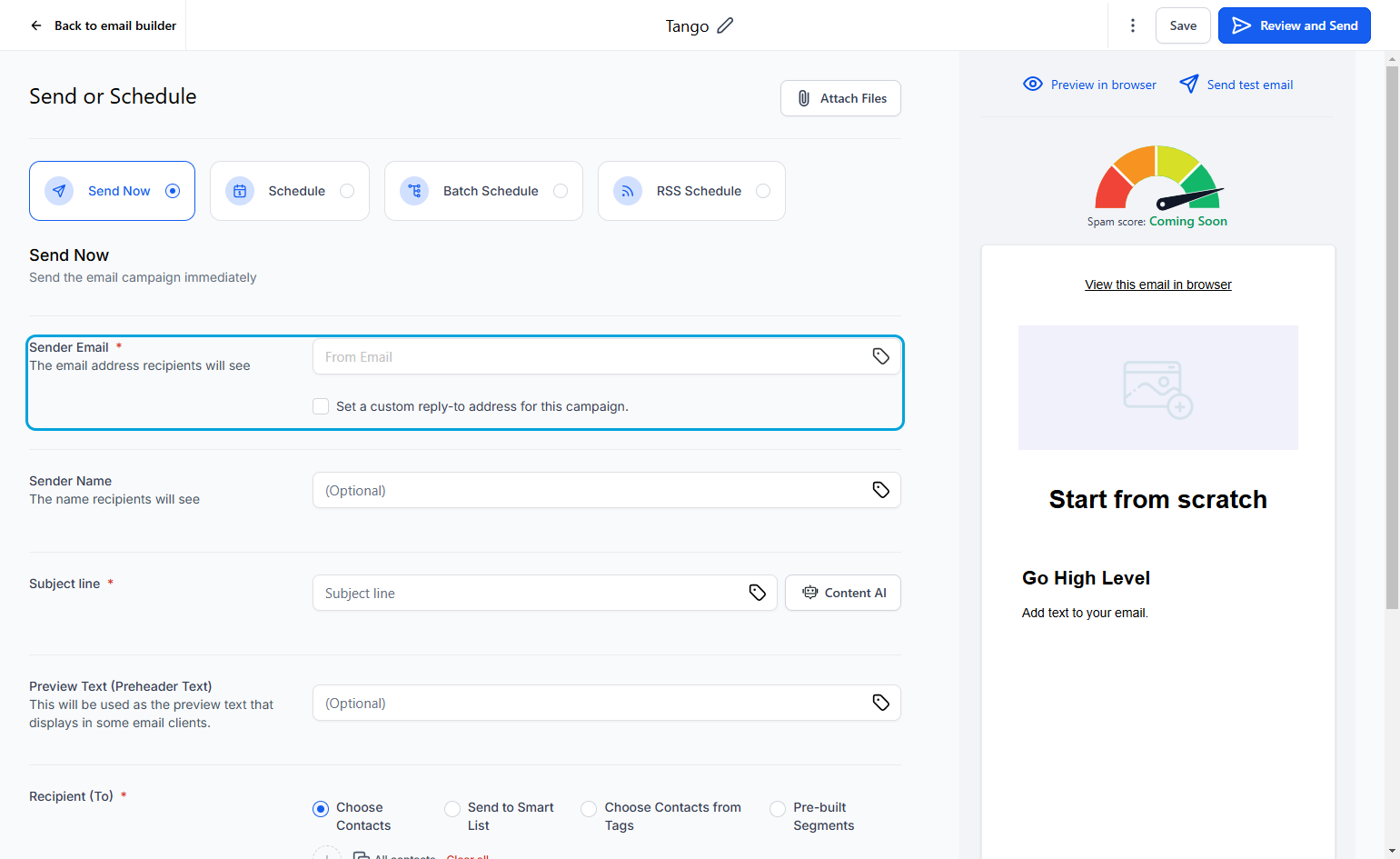
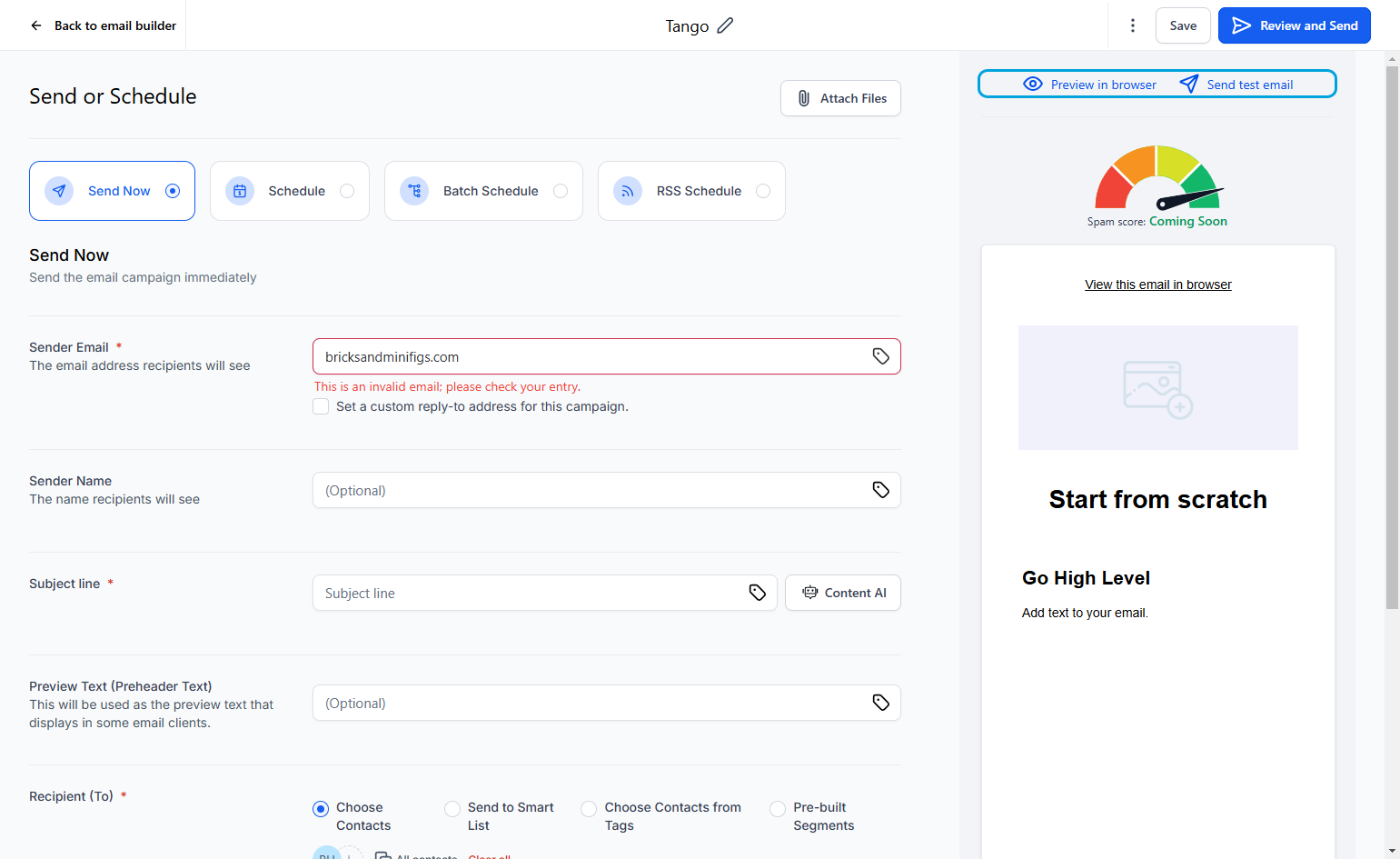
19This email will need to be verified, Go High Level will send a confirmation code to the desired email.
20
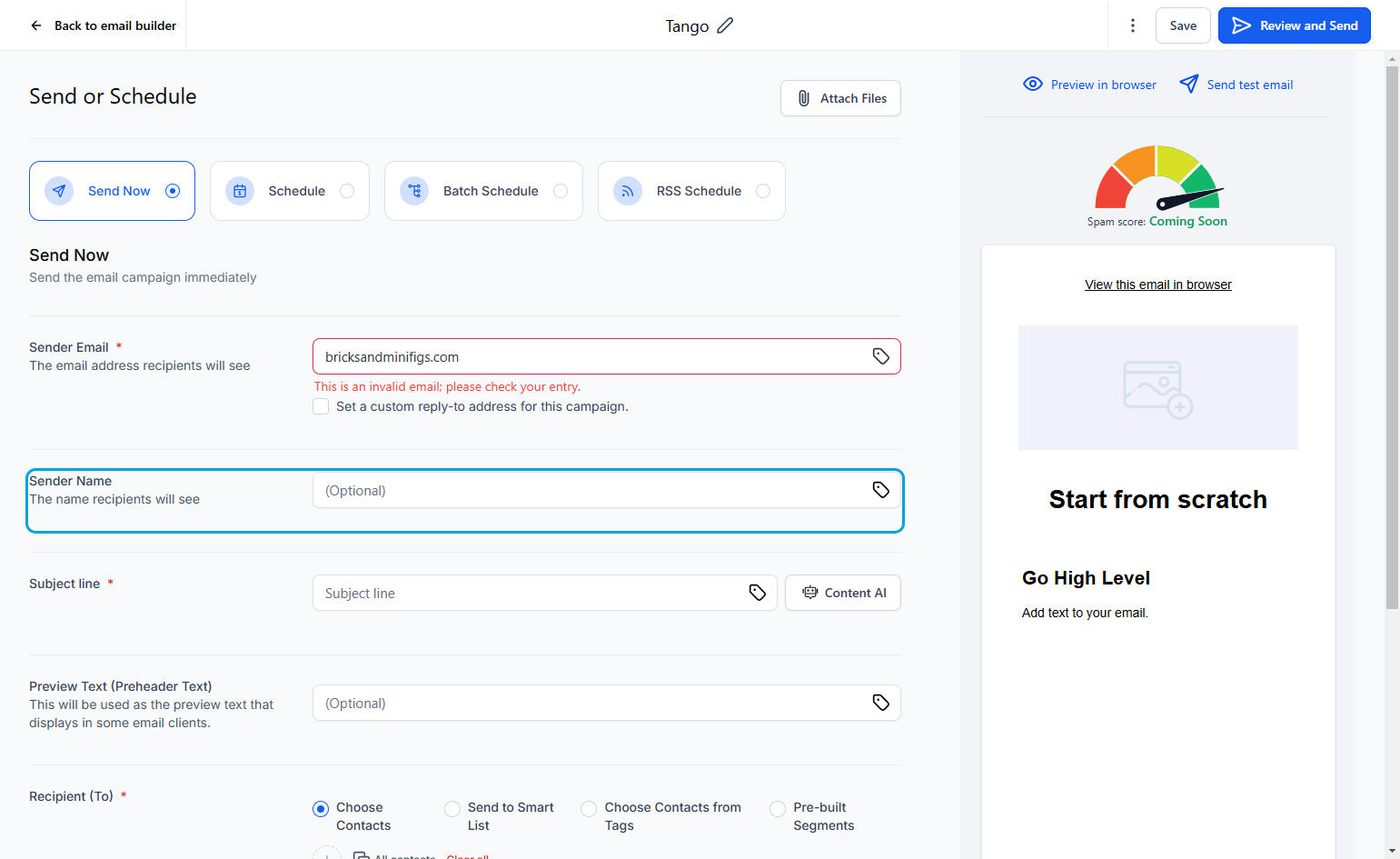
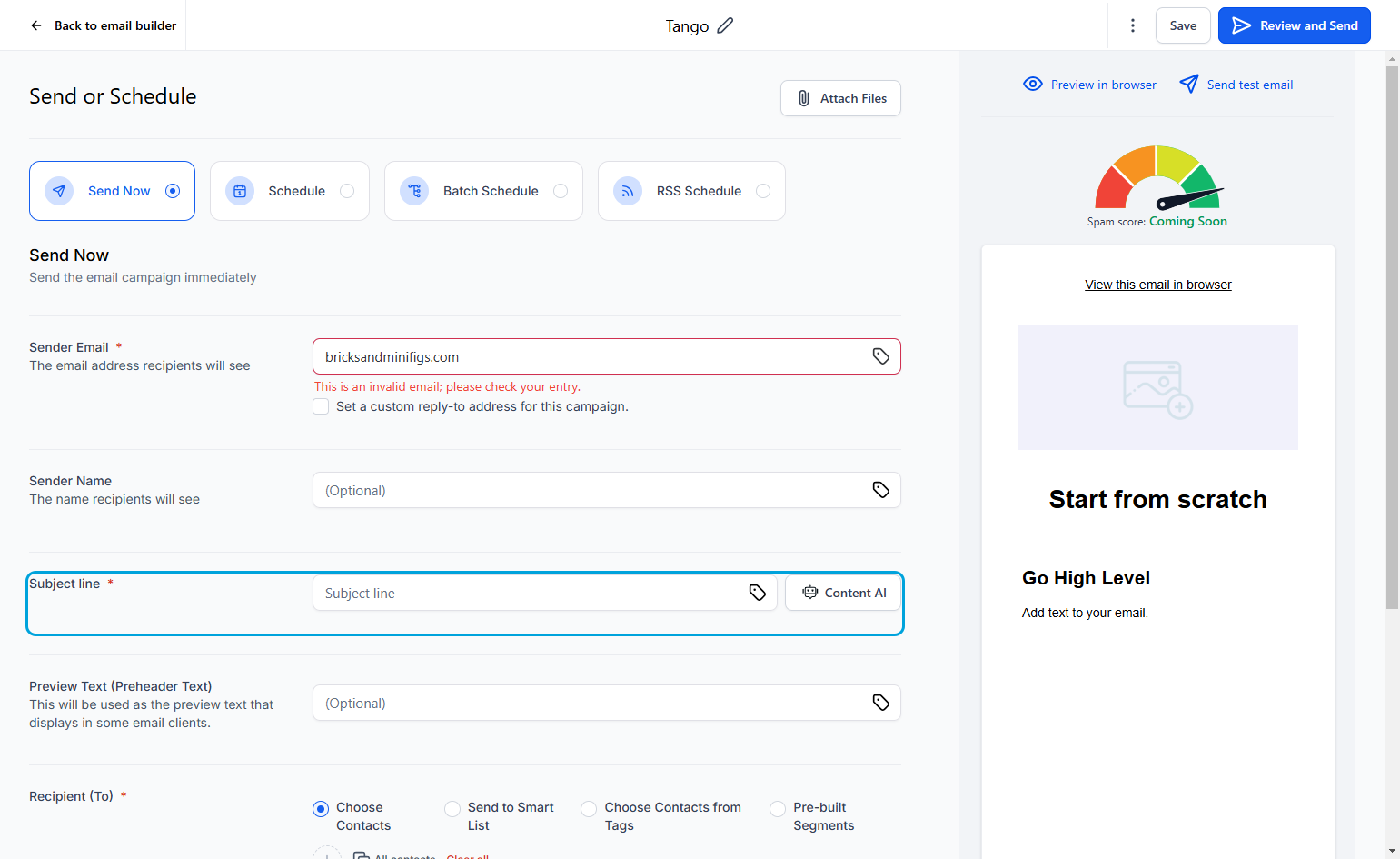
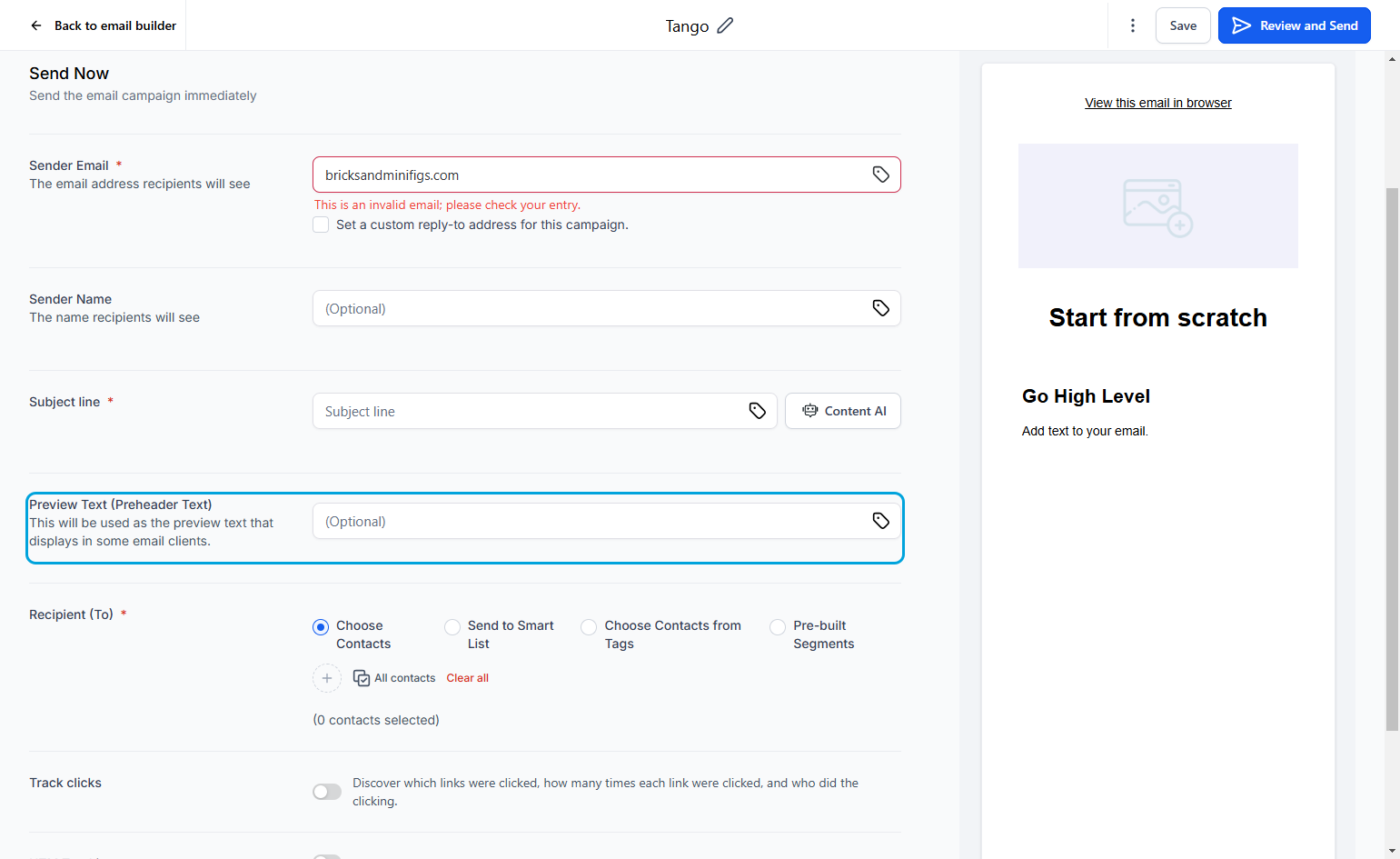
21This should be short, descriptive and limit use of punctuation and emojis so as to not appear as spam.
22
23You can manually select contacts, send to a preexisting smart list, send to specific contact tags, or send to pre-built audience segments.
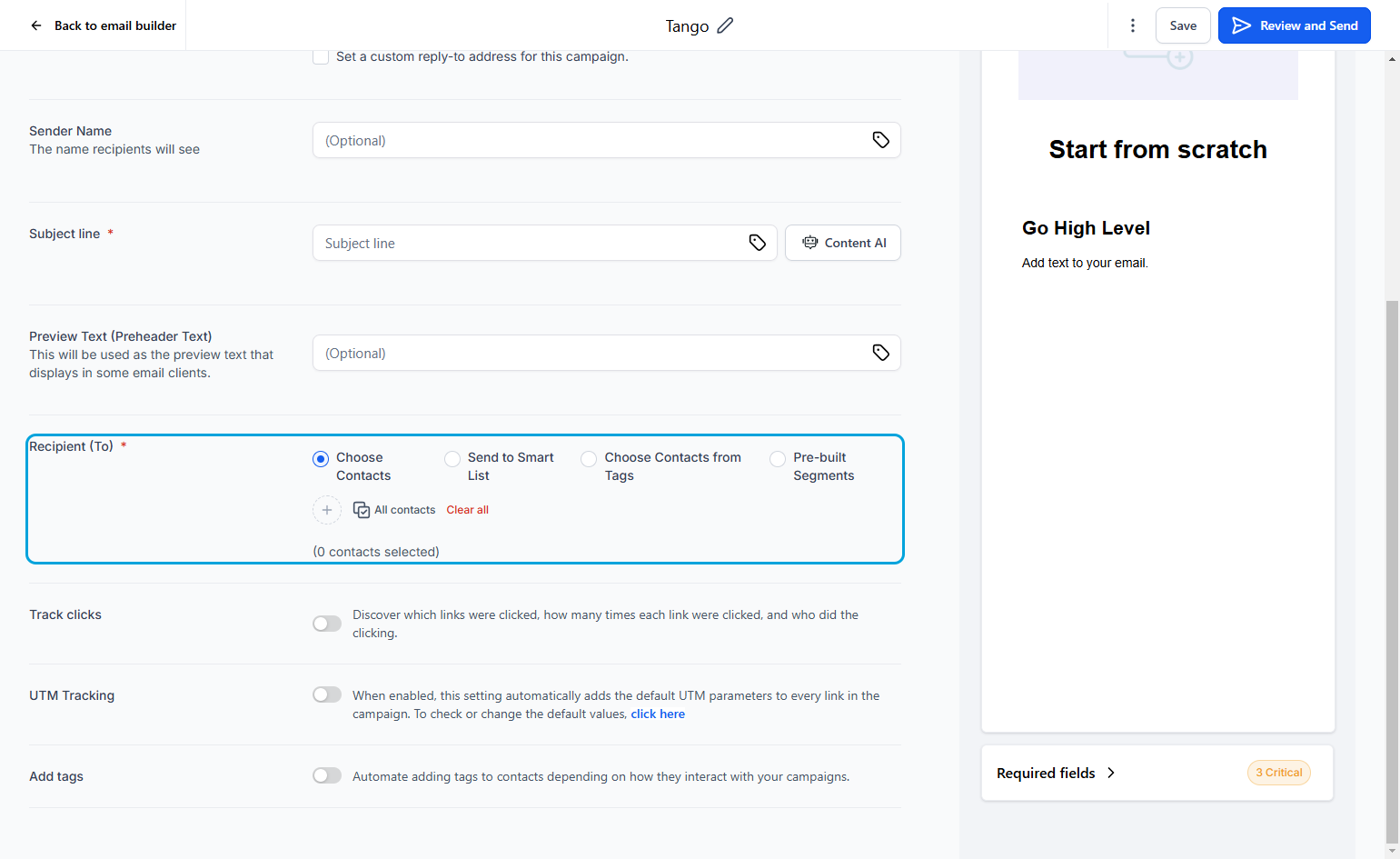
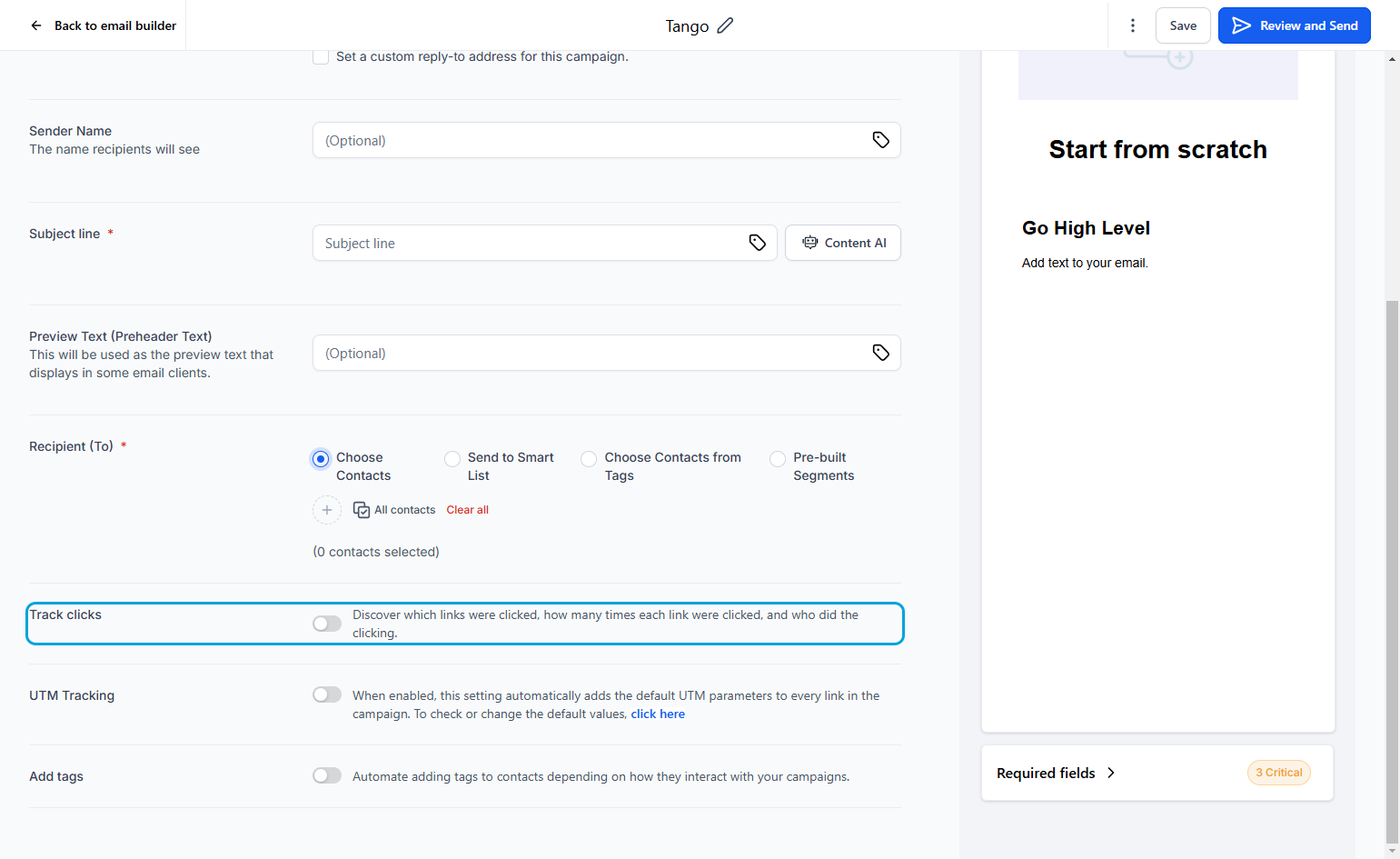
24This will help you see how well each email performs
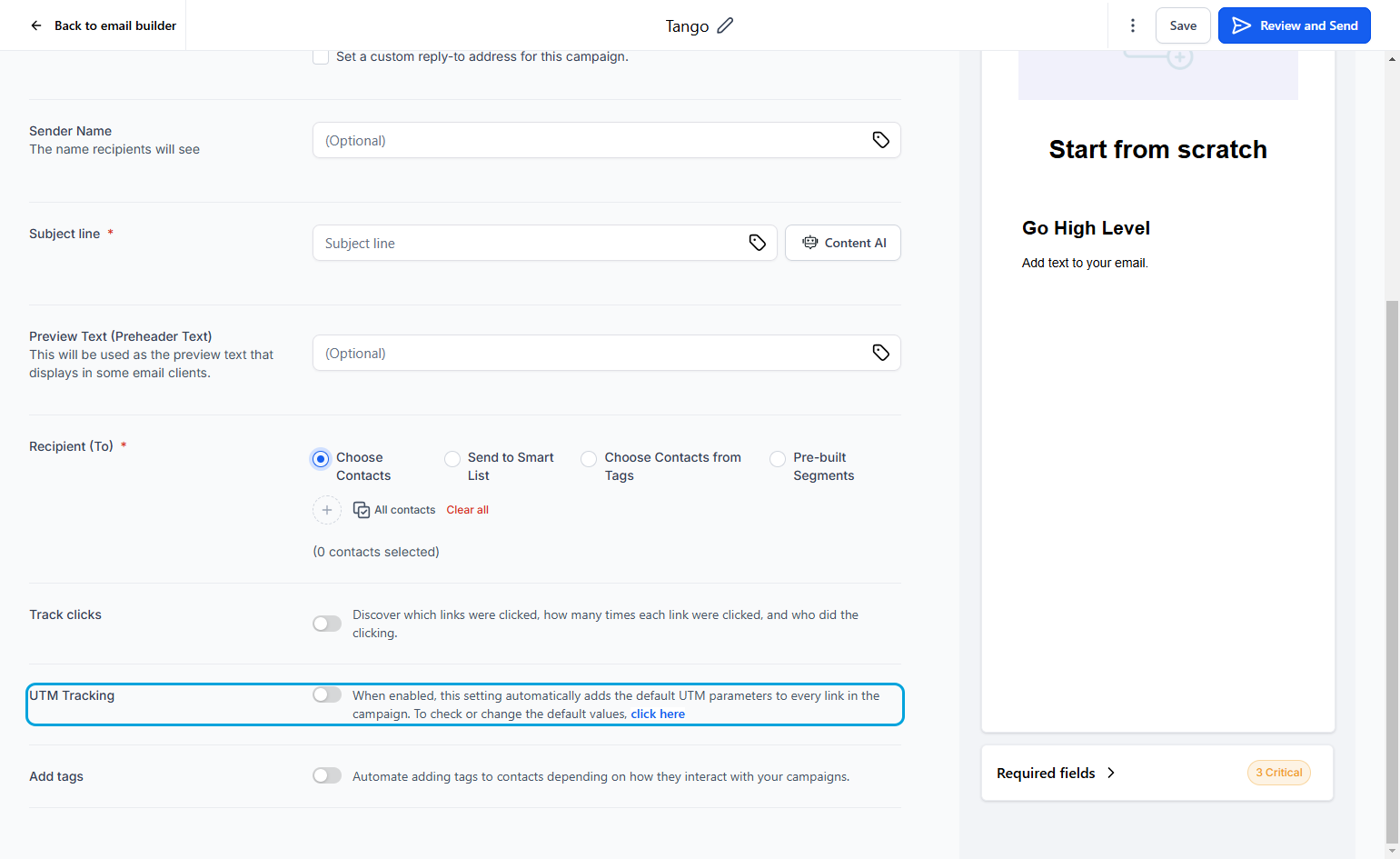
25This will allow you to see which link traffic data in Google Analytics
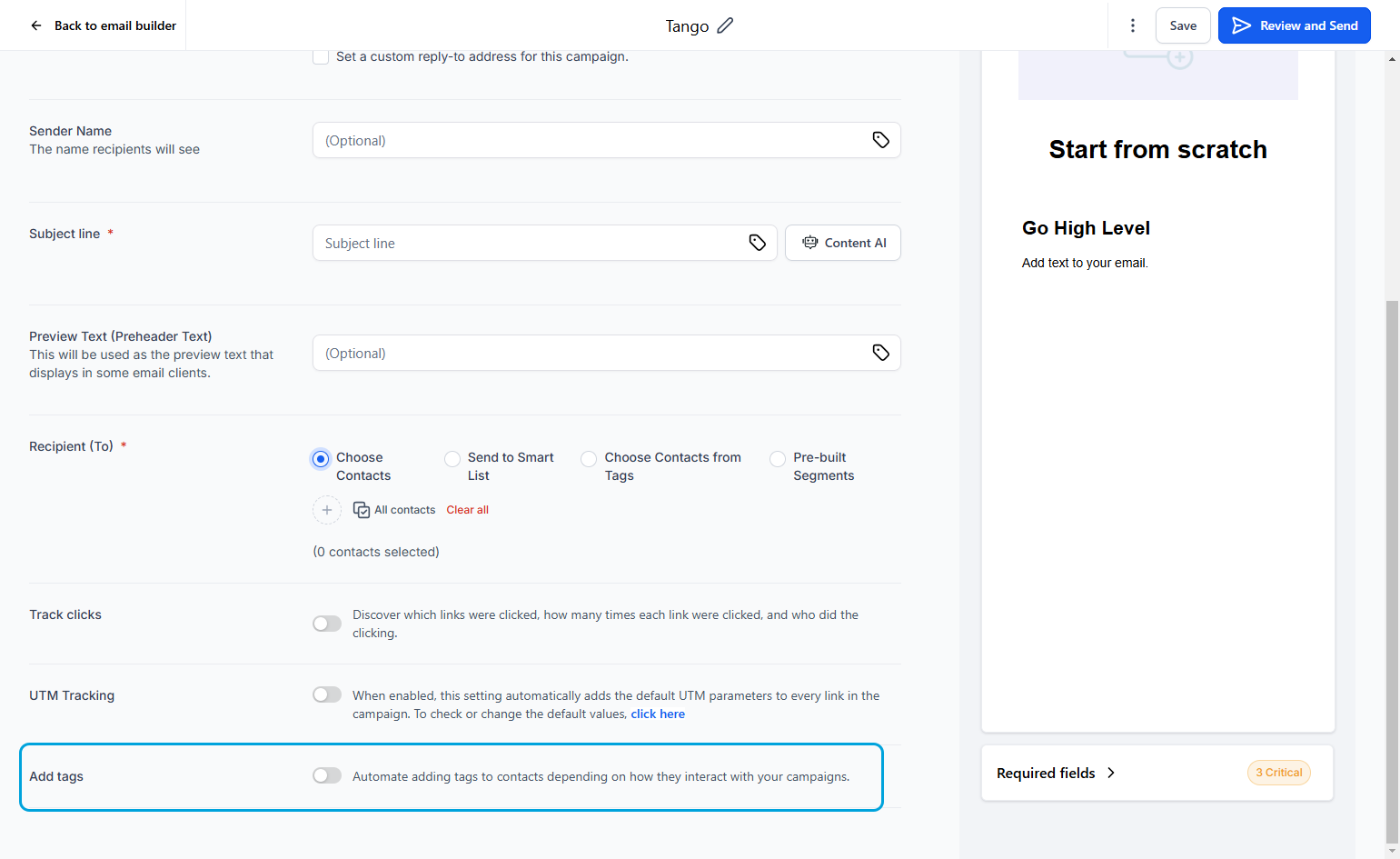
26This will allow you to put a tag on each contact depending on action they take. "Active", Non-Active" are examples of tags that could be used.
27This is best practice before sending your email out. Verify that it contains the message you want and is formatted correctly.
28