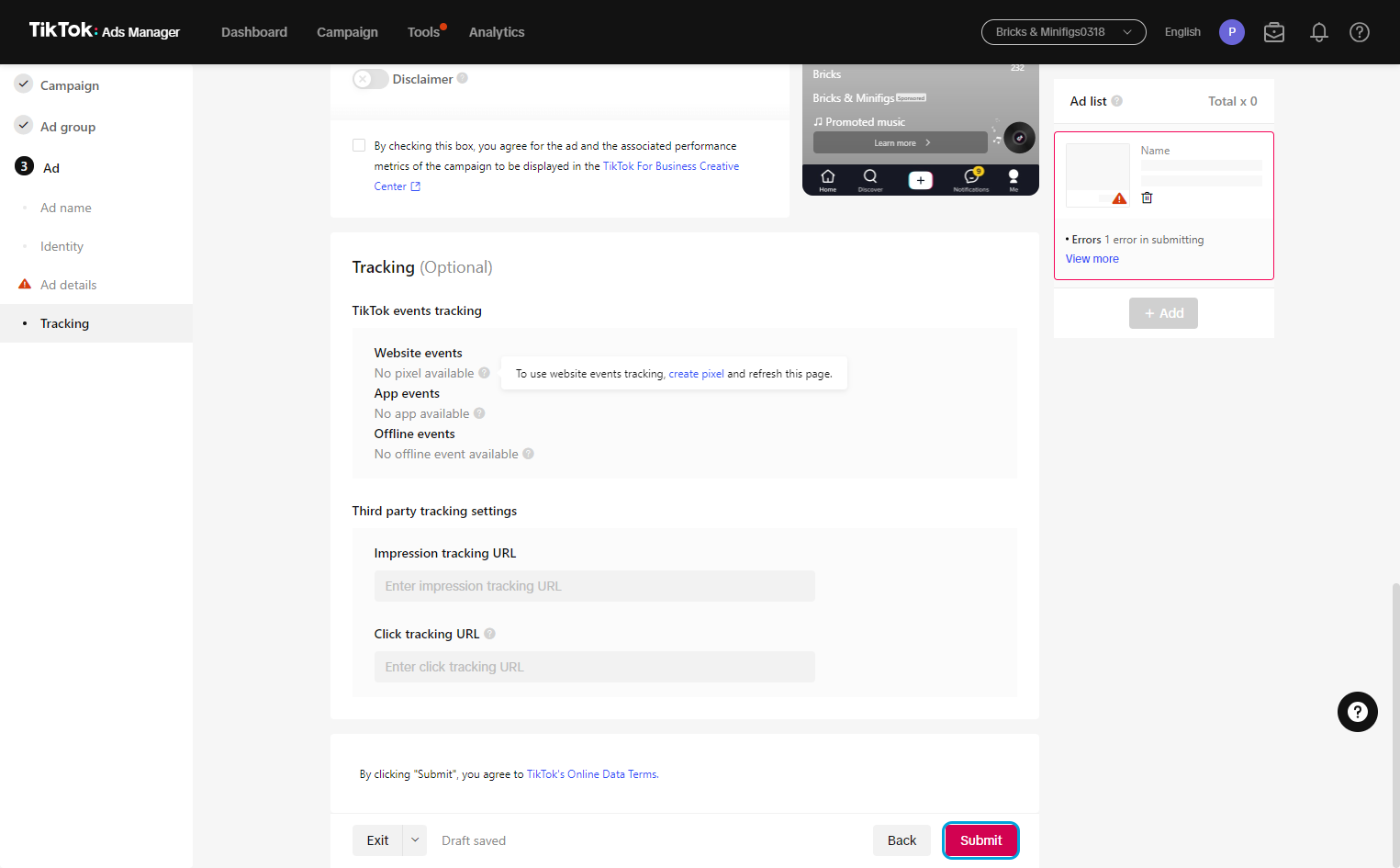
Interactive walkthrough, captured from the company’s help desk (originally an embedded Tango guide), reconstructed step by step:
1
2
3
4
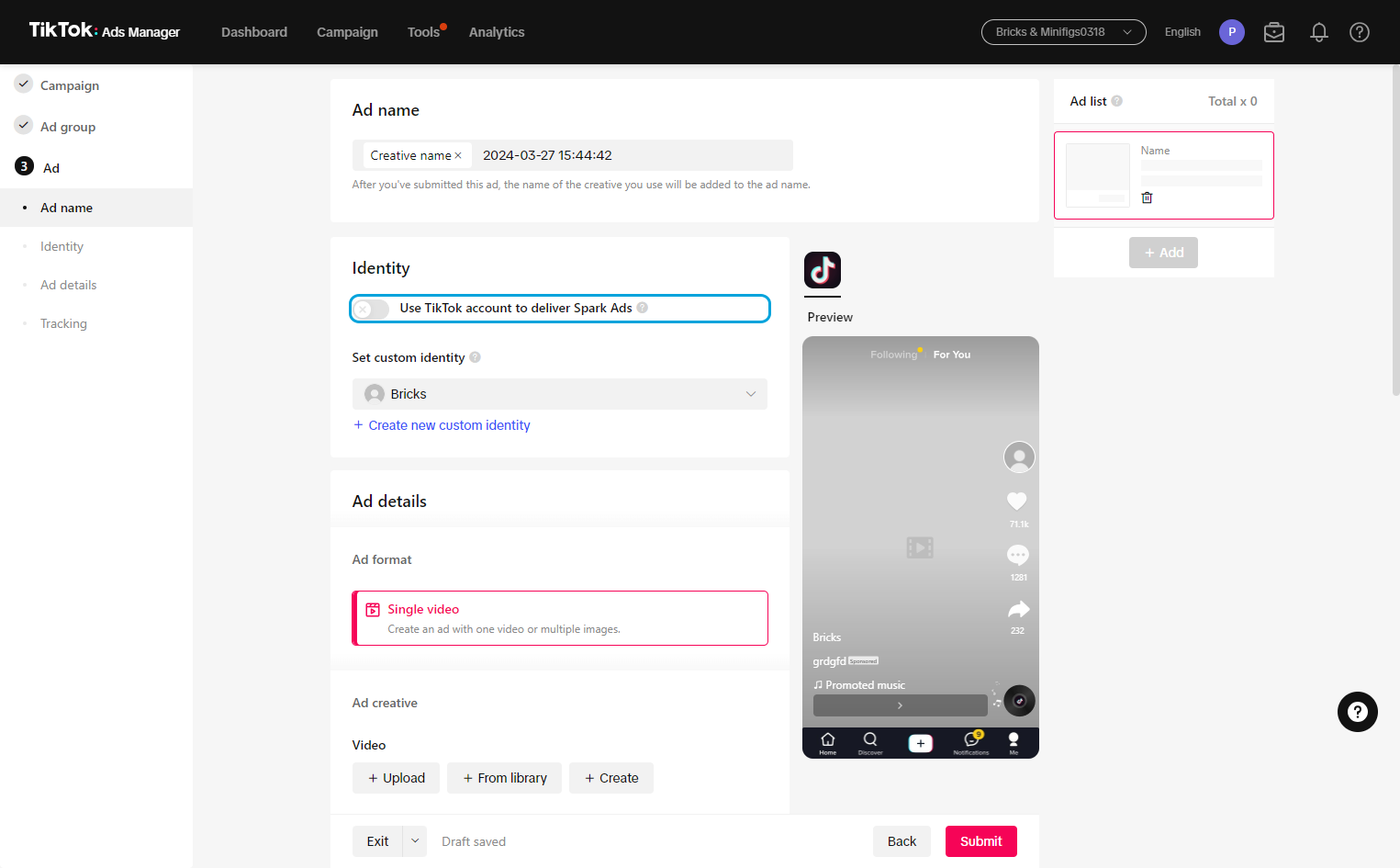
5
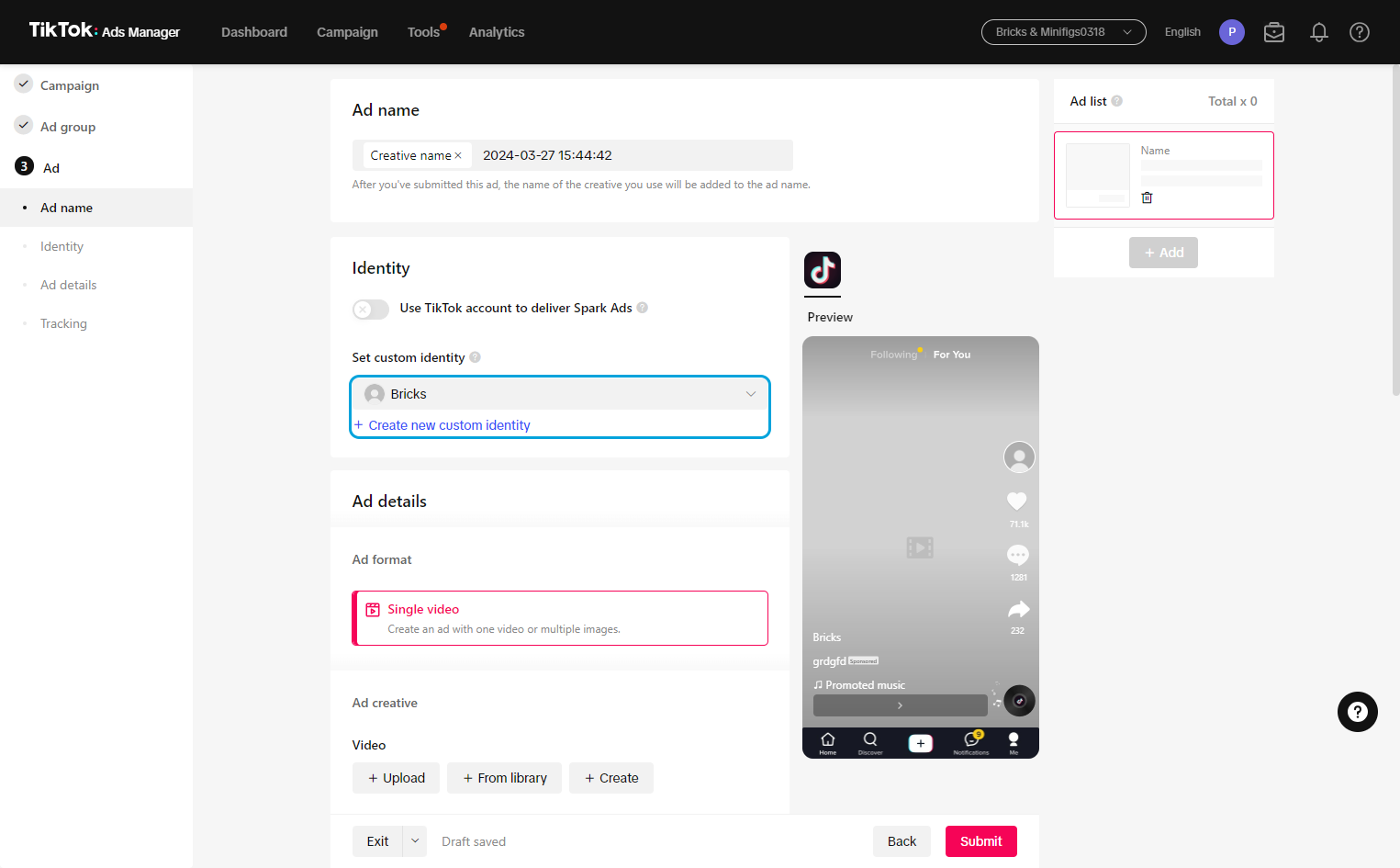
6
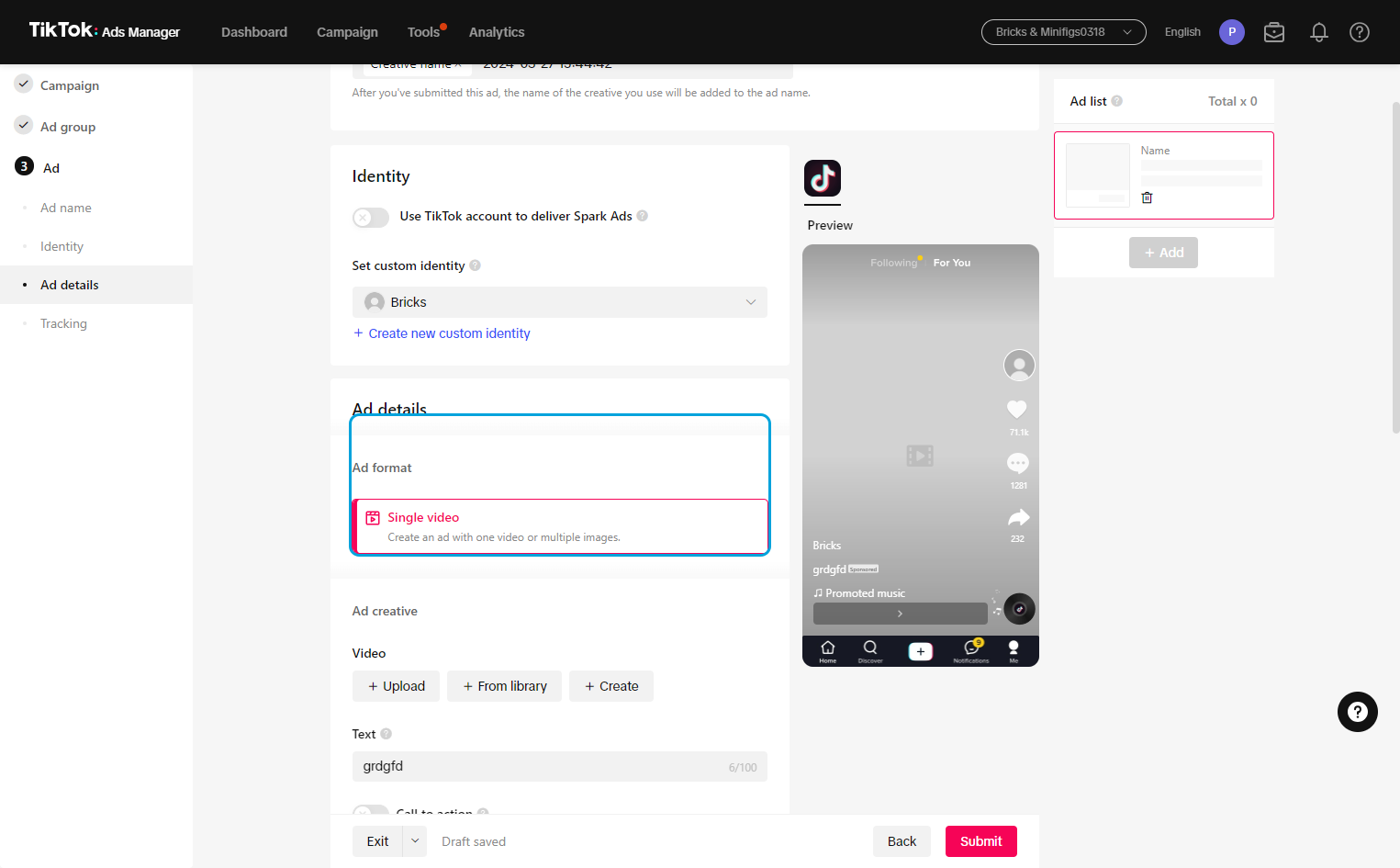
7
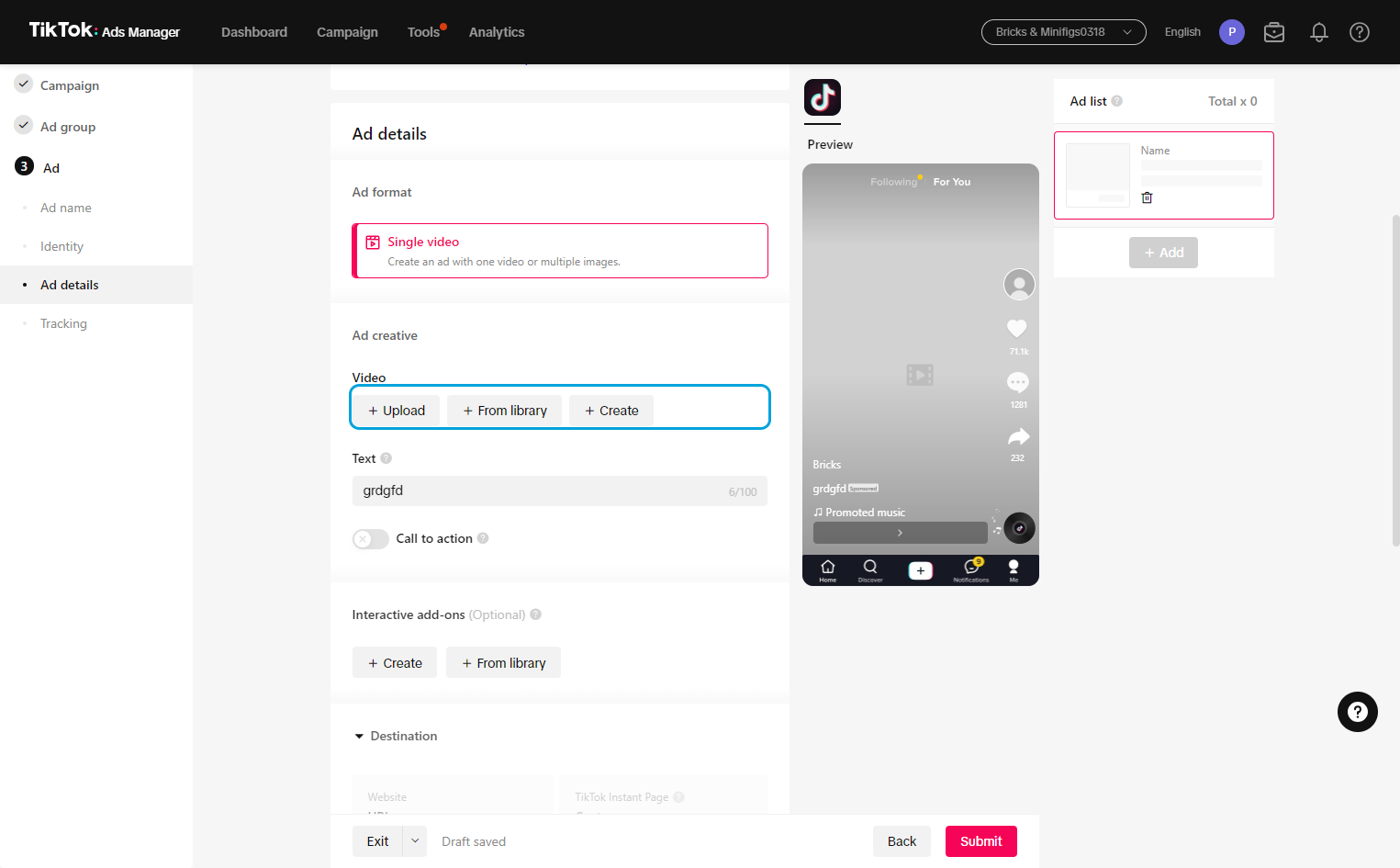
8
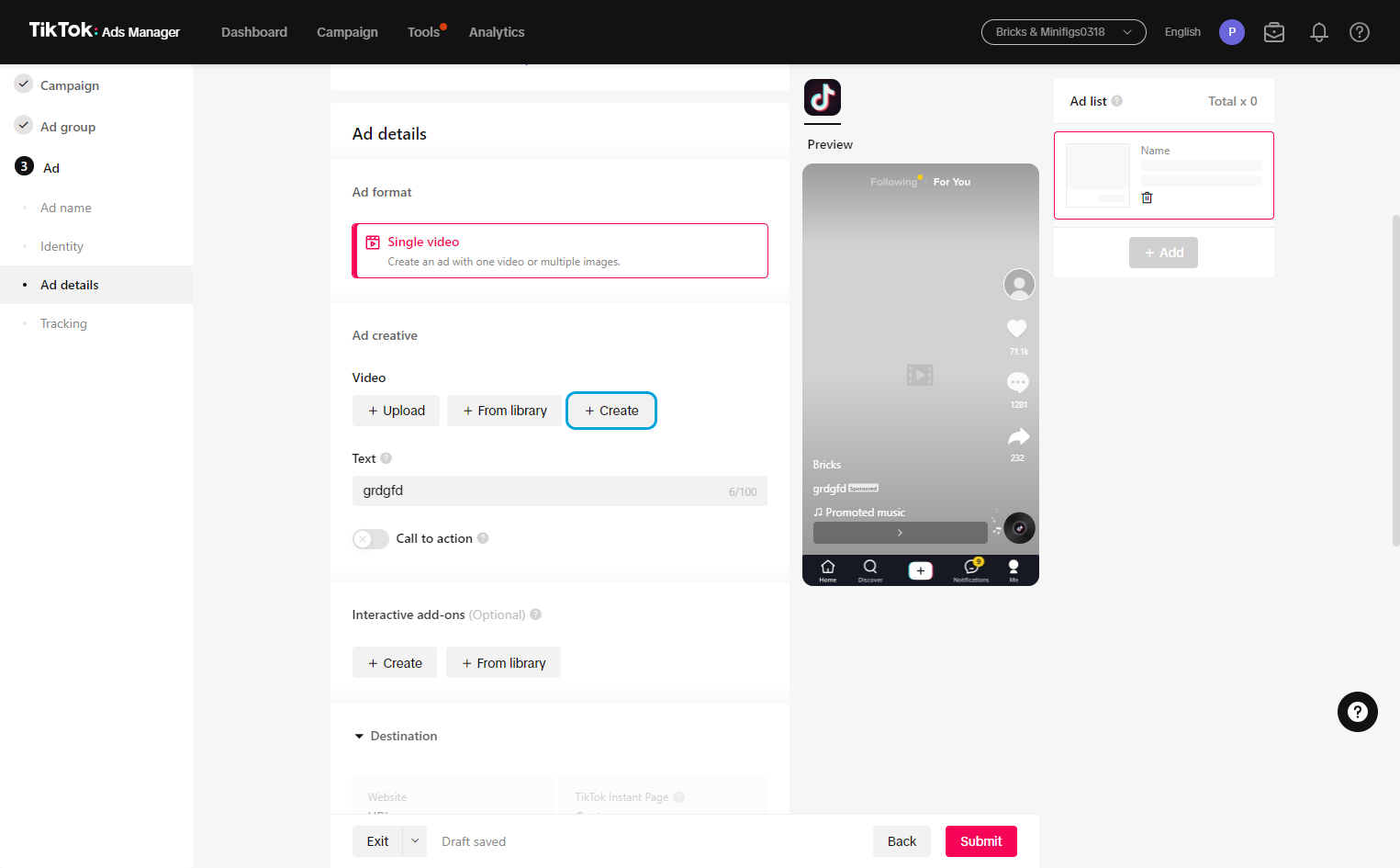
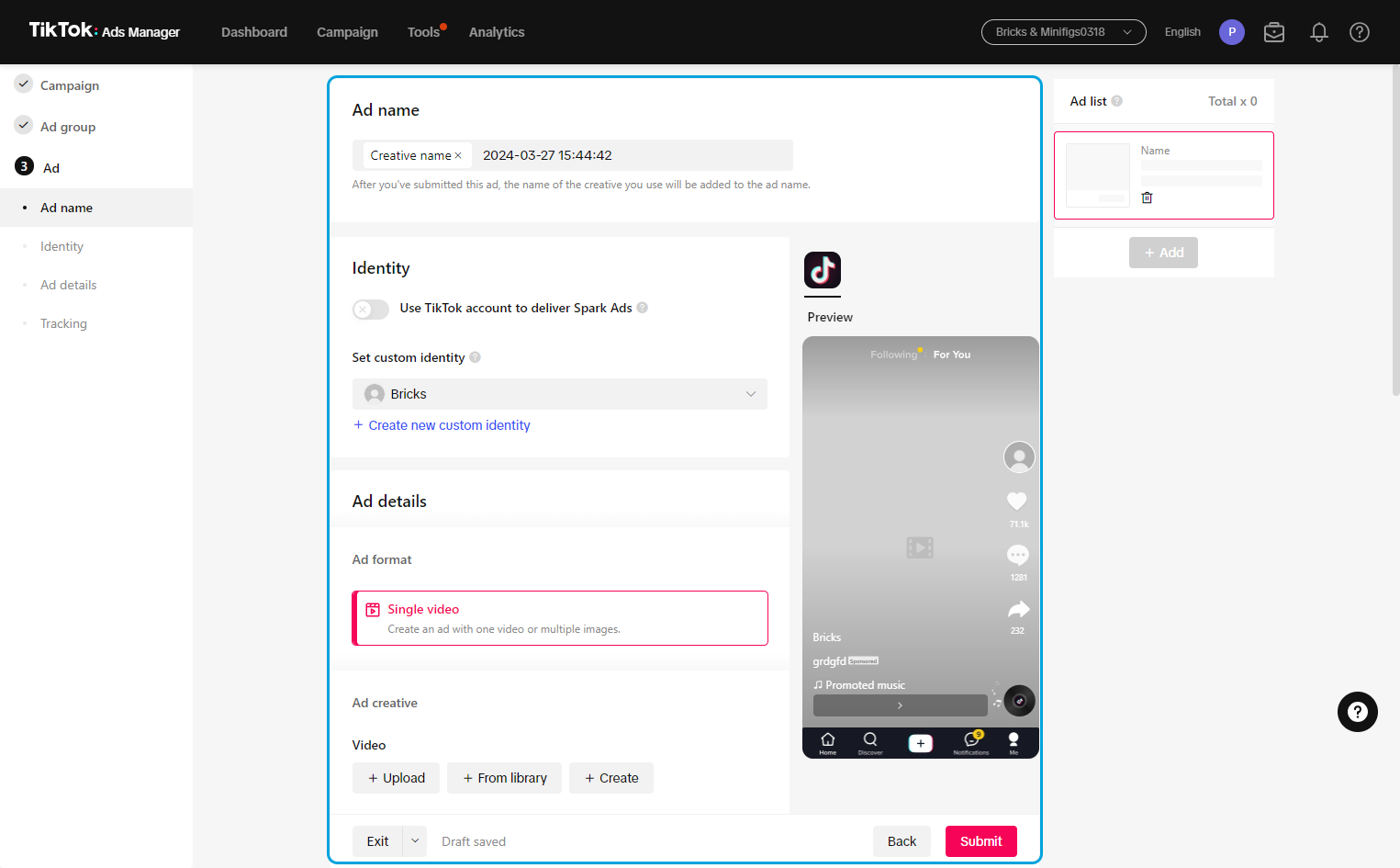
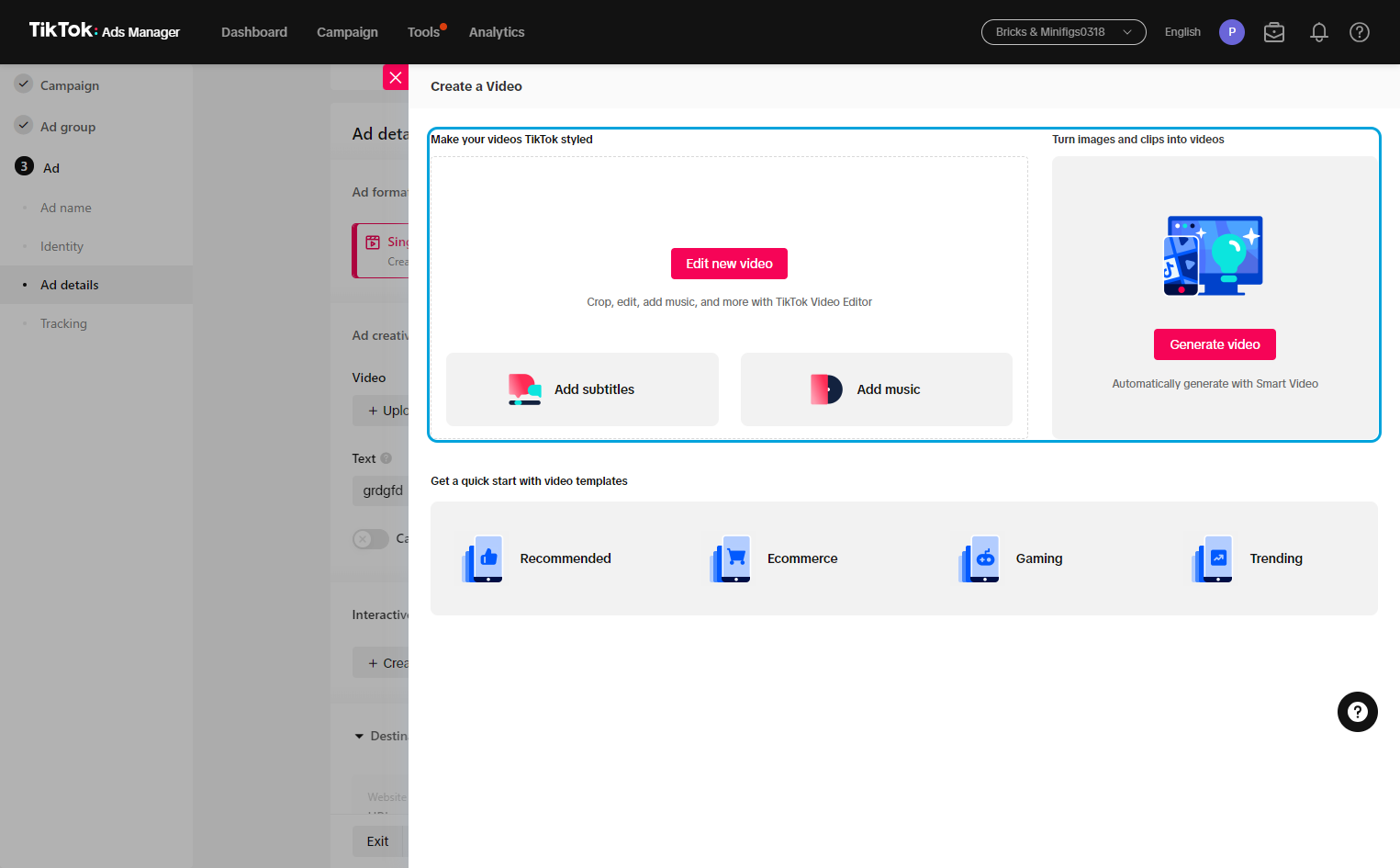
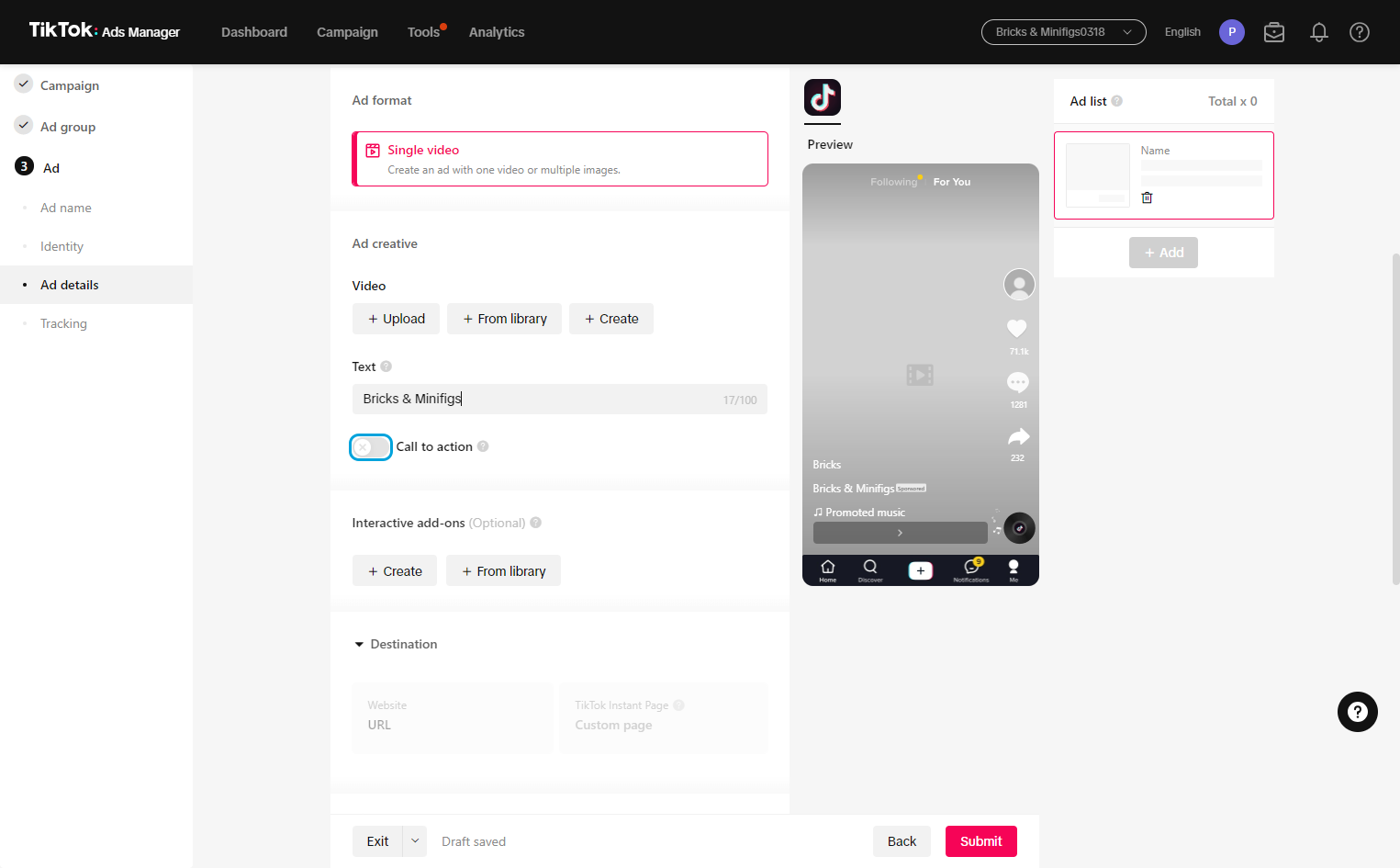
9Here you can edit videos, as well as add music and subtitles. You can also use images to create a video.
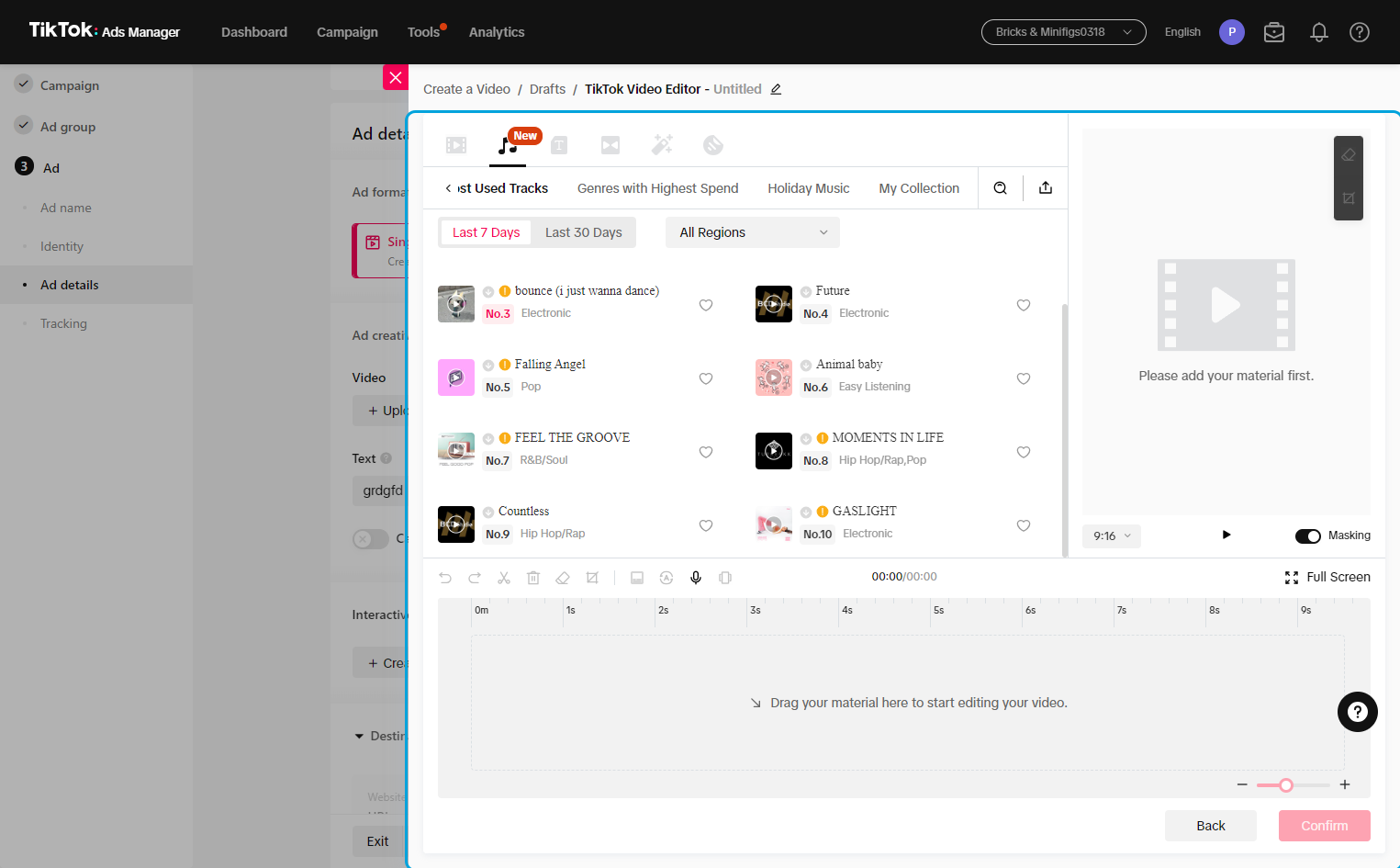
10Music here should be pre-approved for commercial use. We have also linked a music library in the guide of TikTok commercial music. Be sure that any music chosen stays within the BAM image & voice.
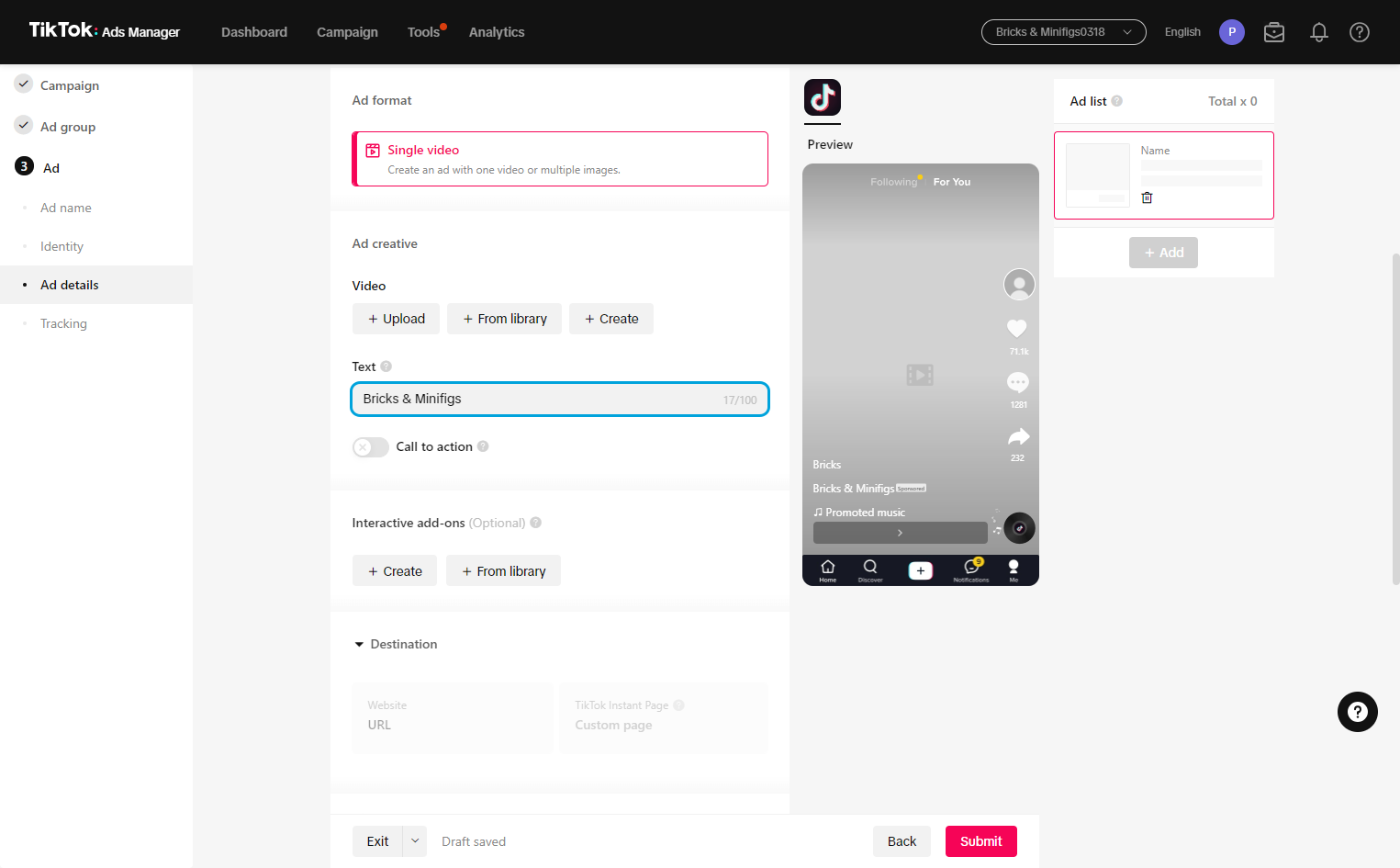
11This should include brief info and a call to action.
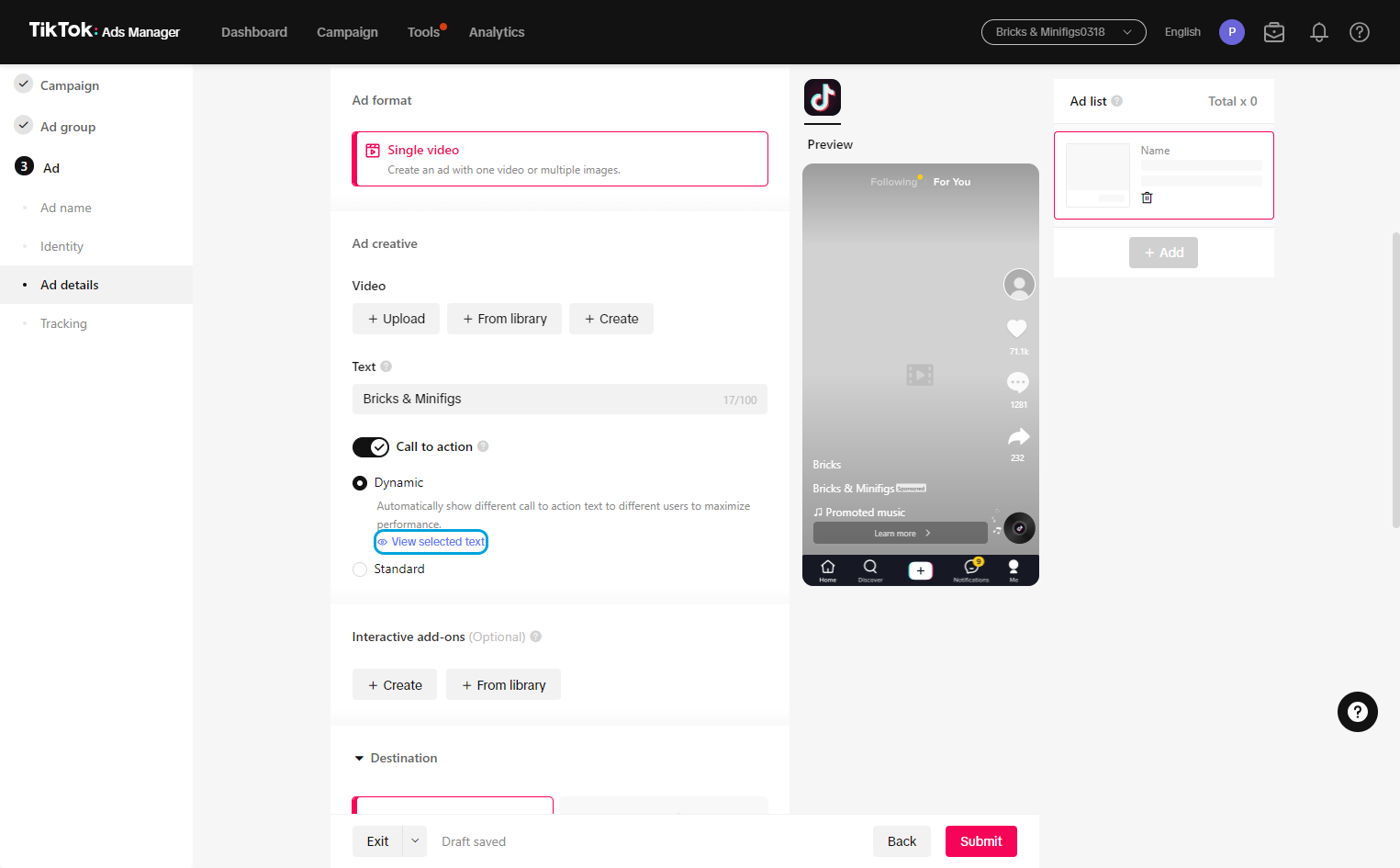
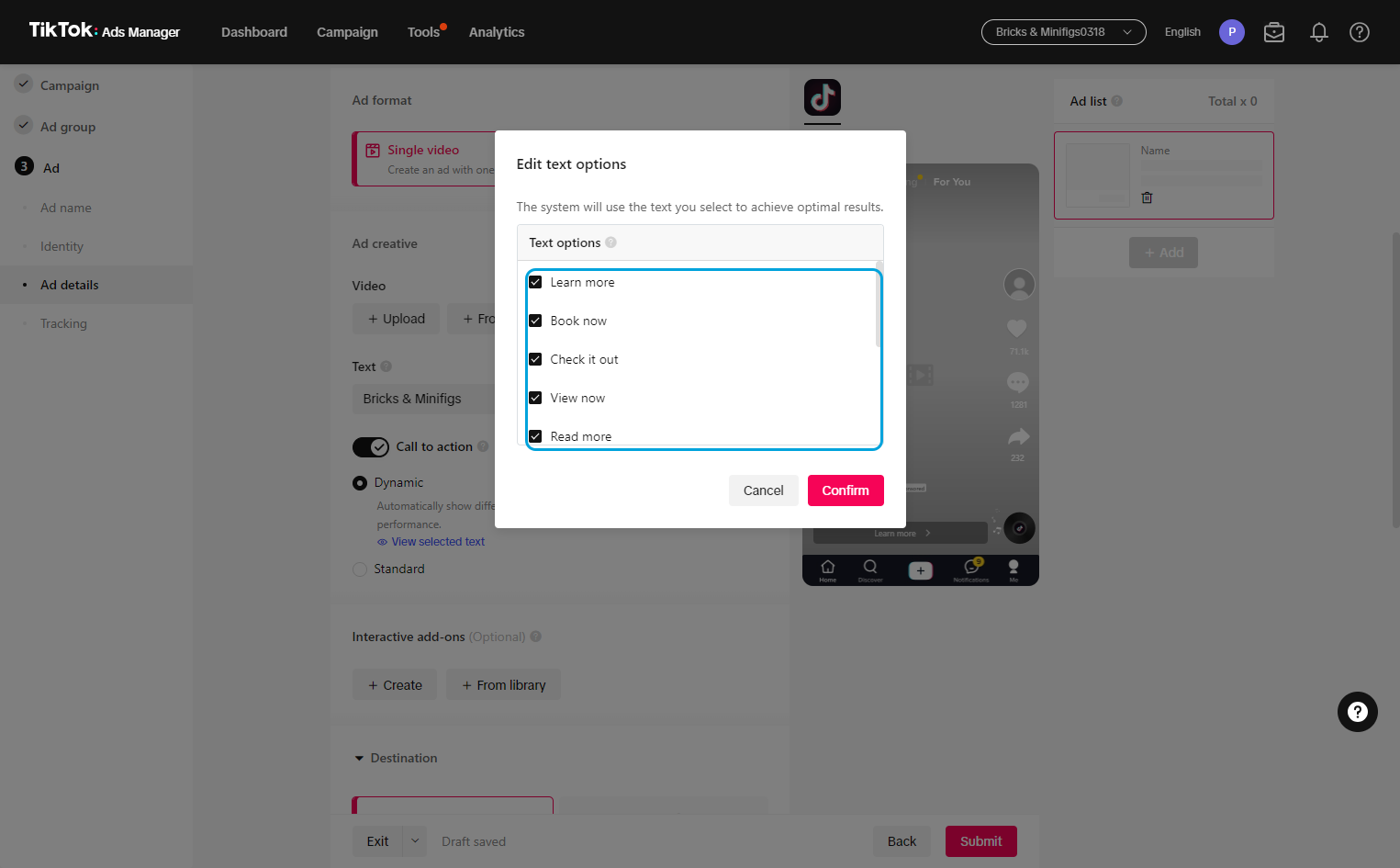
12This is recommended if you want to drive the view to engage.
13
14
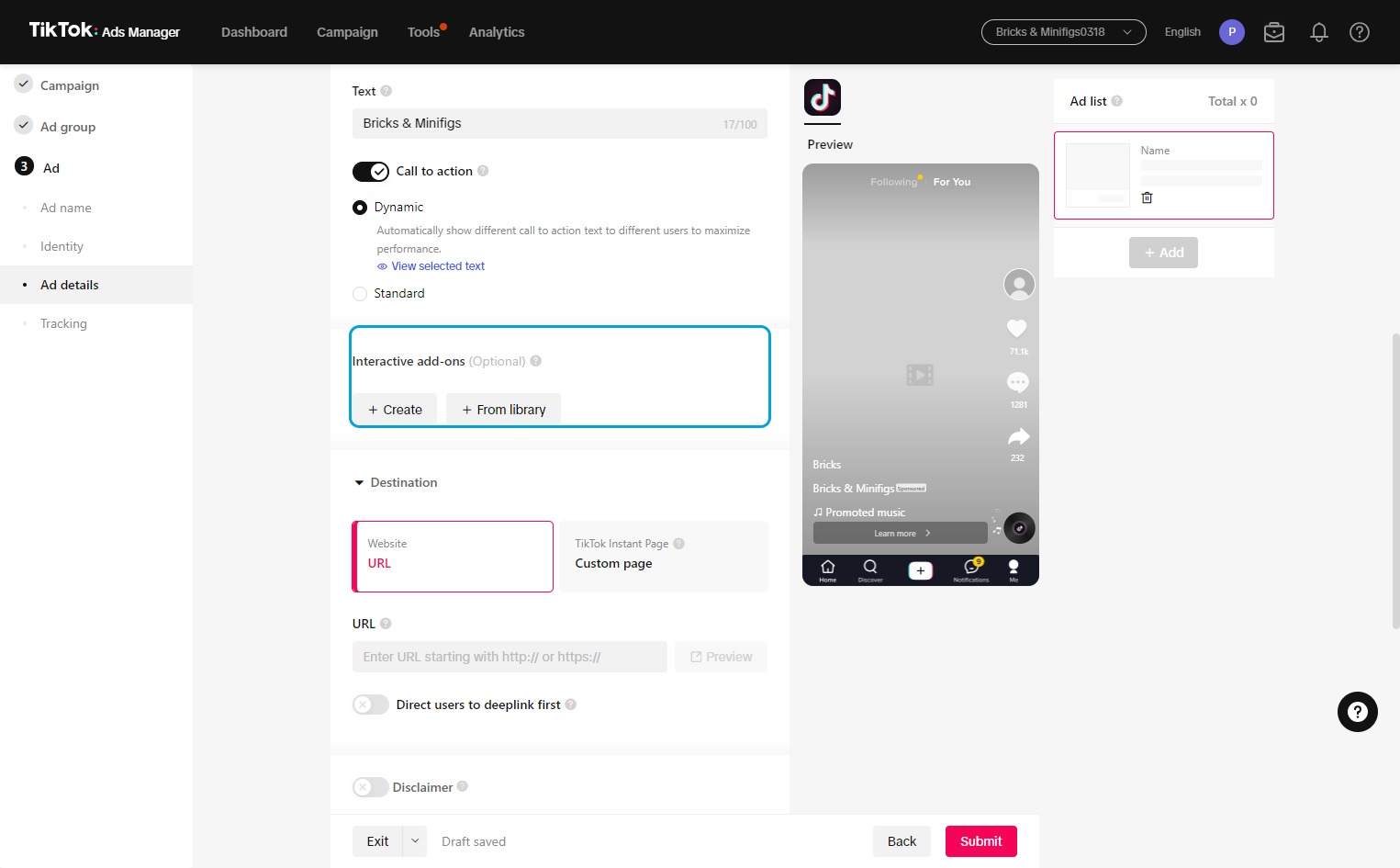
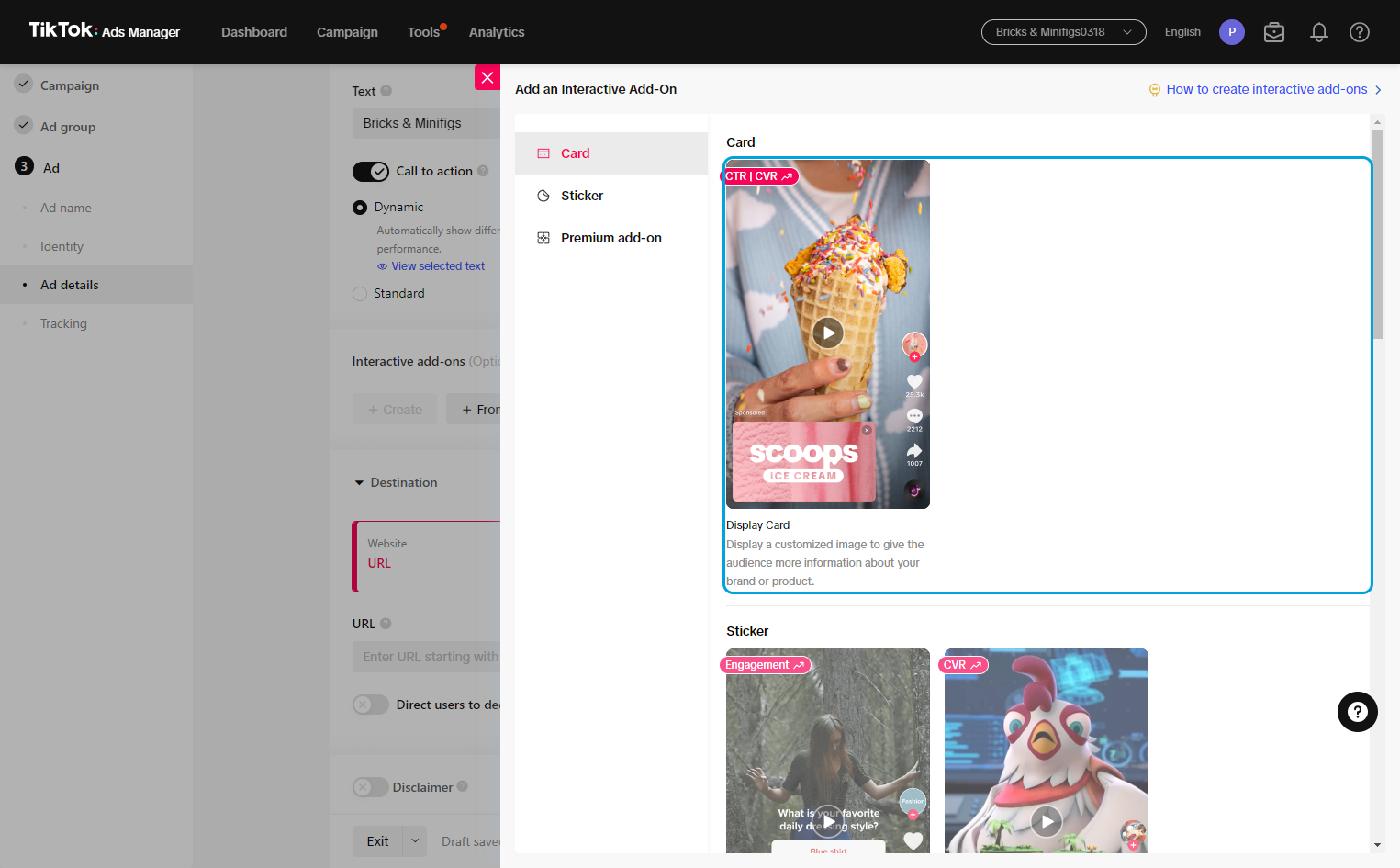
15These can be good to add extra texture or info to your ad.
16
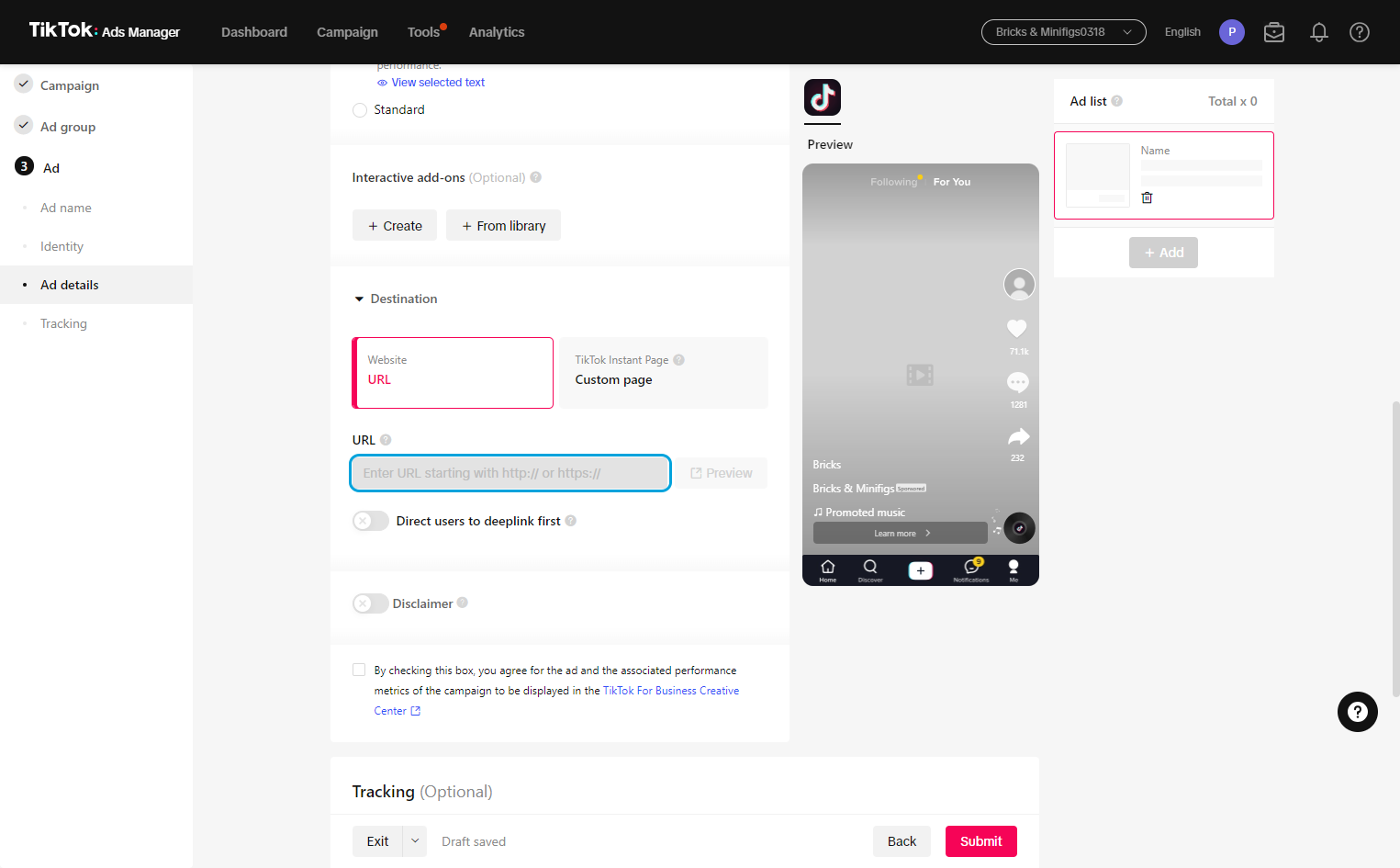
17If you are using UTM codes, this is where the custom URL will be placed.
18
19