
STEP 4 - VERIFY THE INFORMATION ON YOUR HOME PAGE
Now we want to go through and make sure everything is correct on your home page and all the buttons/links work. Here is a list of things to check/change divided by page section:
LOCATION & STORE HOURS:
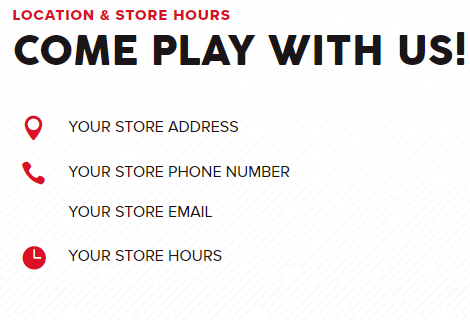
Enter your store address, phone number, email, and store hours where indicated. You can do this by either hovering over it and clicking the gear, or by clicking on it and editing it directly.
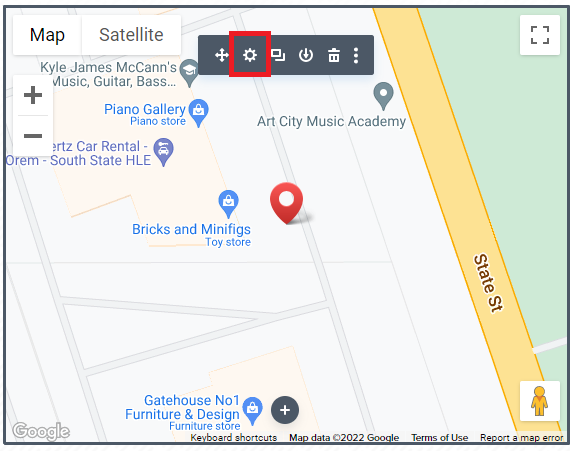
You’ll want to change the map to your location. This is a few-step process, so first, open up the map settings by hovering over it and clicking the gear.
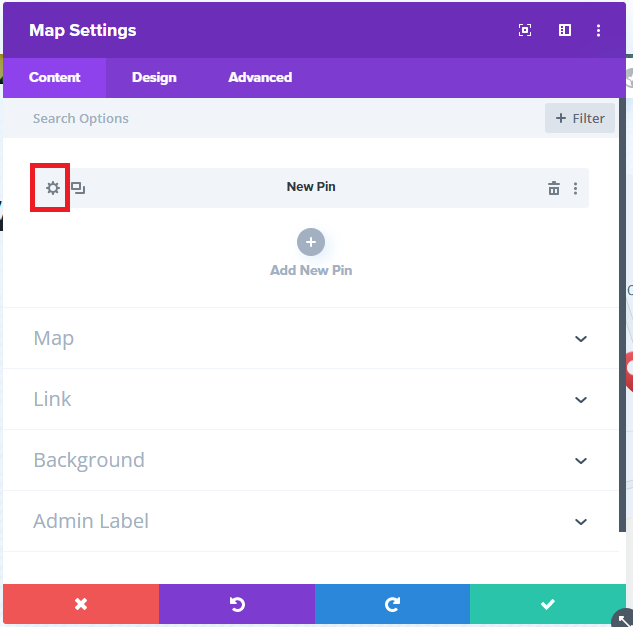
We need to edit both the pin location and the map focus location. First the pin location: click on the gear to the left of “New Pin”
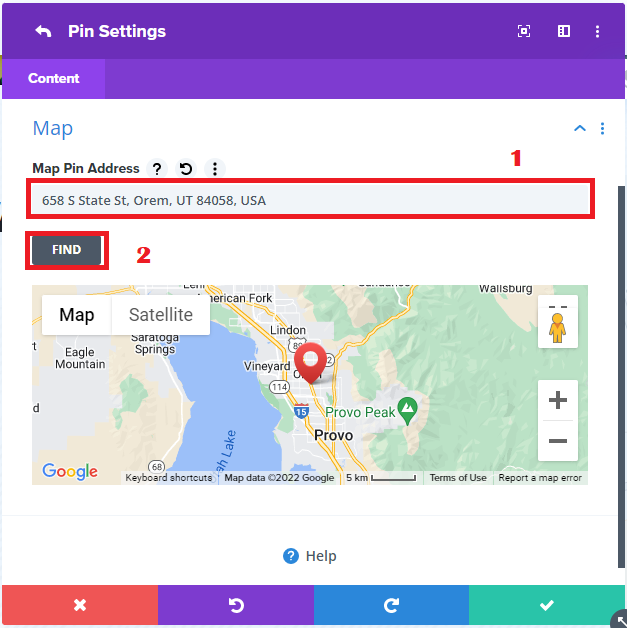
Click on “Map” then change the address to your store address and click “Find”
Now your pin should be at your store location. Lick the back () button in the top left corner of the pop-up to see the map settings.

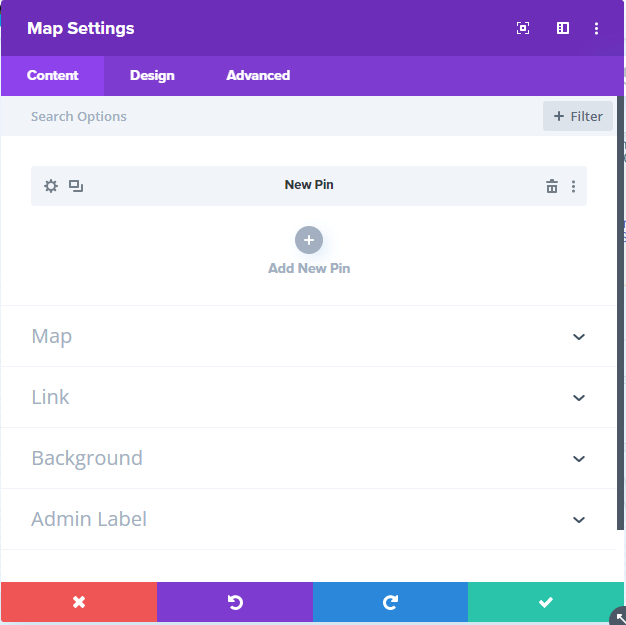
Click where it says “Map” then change that address as well and click “Find” This will change the map focus to be where you placed the pin. If everything looks correct you can click the green checkmark and continue editing the home page.
BUY, SELL & TRADE:
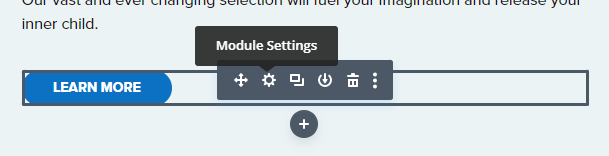
The “LEARN MORE” button in this section should link to your Buy, Sell & Trade page. Hover over it and click the settings gear.
This will pull up the button settings. The part we want to edit is the link, so click where it says “Link”
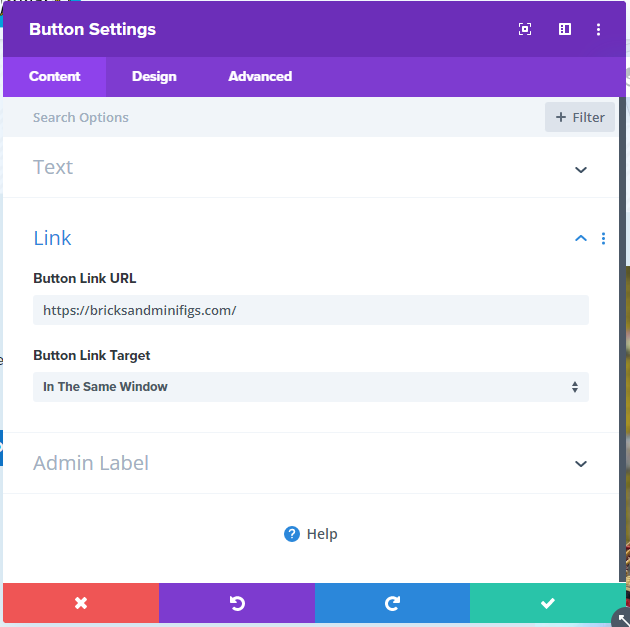
Where it says “Button Link URL” change it to https://bricksandminifigs.com/orem-ut/buy-sell-trade/ replacing “orem-ut” with your store URL slug. Now your button will take you to the correct place.
CELEBRATE WITH US:
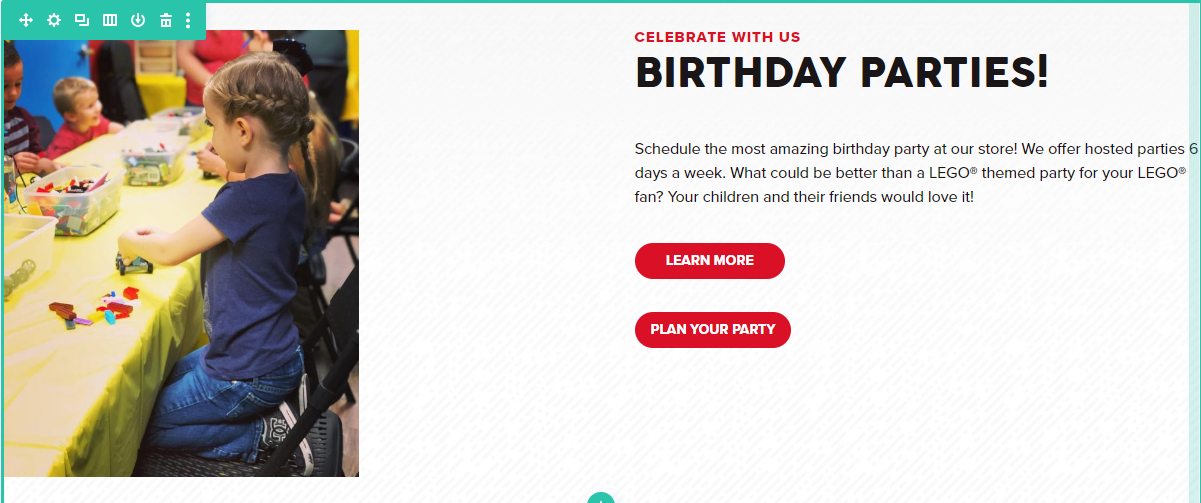
There are two buttons in this section, for now, we will only edit the “LEARN MORE” button. Follow what you did to edit the last button, this time using the link: https://bricksandminifigs.com/orem-ut/birthday-parties-corporate-events/ with your store URL slug instead of “orem-ut”
UPCOMING EVENTS:
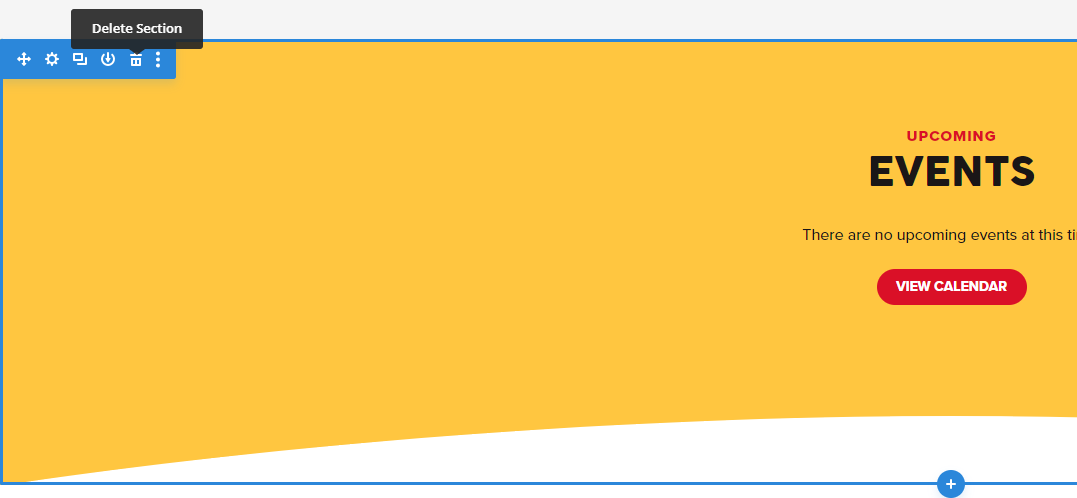
Finally, the events section. If you plan on using the events calendar change the link on the button to https://bricksandminifigs.com/orem-ut/events, substituting “orem-ut” for your store URL slug. If you don't plan on using the events calendar you can remove this section.
To remove the section hover over it so you see the blue box and then click the trash can icon
That's all for the homepage for now!