
STEP 3 - ADD YOUR SOCIAL MEDIA FEED
You should have already set up a social feed using this Tango tutorial: How to add a social feed to your new website
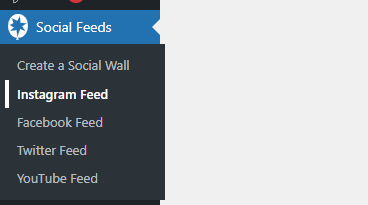
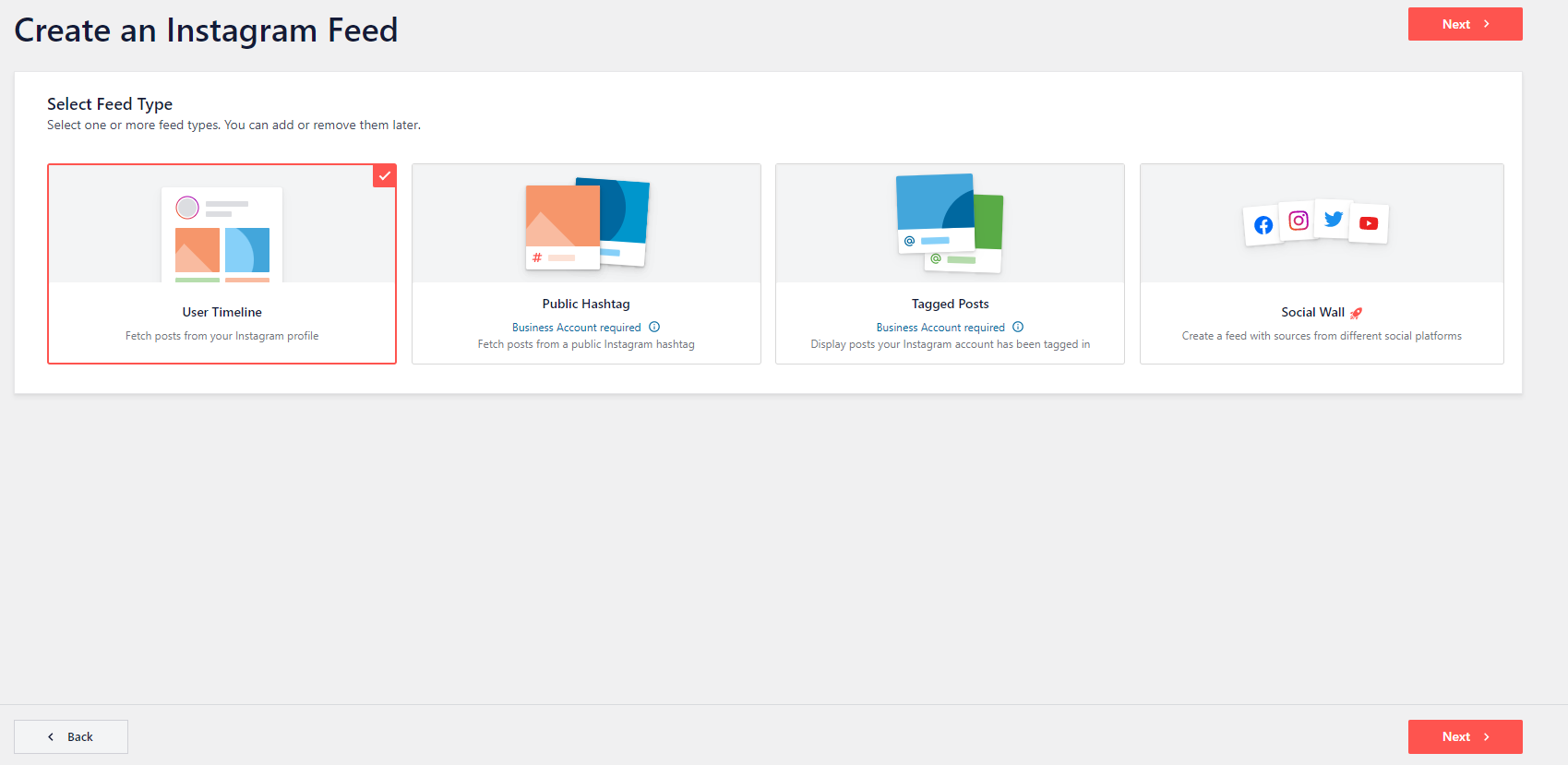
Interactive walkthrough, captured from the company’s help desk (originally an embedded Tango guide), reconstructed step by step:
1
2

3The current key is: 916d610a898e7b8af50a529b161ee6c9
You may have to click the activation button multiple times for it to give you a green active sign

4

5

6
7

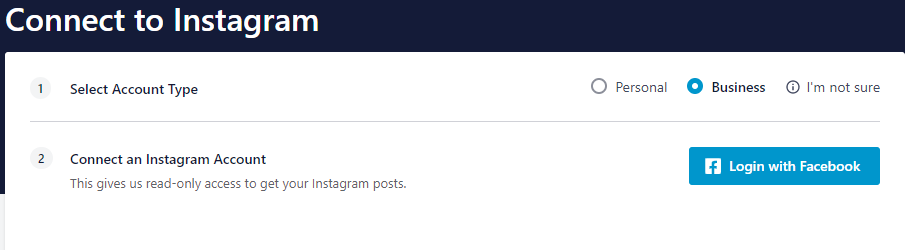
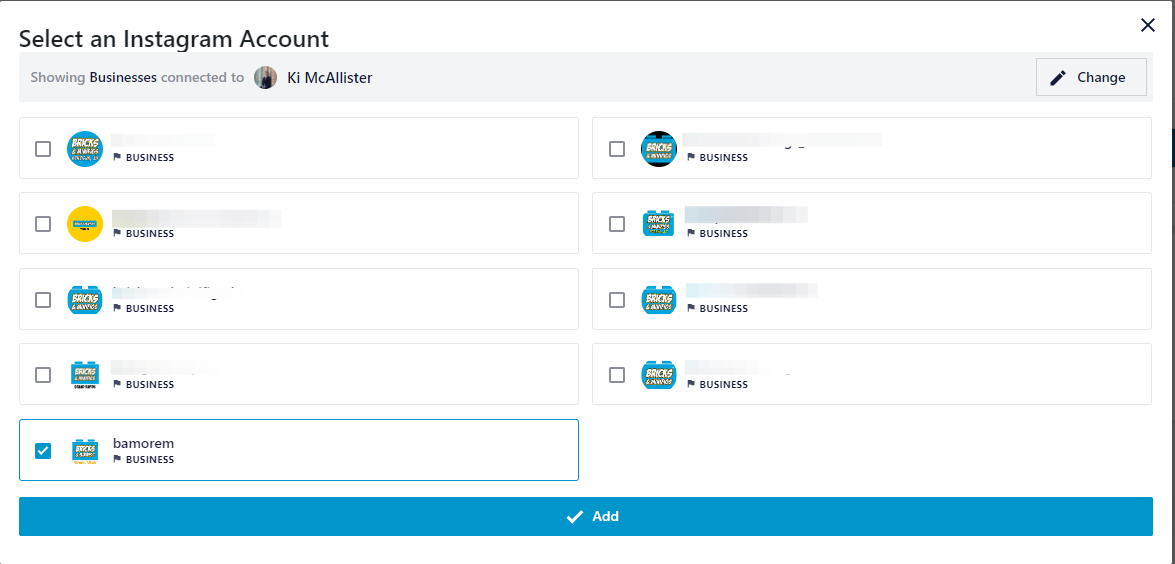
8In order to add your Instagram account in this way you need to have your Instagram and Facebook pages connected. If they are not reach out to @unit_support_ki on slack to get that set up
9
10
11
12
13
14
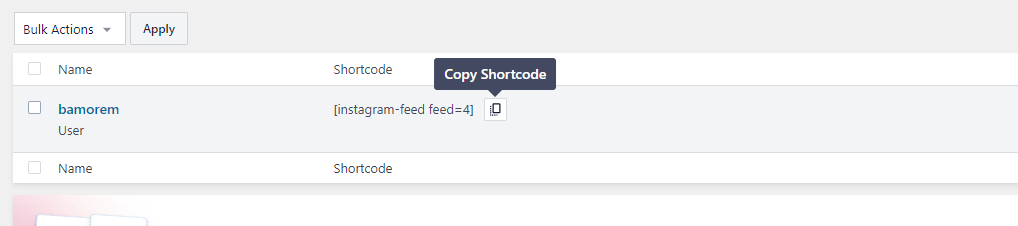
15
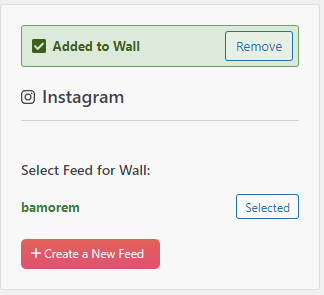
16
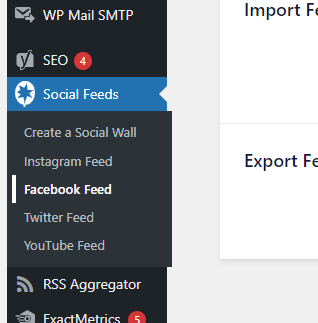
17

18The current key is: 916d610a898e7b8af50a529b161ee6c9
You may have to click the activation button multiple times for it to give you a green active sign
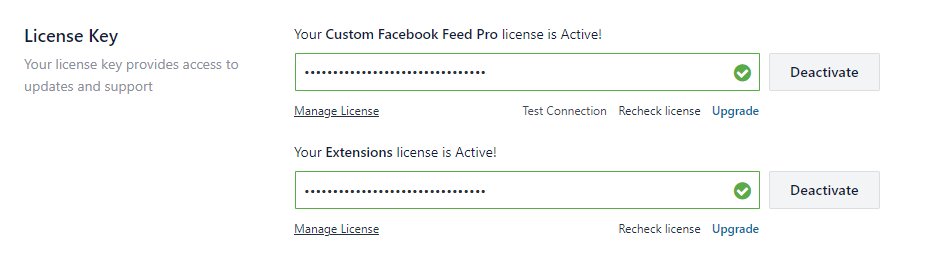
19
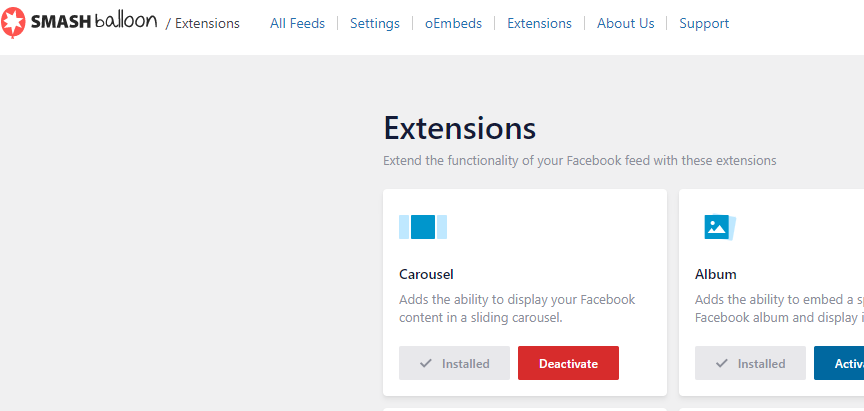
20
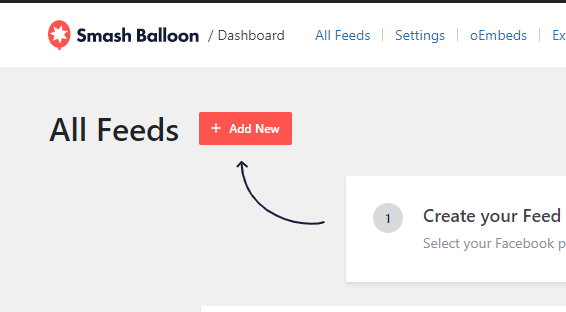
21
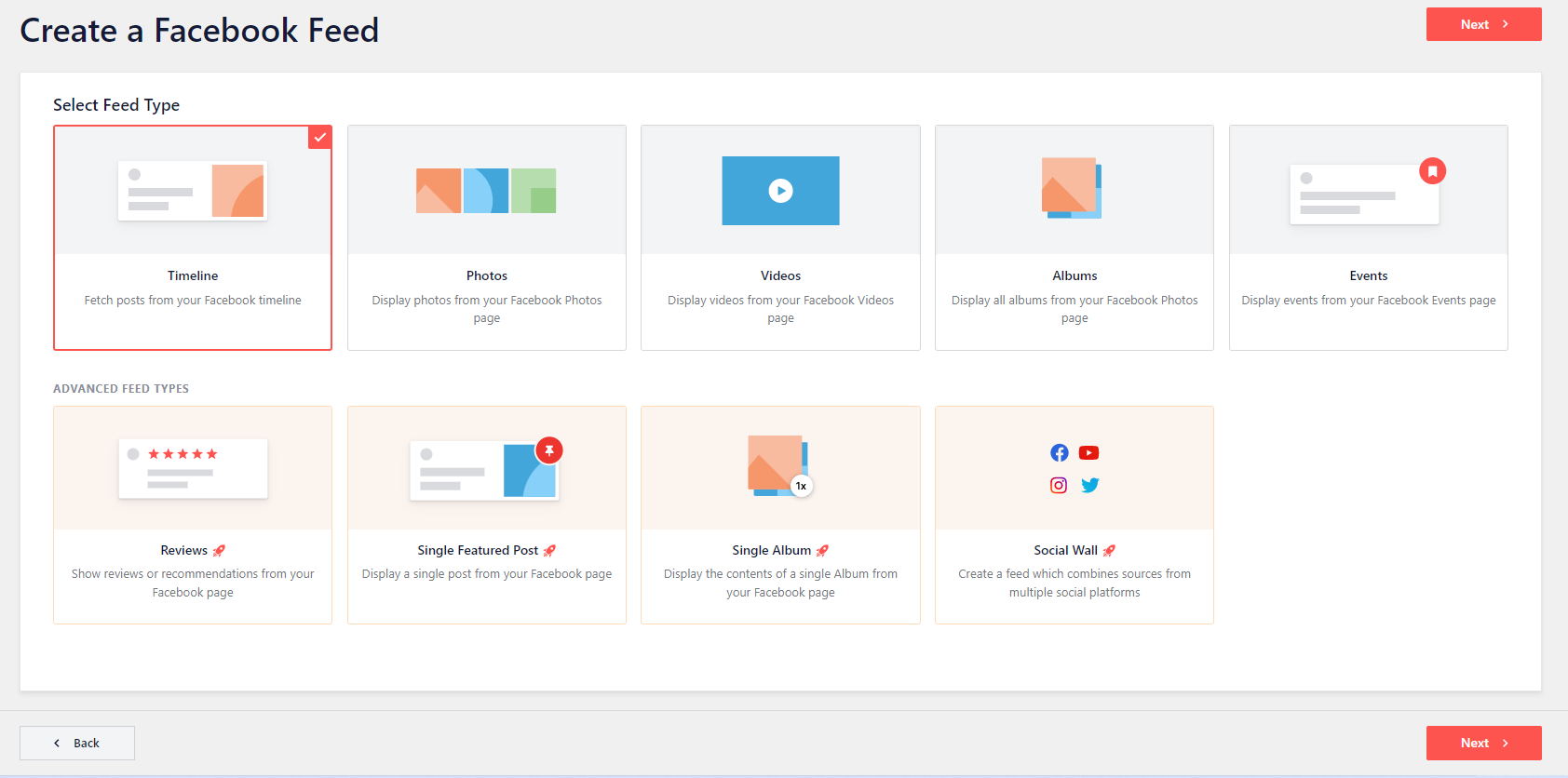
22
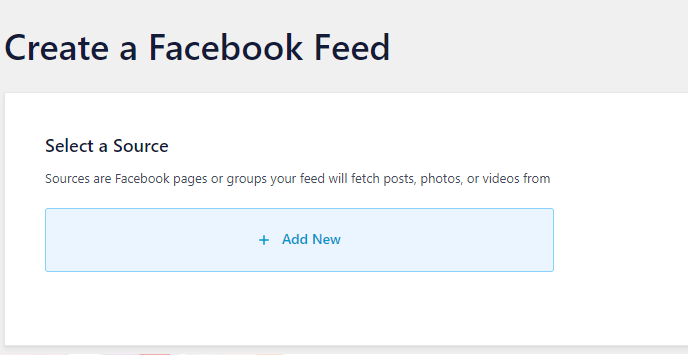
23
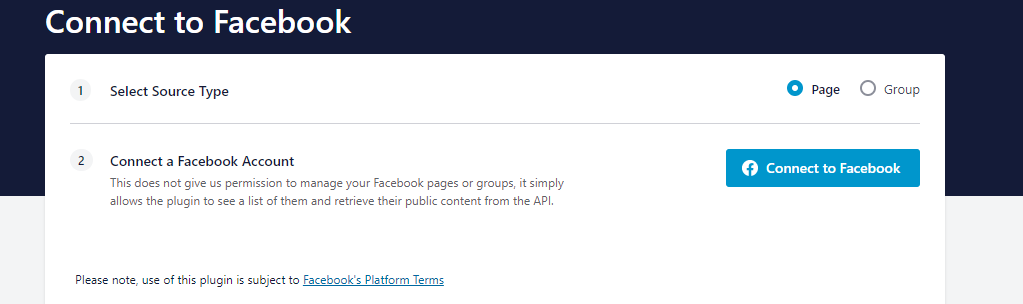
24
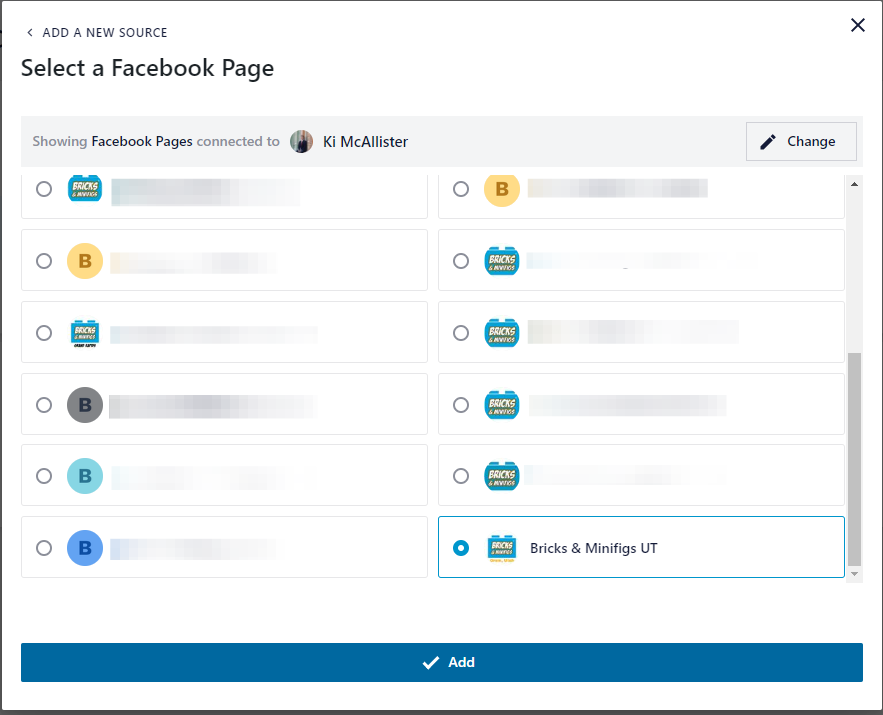
25
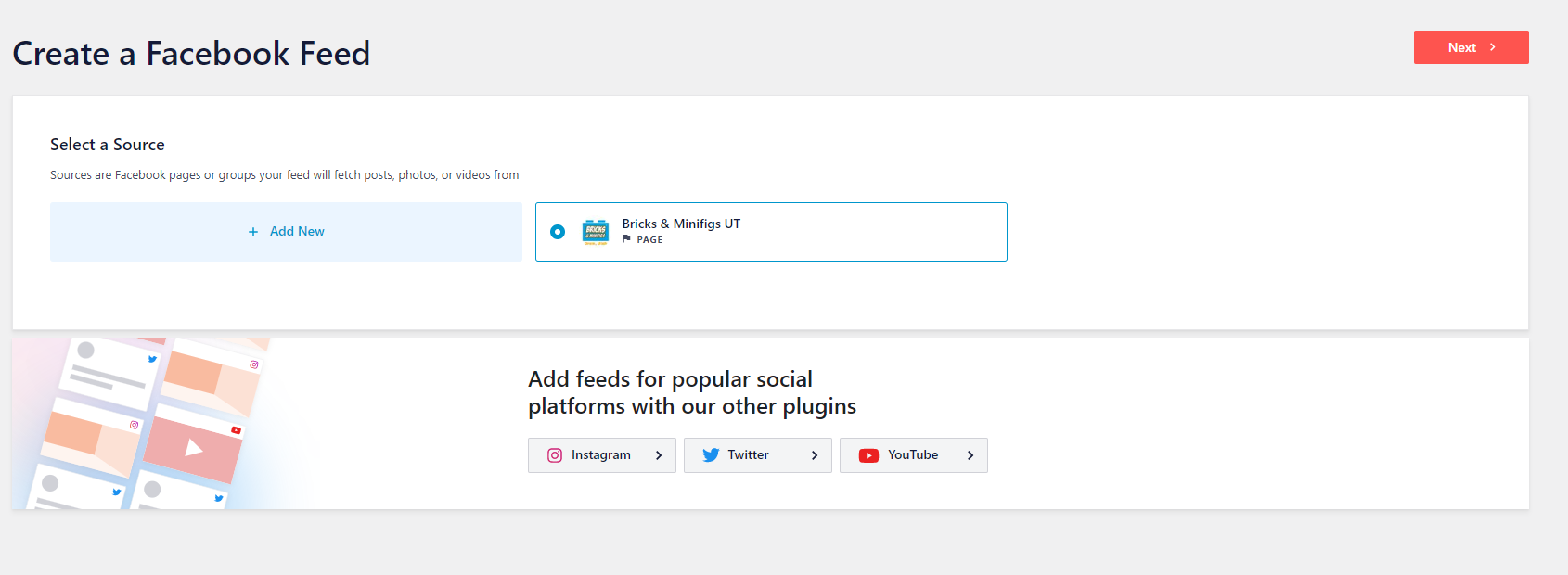
26
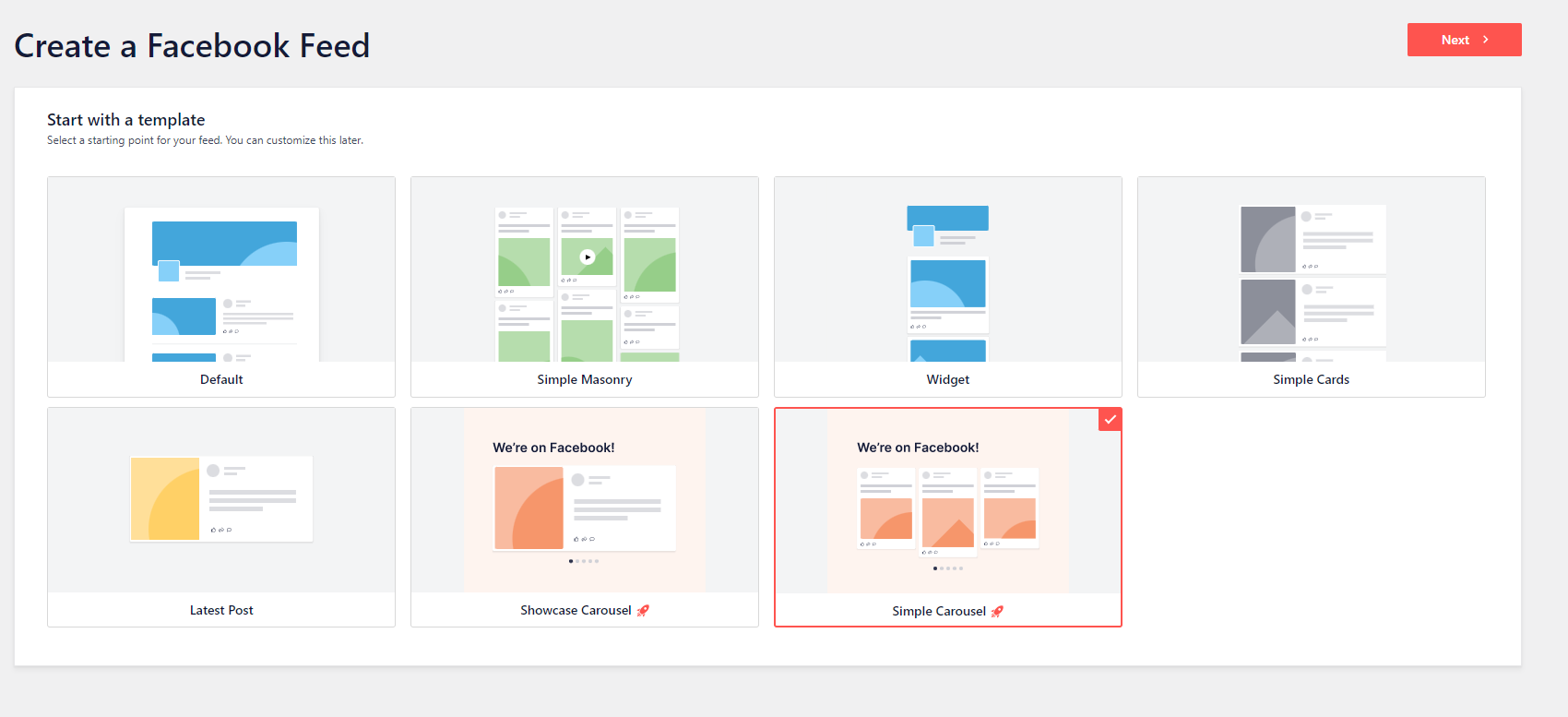
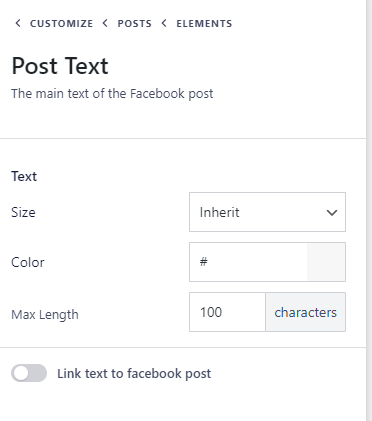
27100 - 150 characters look better generally, making your posts more uniform in their carousel, but this is not required.
28

29
30
31
32
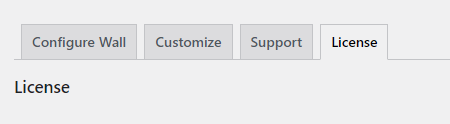
33The current key is: 916d610a898e7b8af50a529b161ee6c9
You may have to click the activation button multiple times for it to give you a green active sign

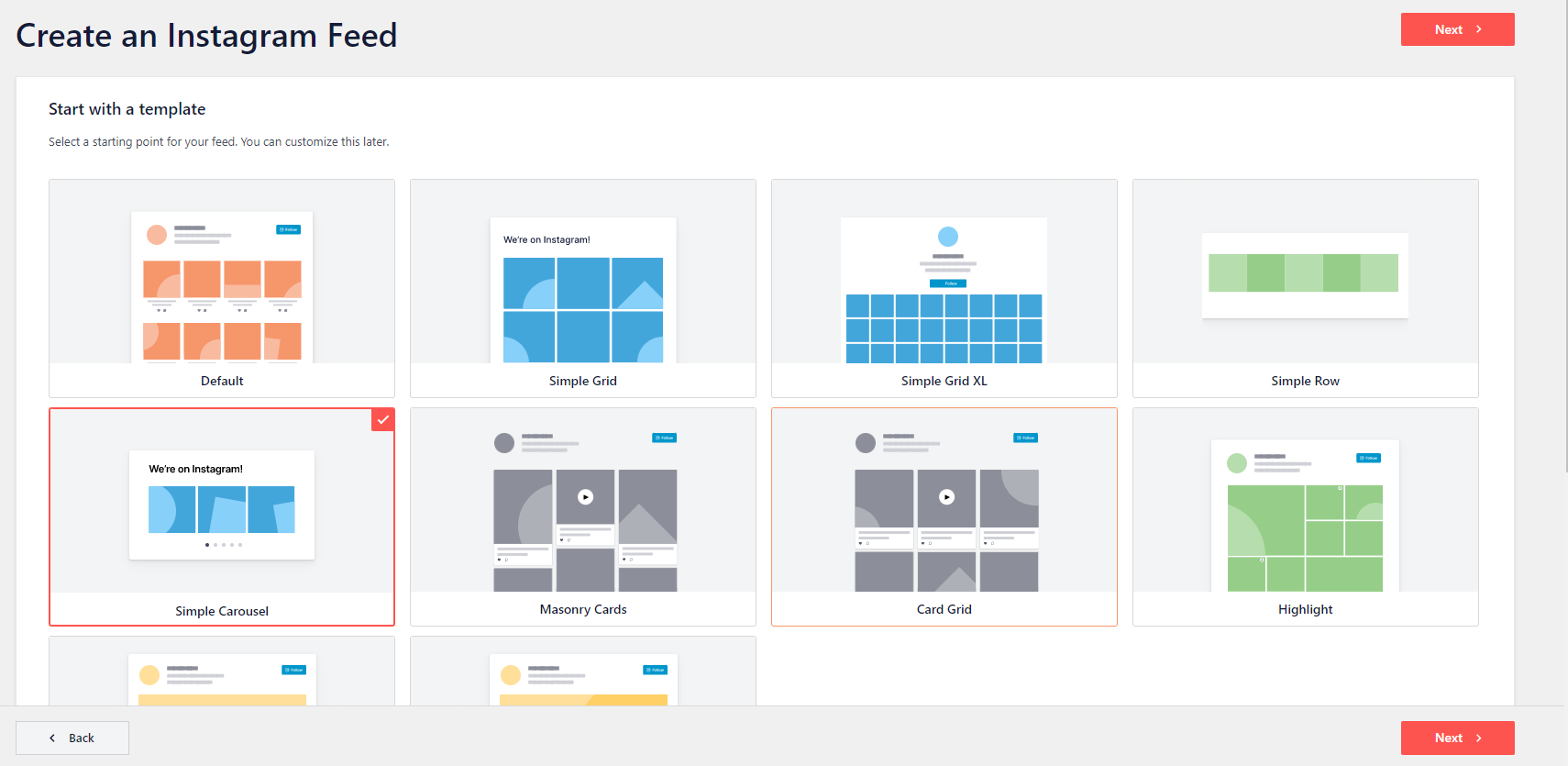
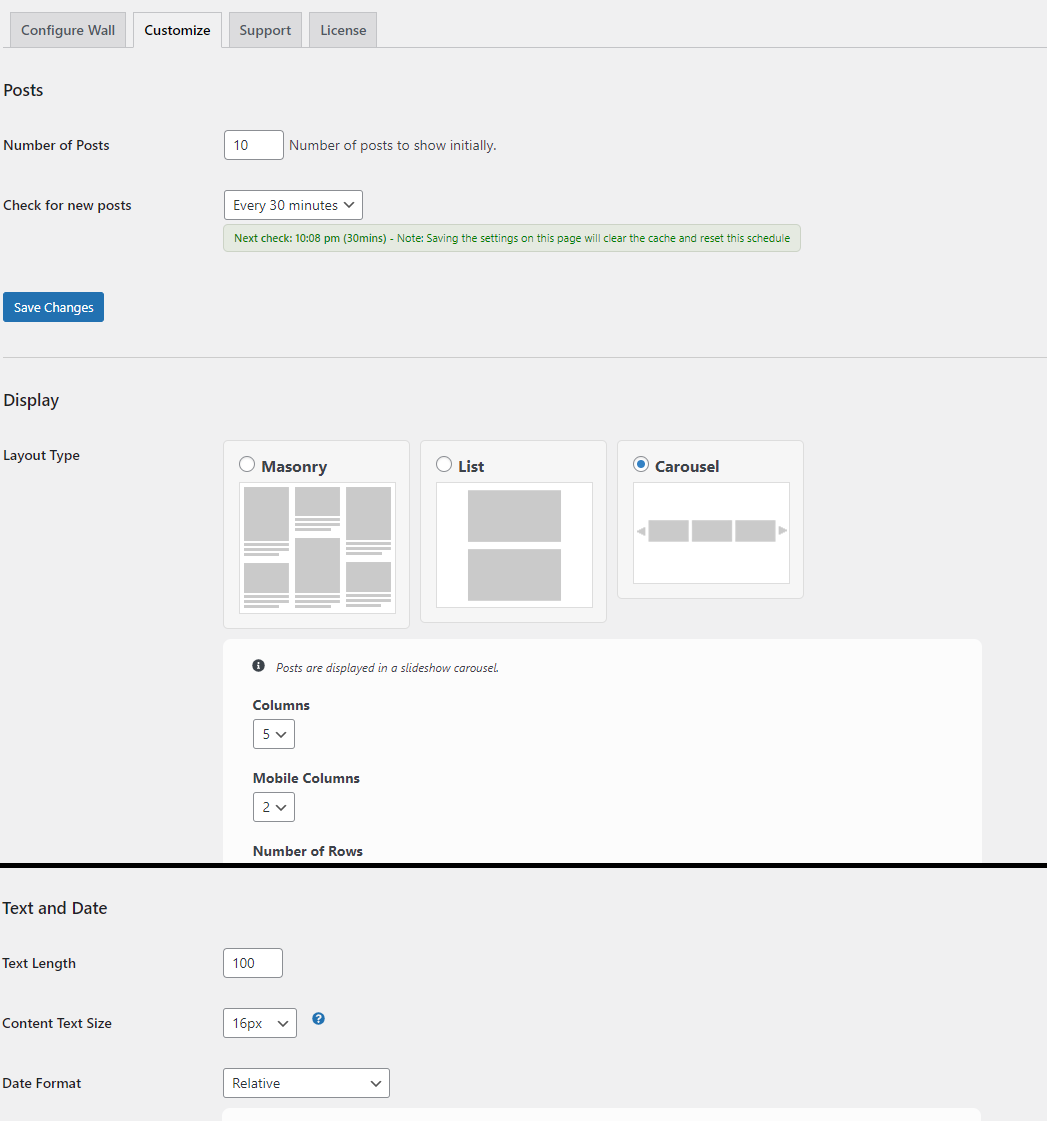
34Number of Posts: Increase to at least 10 (this is the number of posts it will pull from your post history, not the number of posts that will be displayed at one time)
Layout Type: Carousel
Columns: 5
35

36
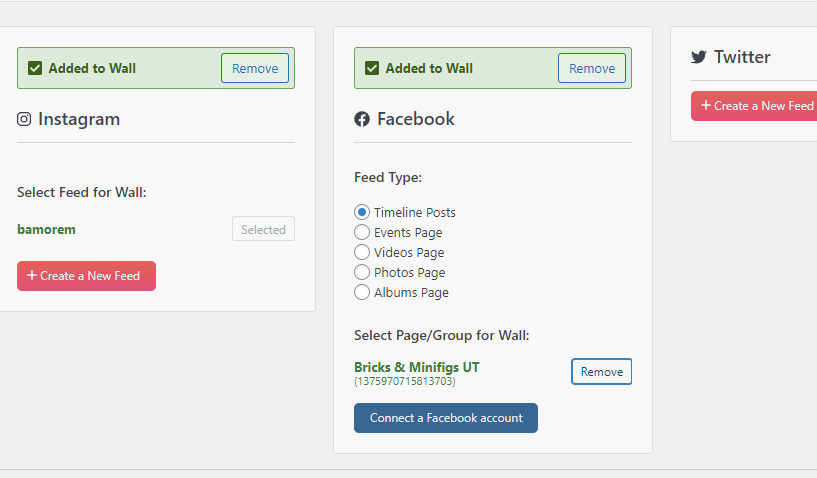
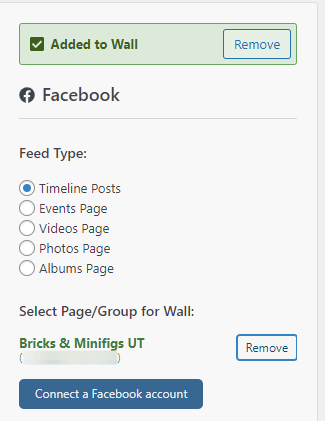
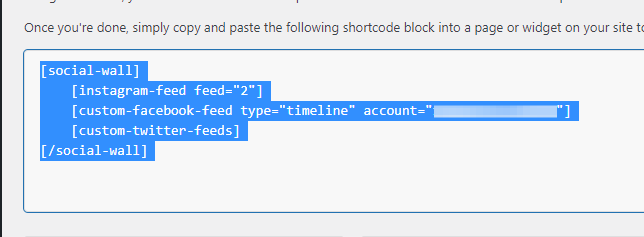
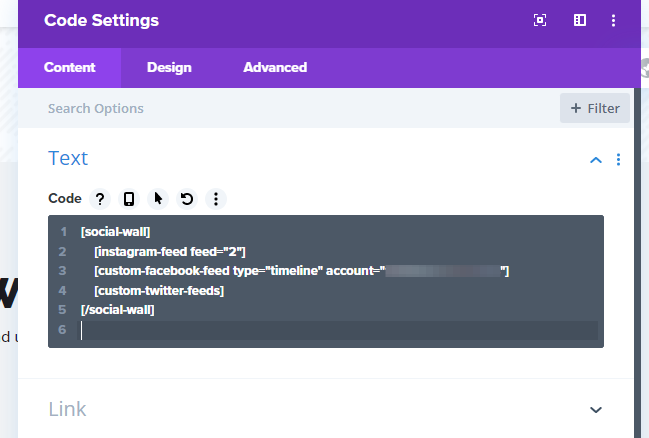
37Your code will look different depending on the social feeds you chose to connect, if you are adding a Facebook feed make sure to there is info where I have the below image blurred
38
39
40

41
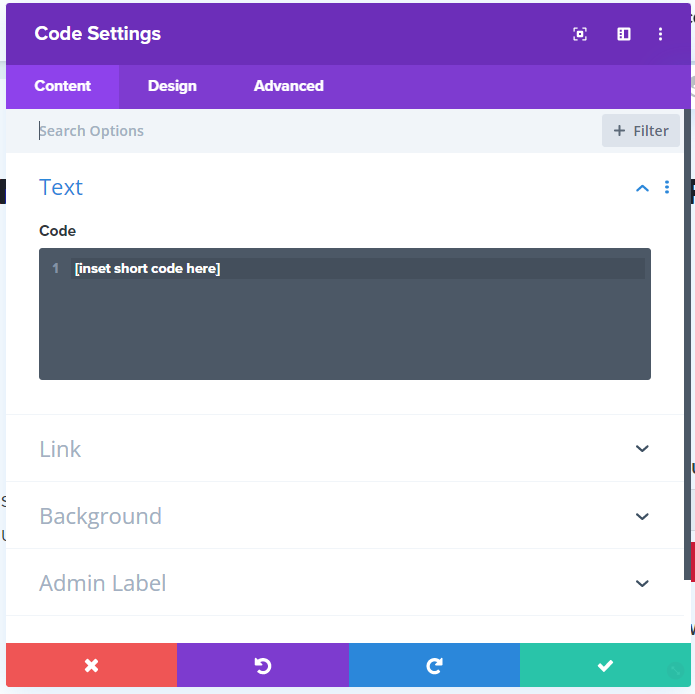
42(If you are only adding a single social feed this will be one line of code, if your adding multiple it will look similar to the image below)
43
44
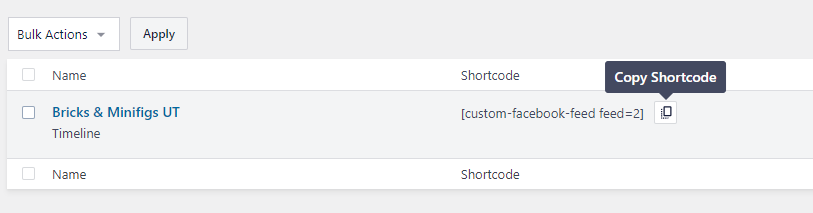
45If you are attempting to use both feeds, make sure that the code has information in the Instagram "feed" parameter and Facebook has information in the "account" parameter (as seen in the image below)
It may also just take time, wait an hour or two to give it time to sync

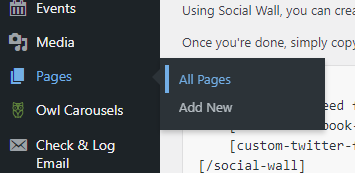
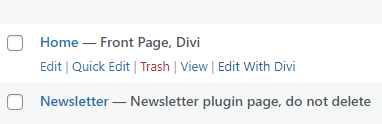
To add your social feed to the home page, skip to steps 18, 35, or 43 depending on the type of feed you want to add, then skip to step 46 on the Tango article to add it to the “Home” page.