Interactive walkthrough, captured from the company’s help desk (originally an embedded Tango guide), reconstructed step by step:
1
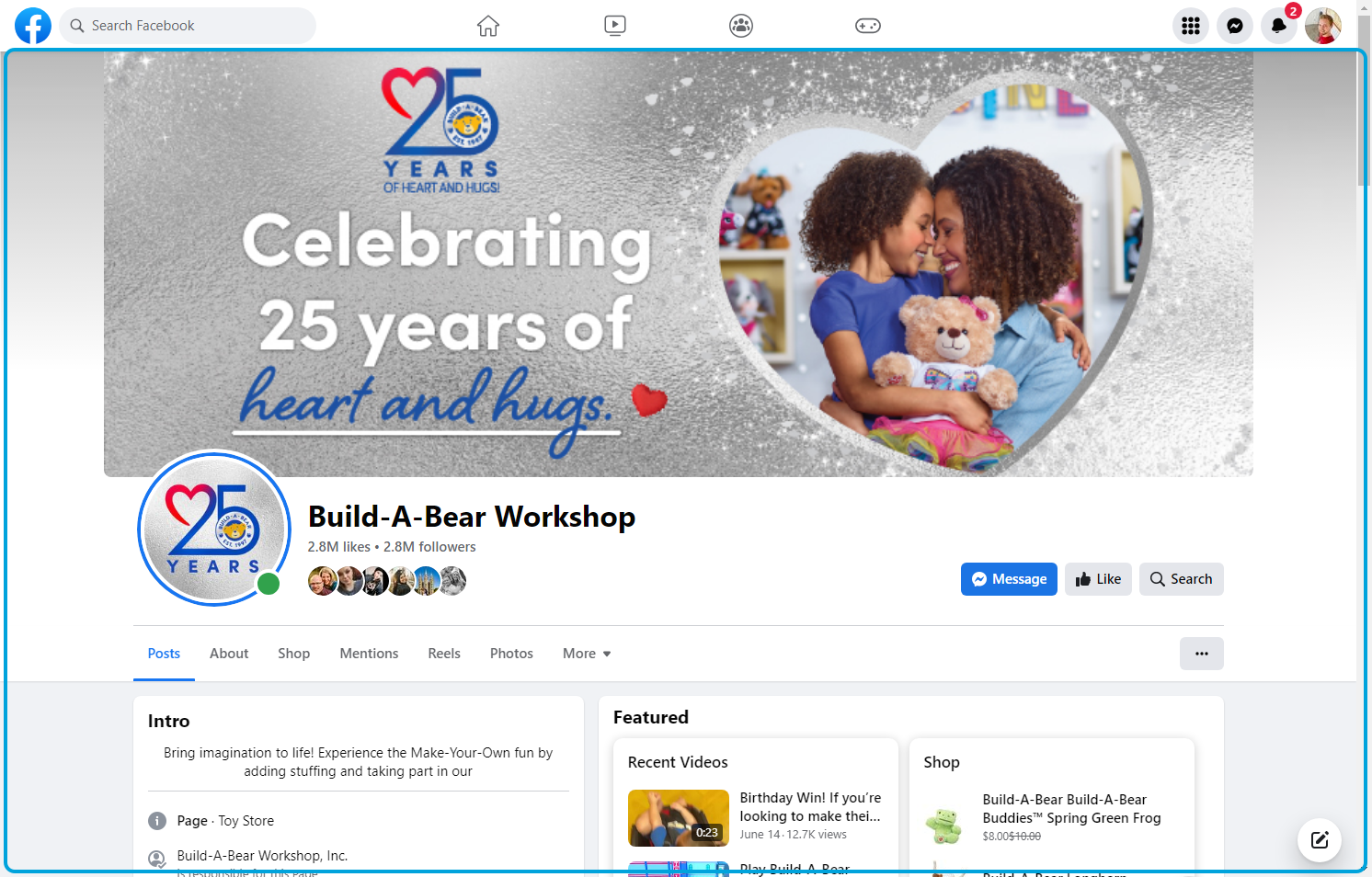
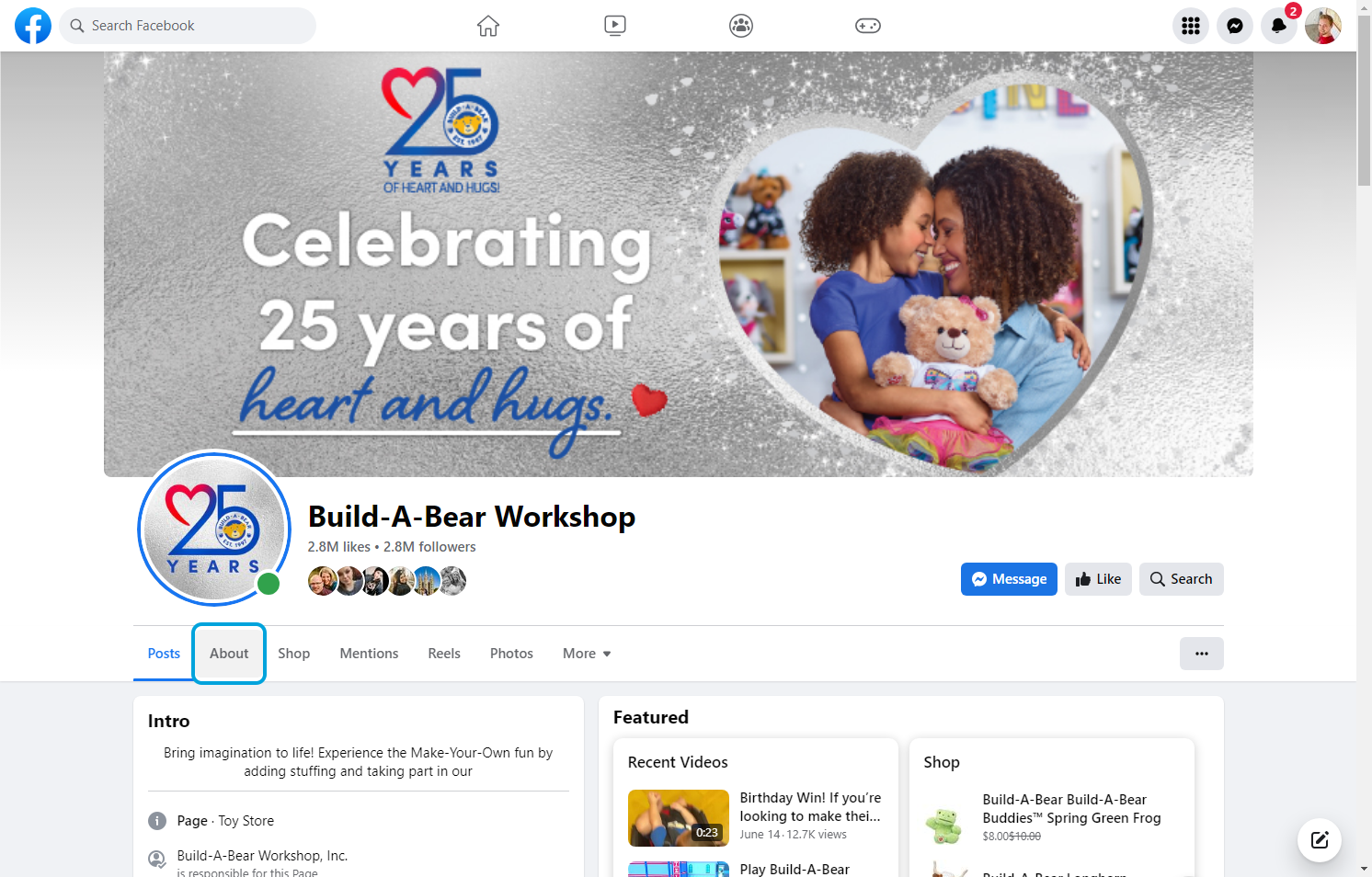
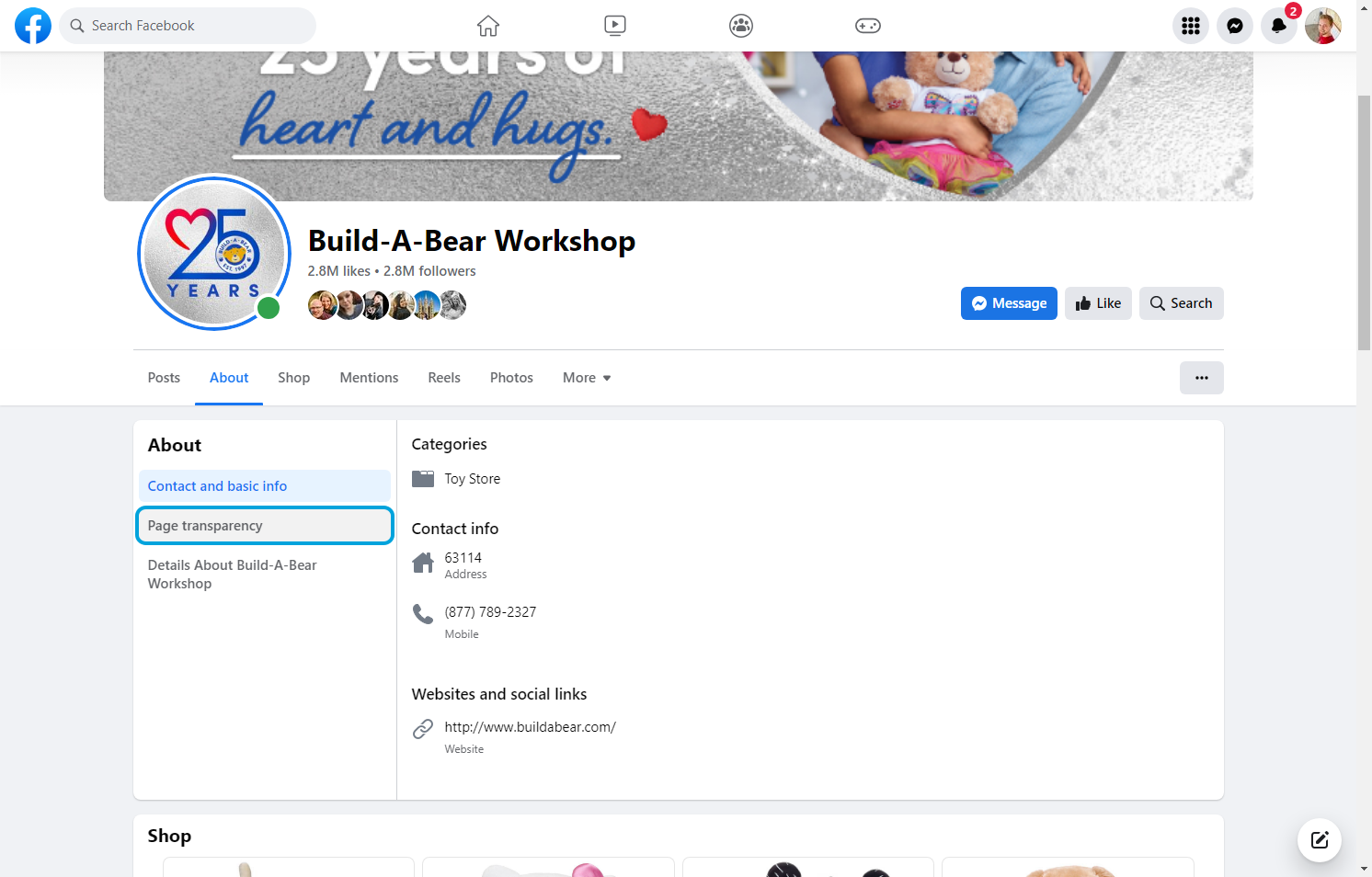
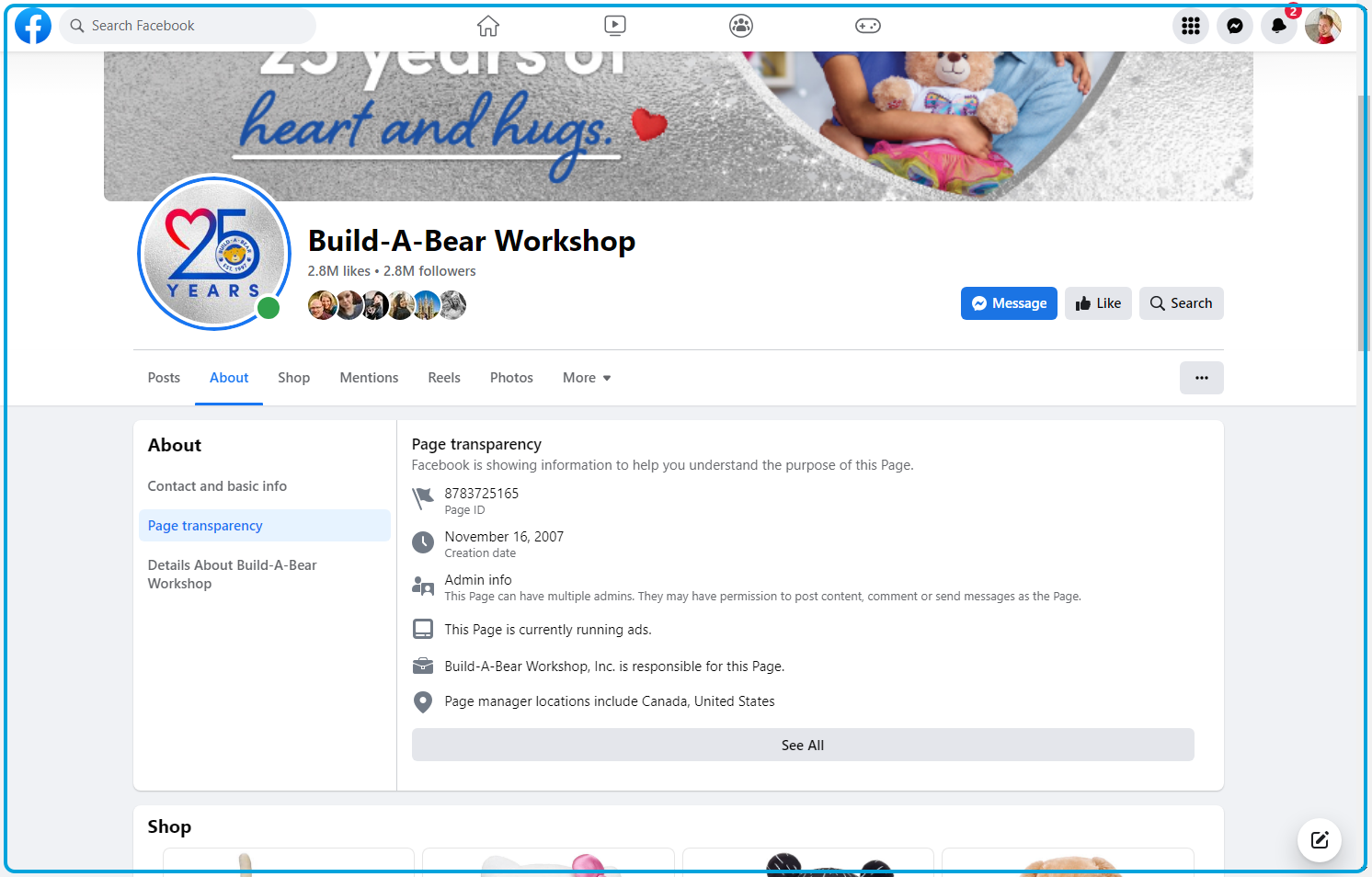
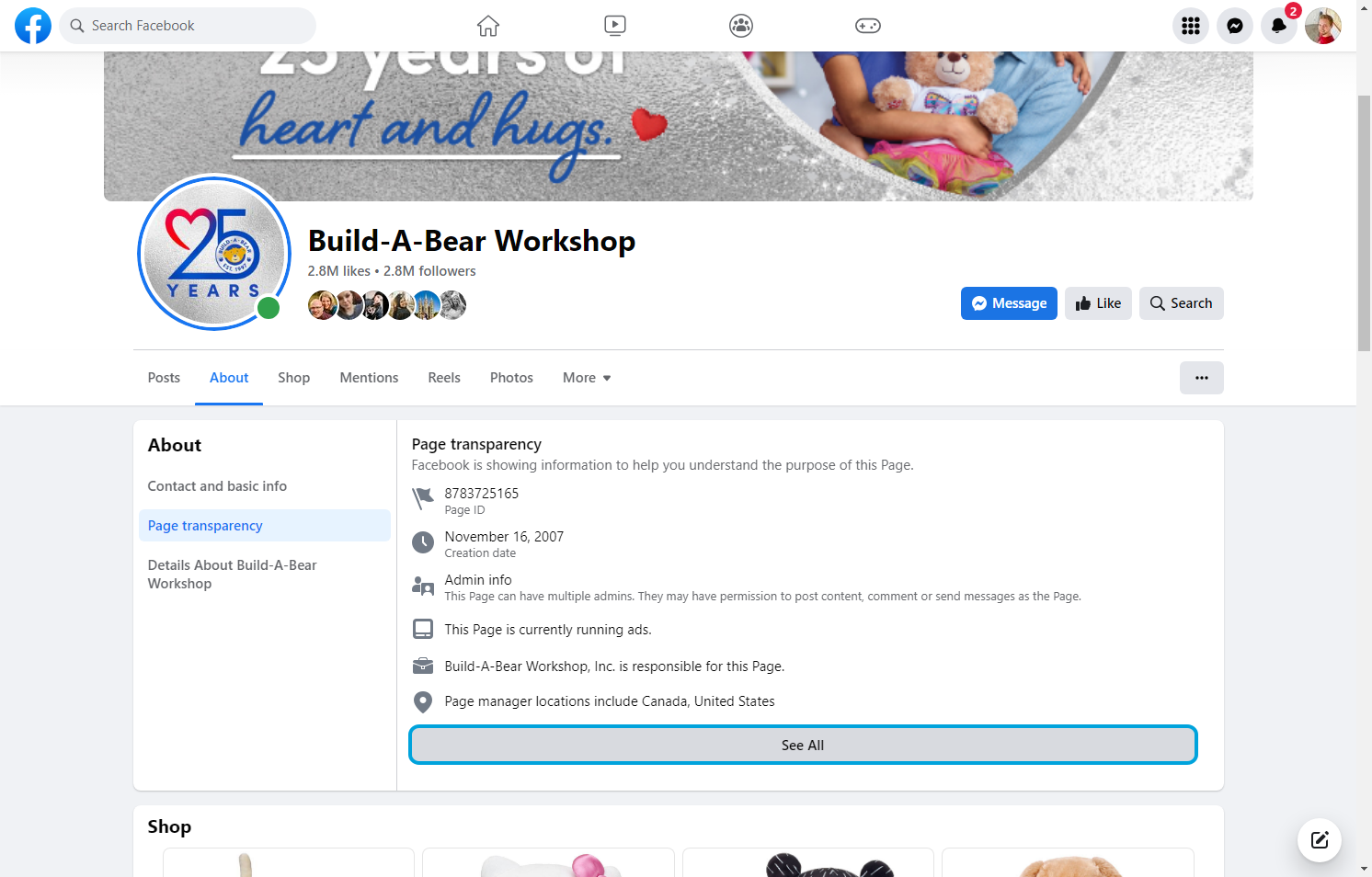
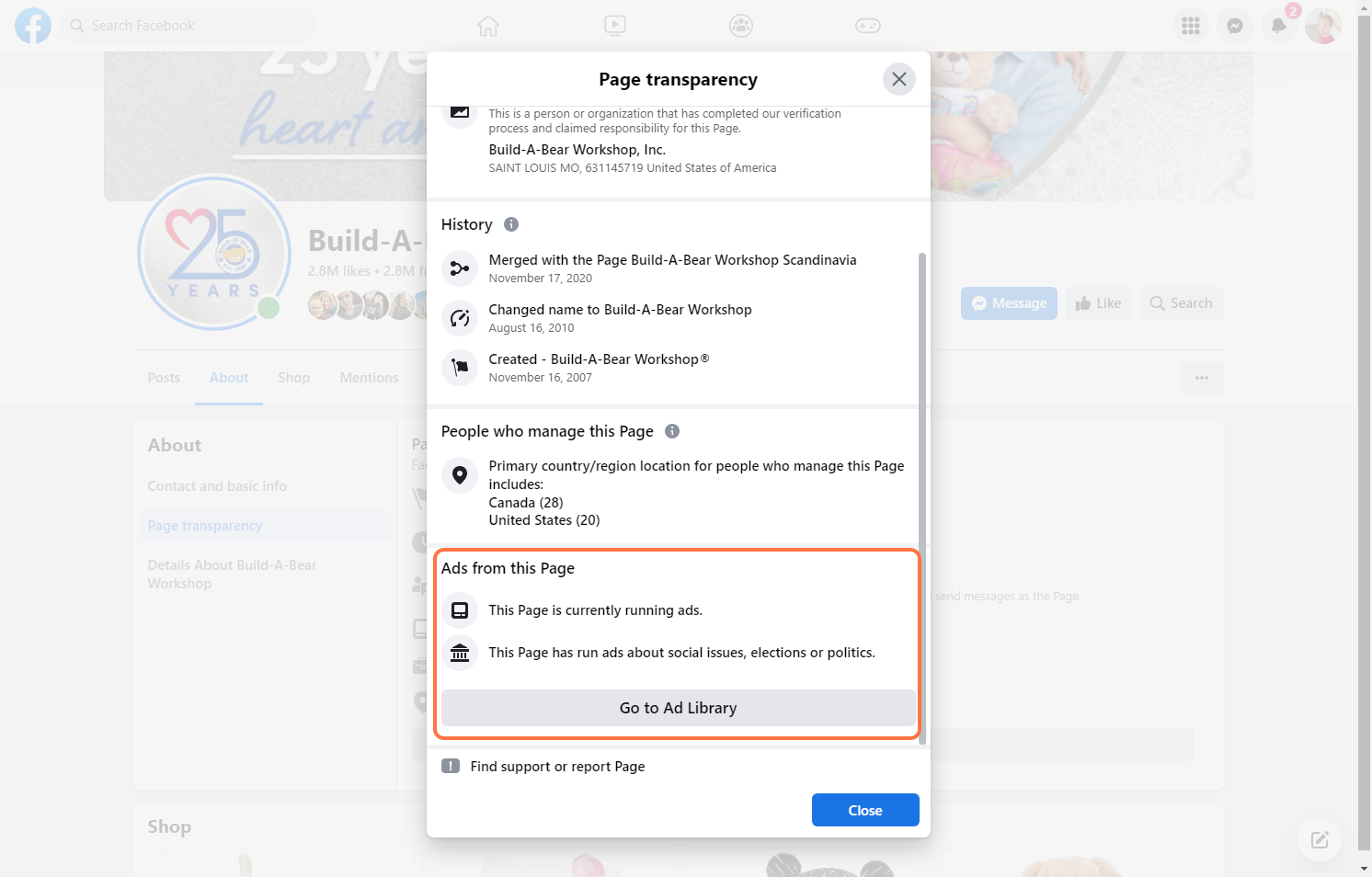
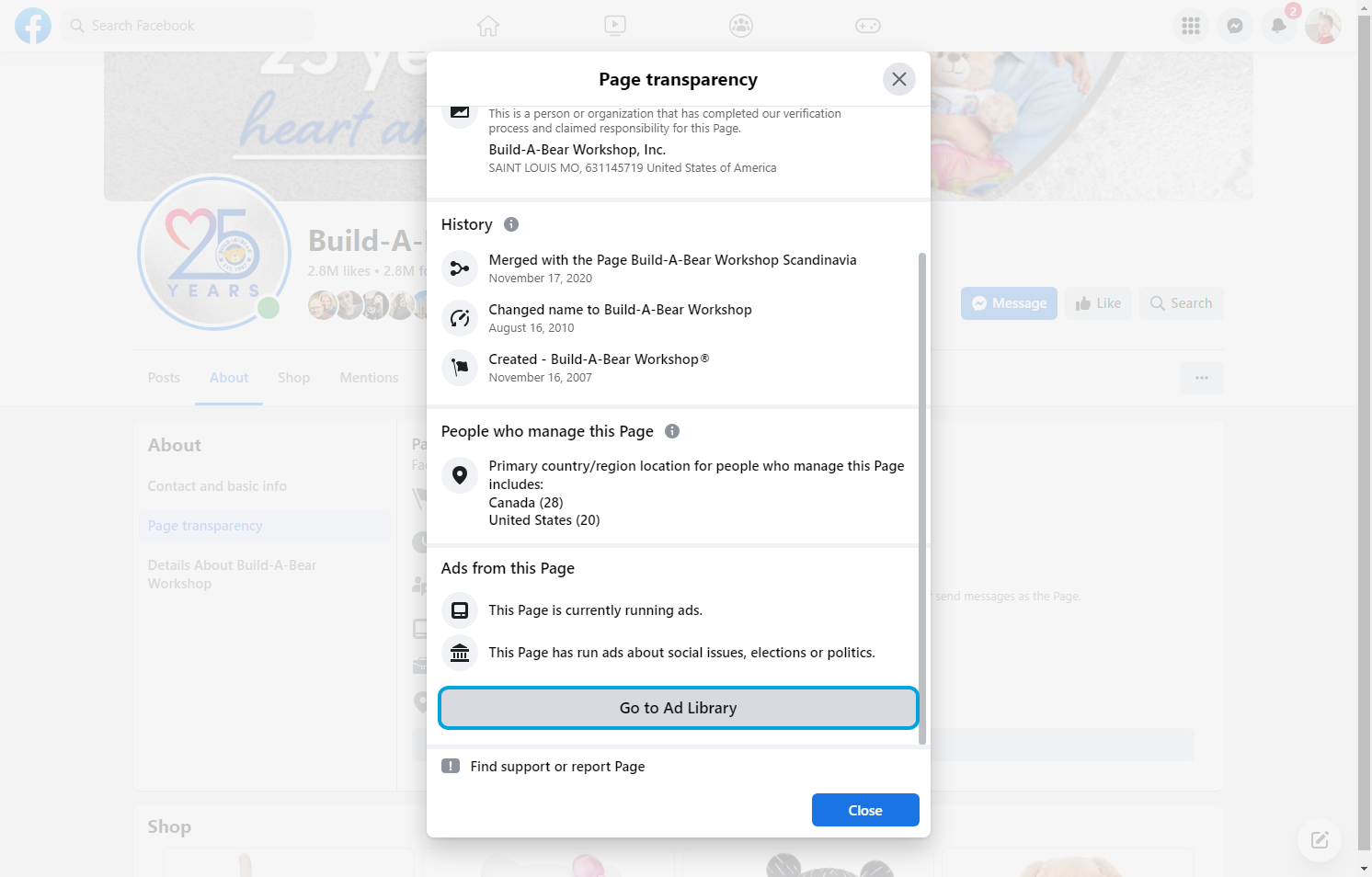
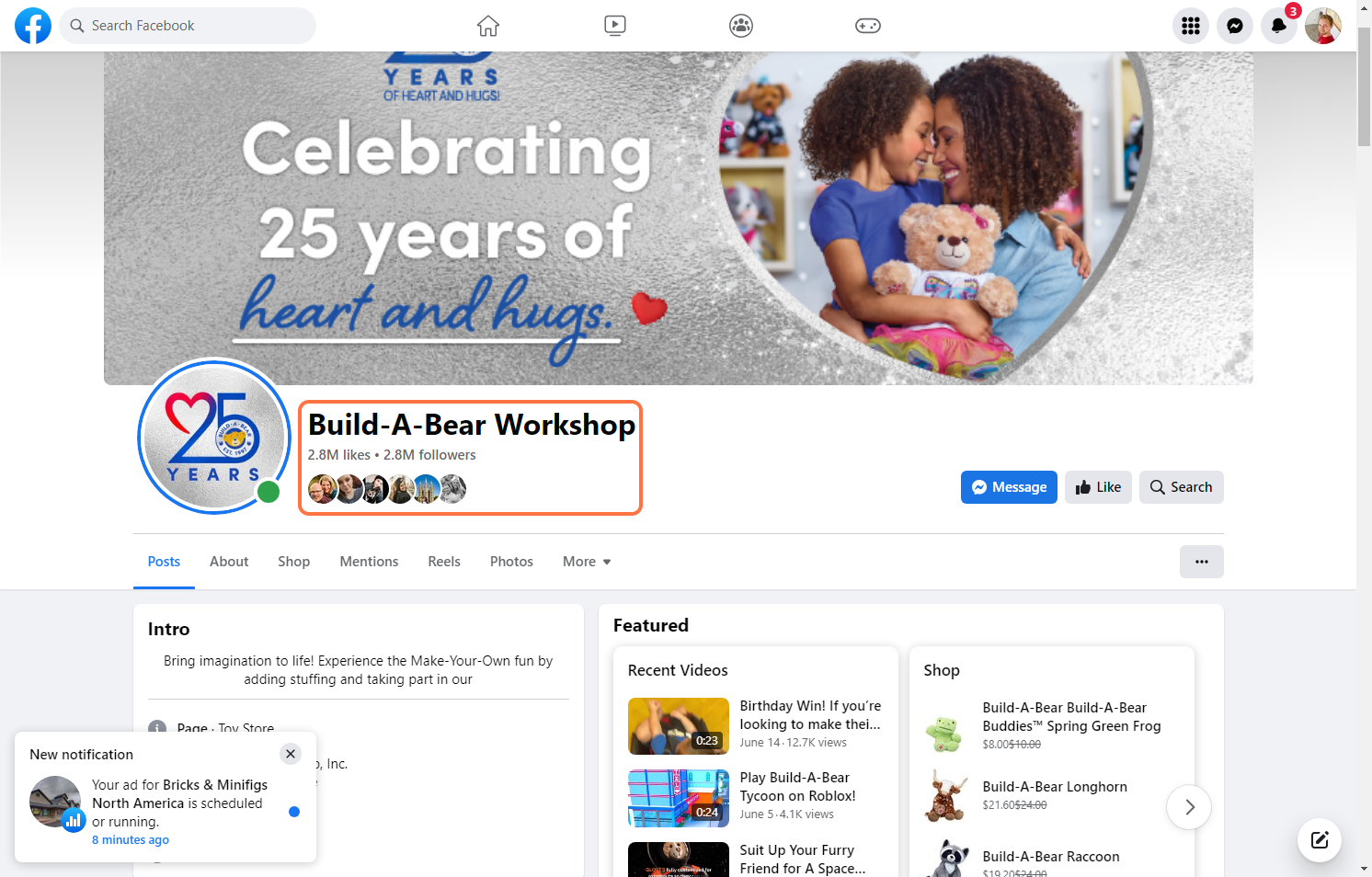
2I chose Build-A-Bear for this walkthrough.
3
4
5
6
7
8
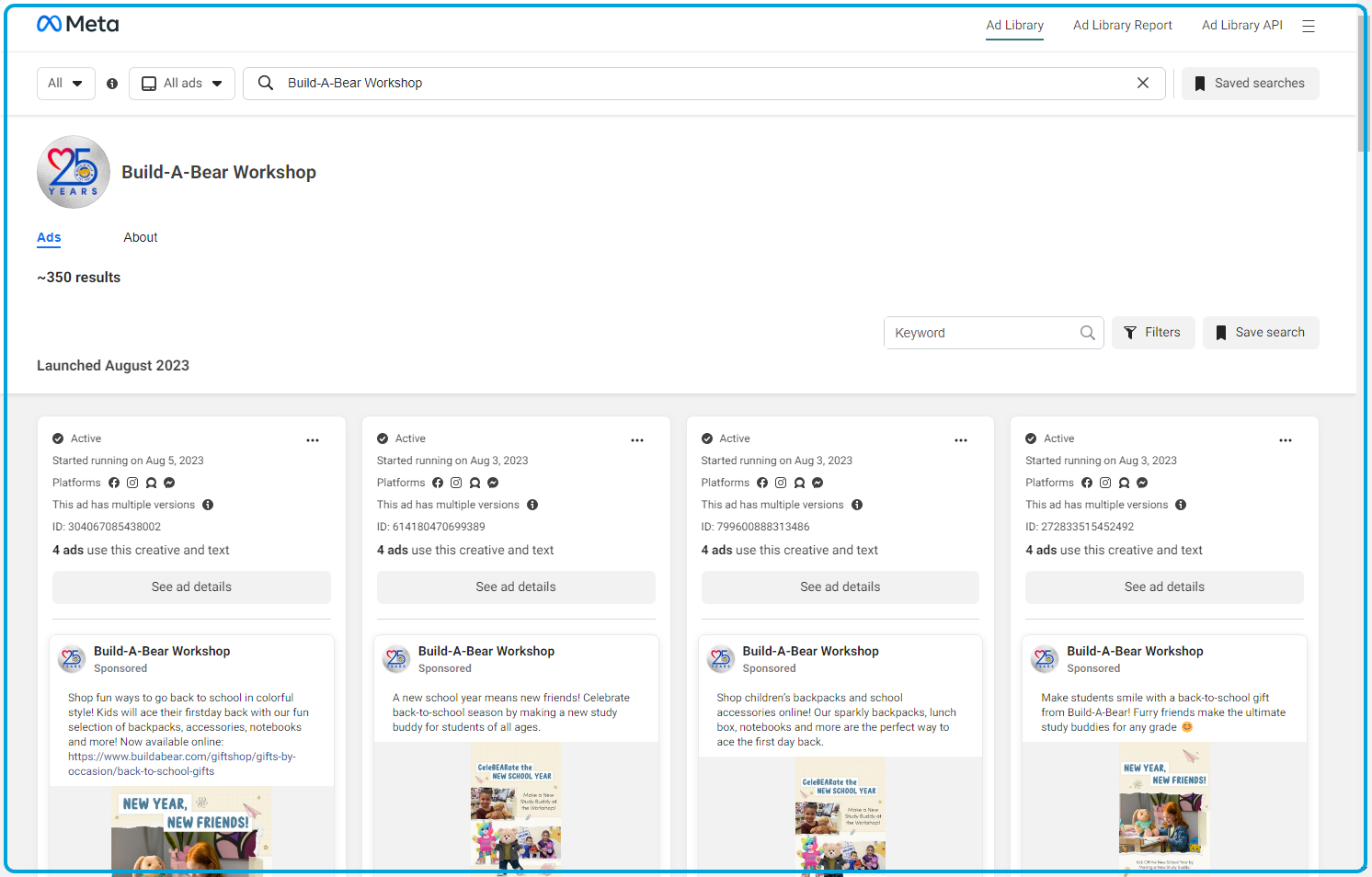
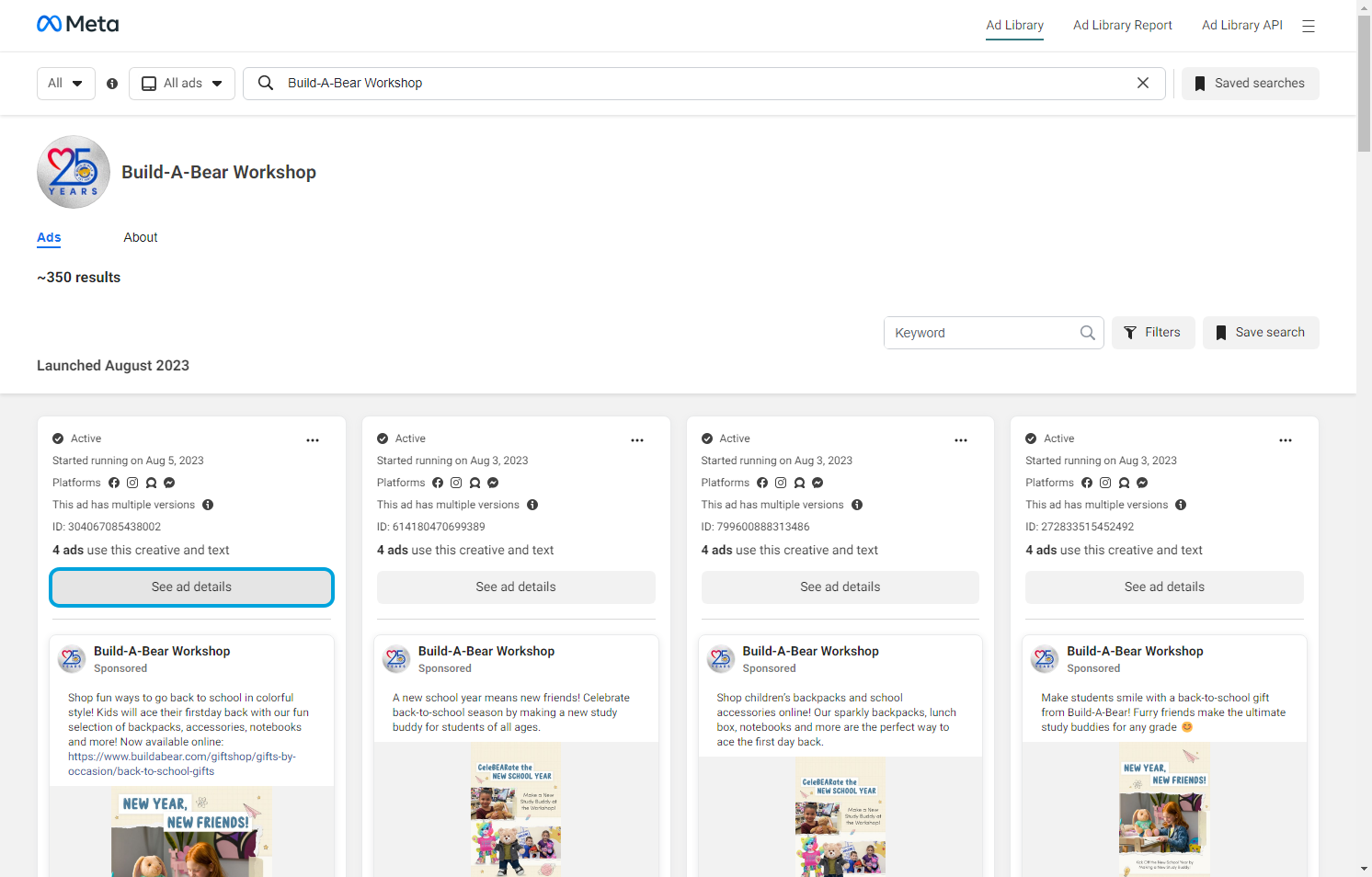
9Each ad will give a overview on when it started. where it's running, and if there's multiple versions of the ad.
10
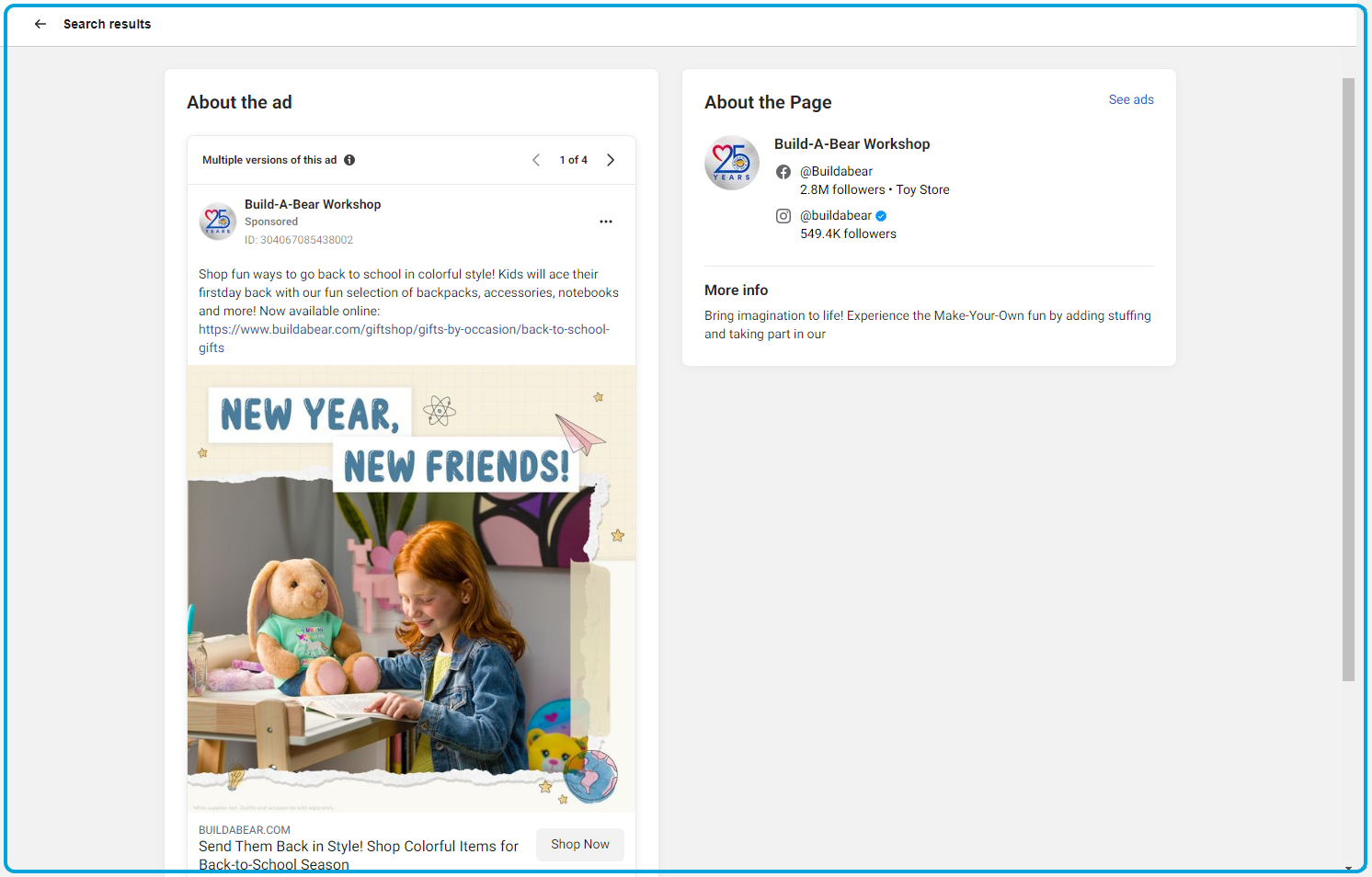
11You can cycle through each version of the ad with the arrows in the top right.
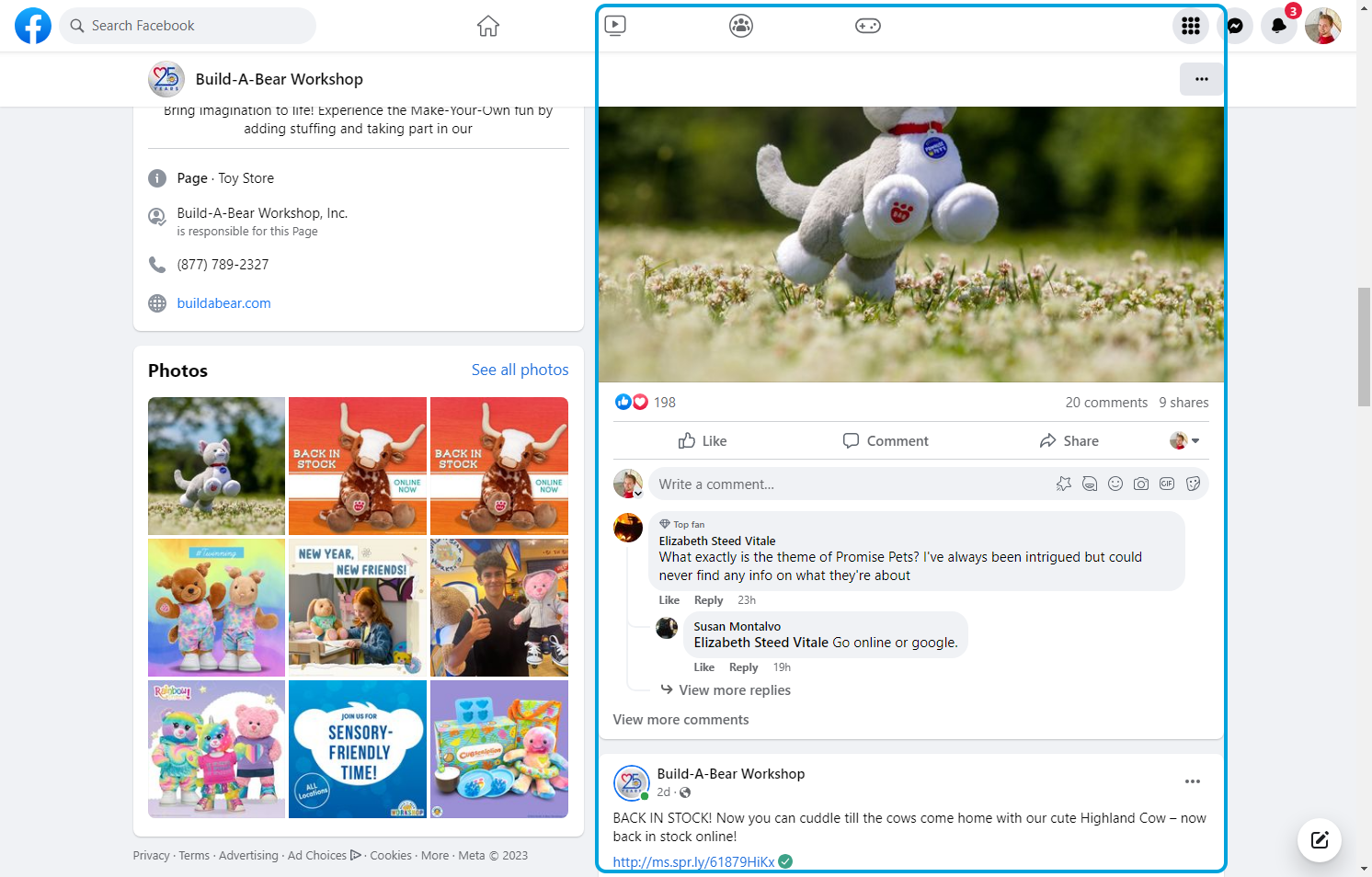
12Compare the size of the channel to the engagment rate of the posts.
13
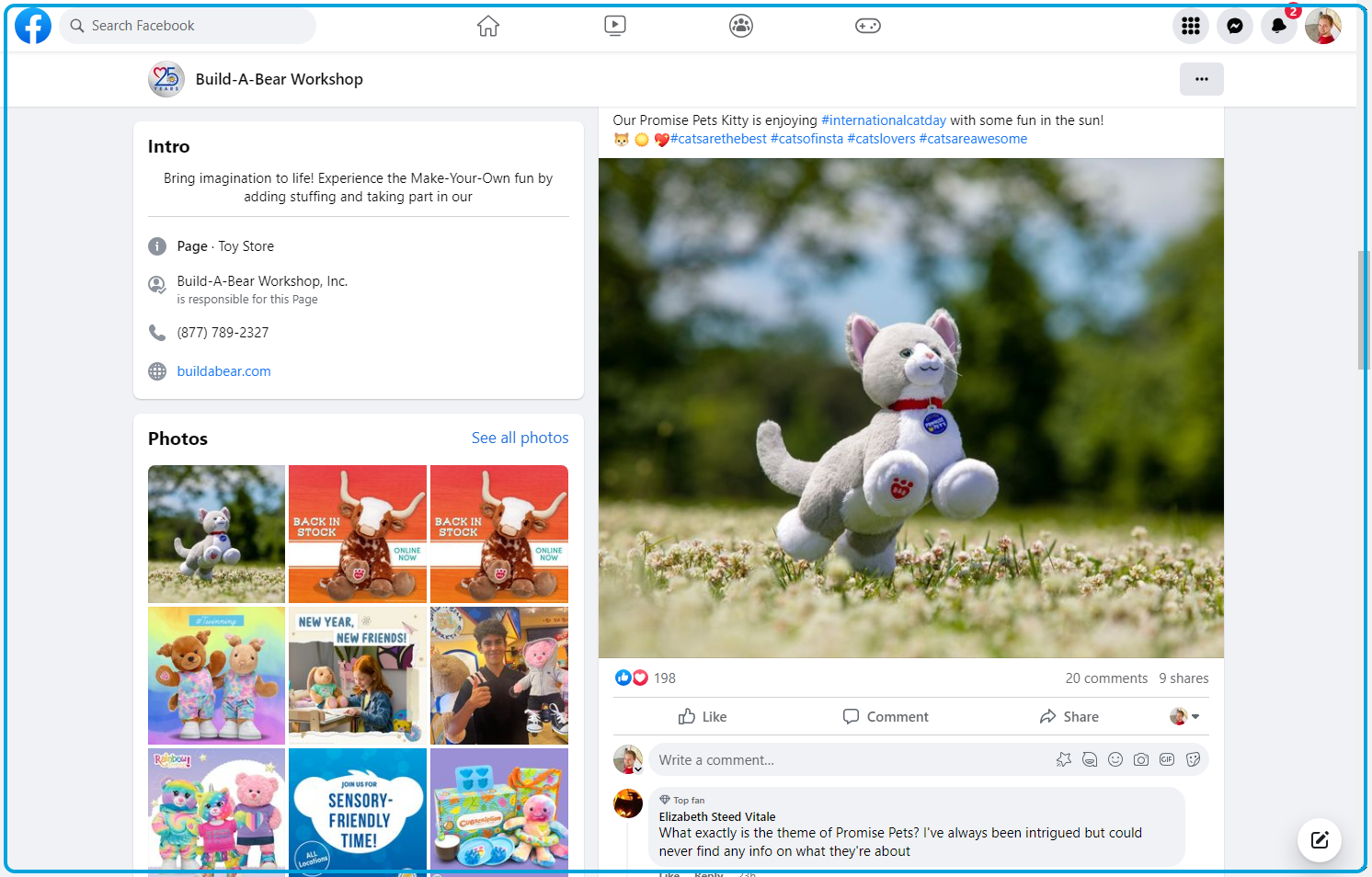
14Look at the average engagement of the posts. Likes, comments, shares. This will give you an idea of how well the posts are doing.