Interactive walkthrough, captured from the company’s help desk (originally an embedded Tango guide), reconstructed step by step:
1

2
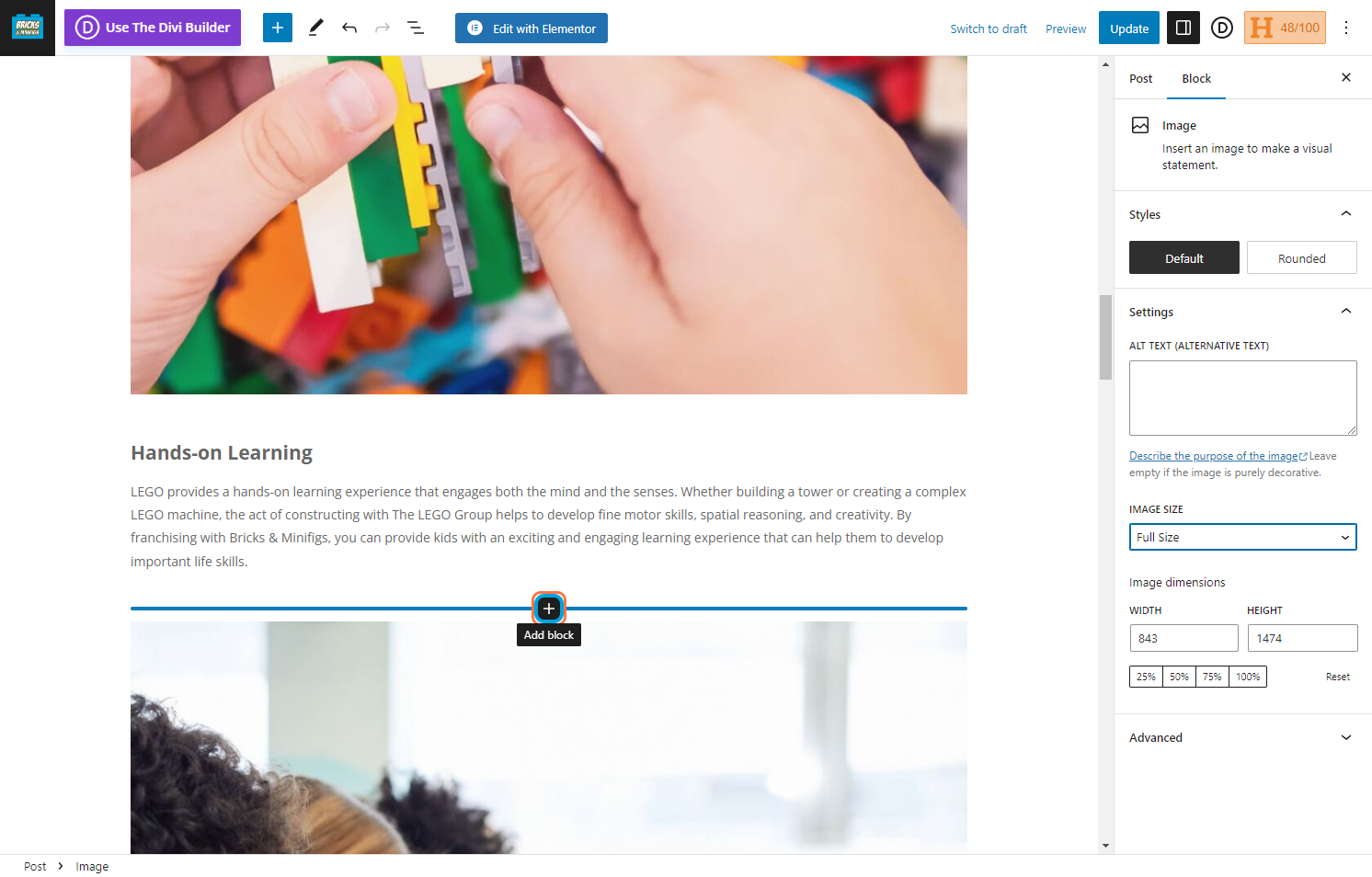
3
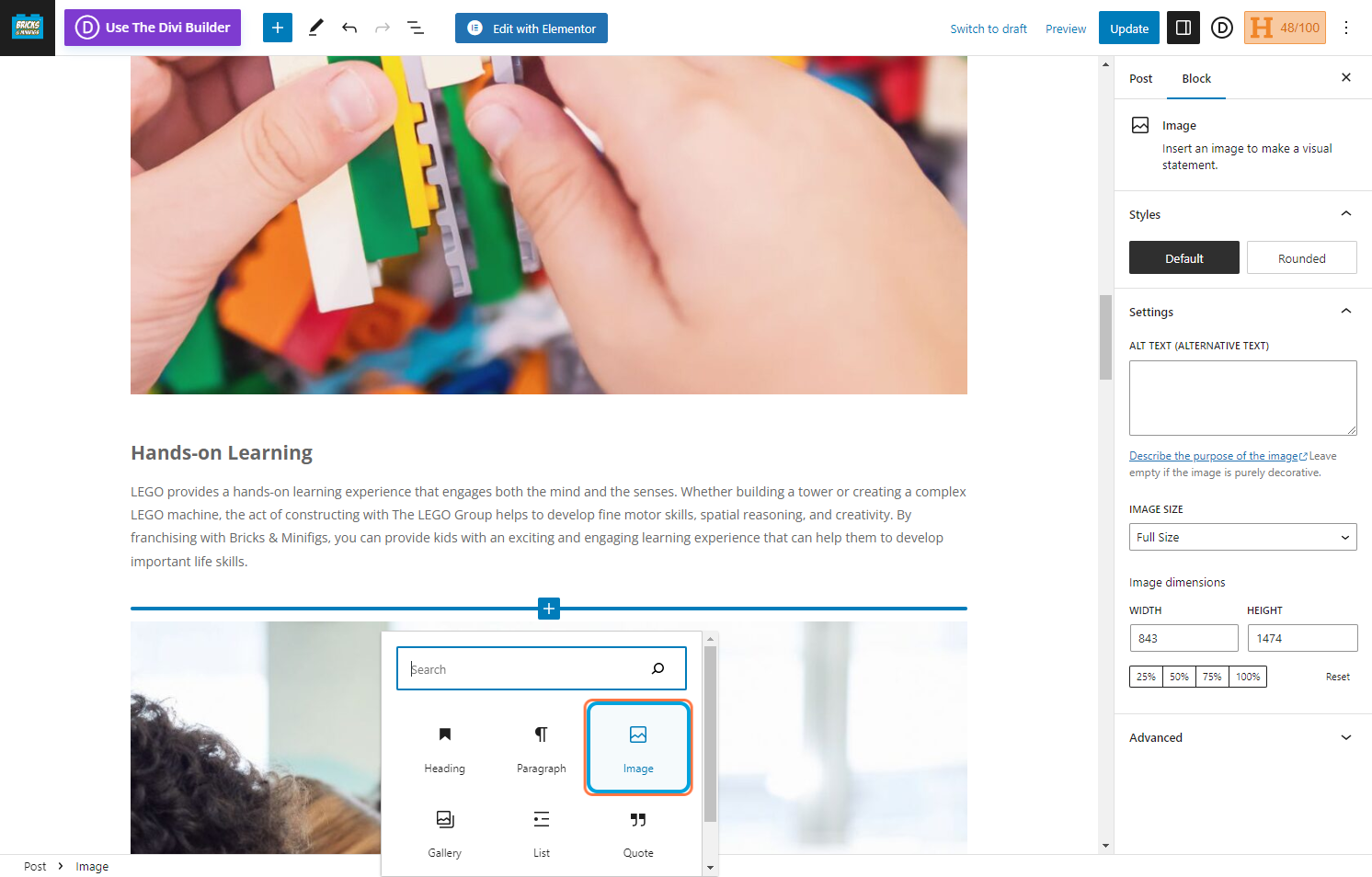
4We recommend uploading the image so you can format it to the correct size and add it in .
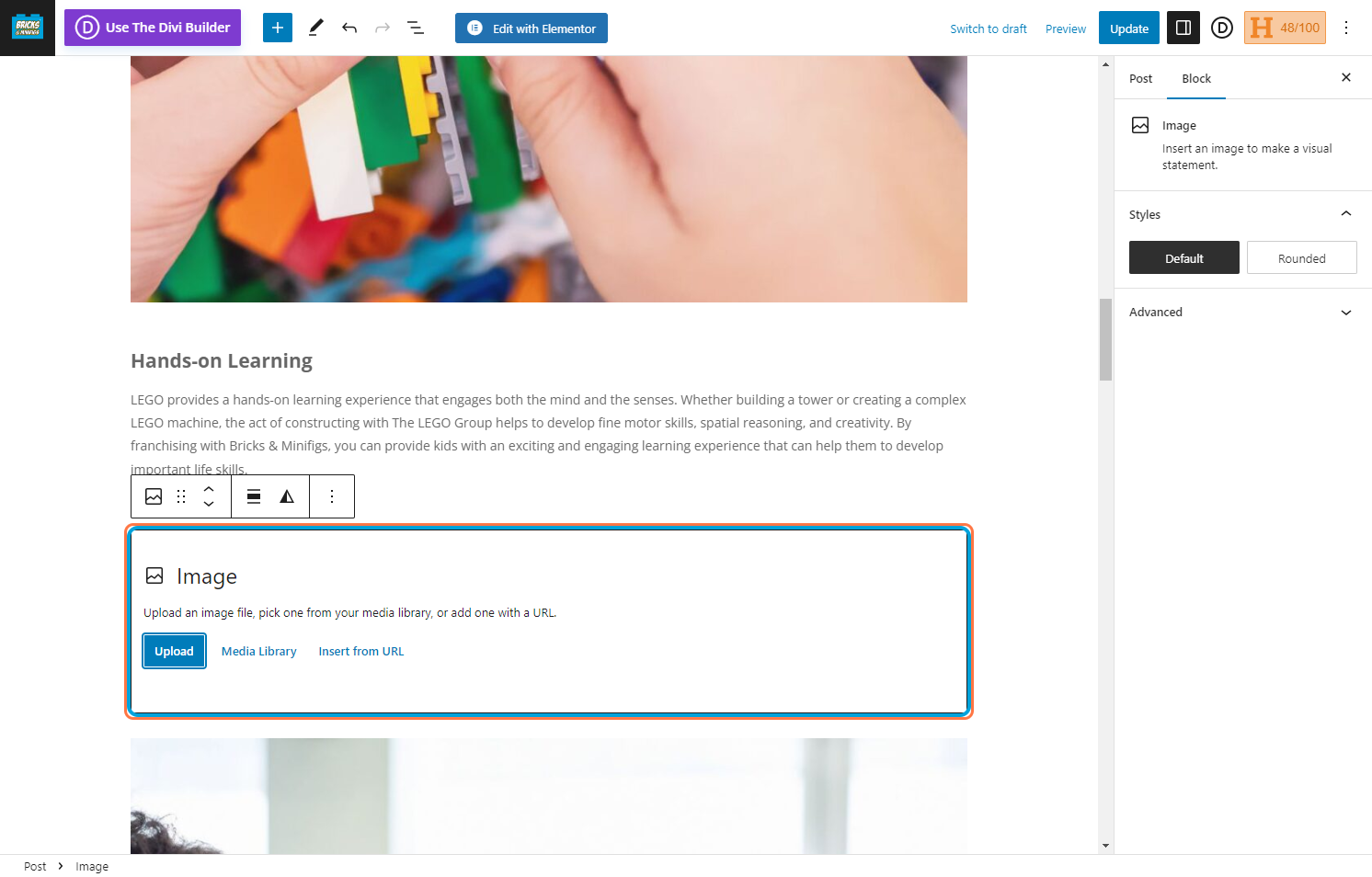
5You can set the image at different sizes and then fine tune with dragging the image or inputting the width and height.

6This is the description of what the image is.

7