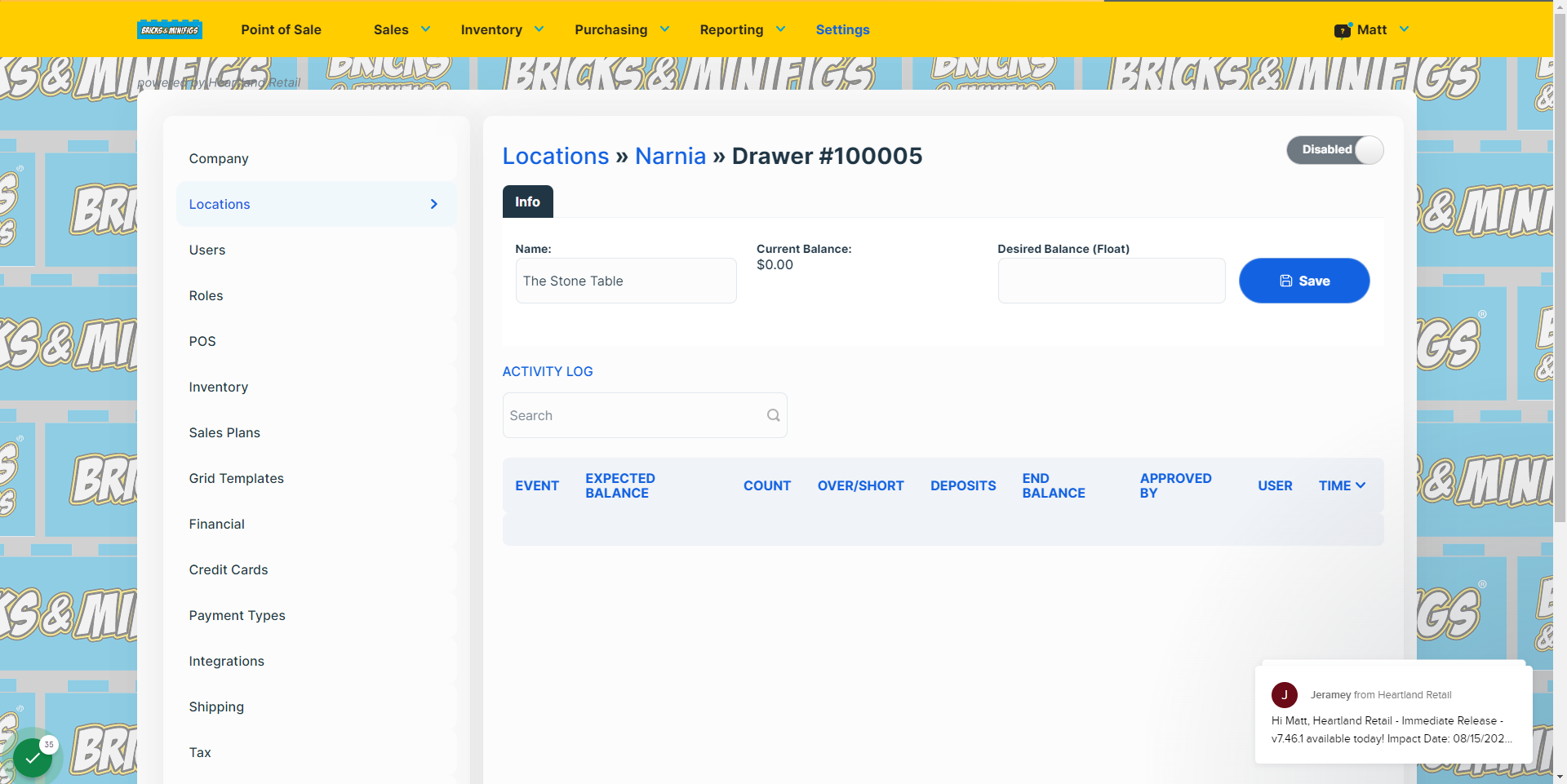
Interactive walkthrough, captured from the company’s help desk (originally an embedded Tango guide), reconstructed step by step:
1
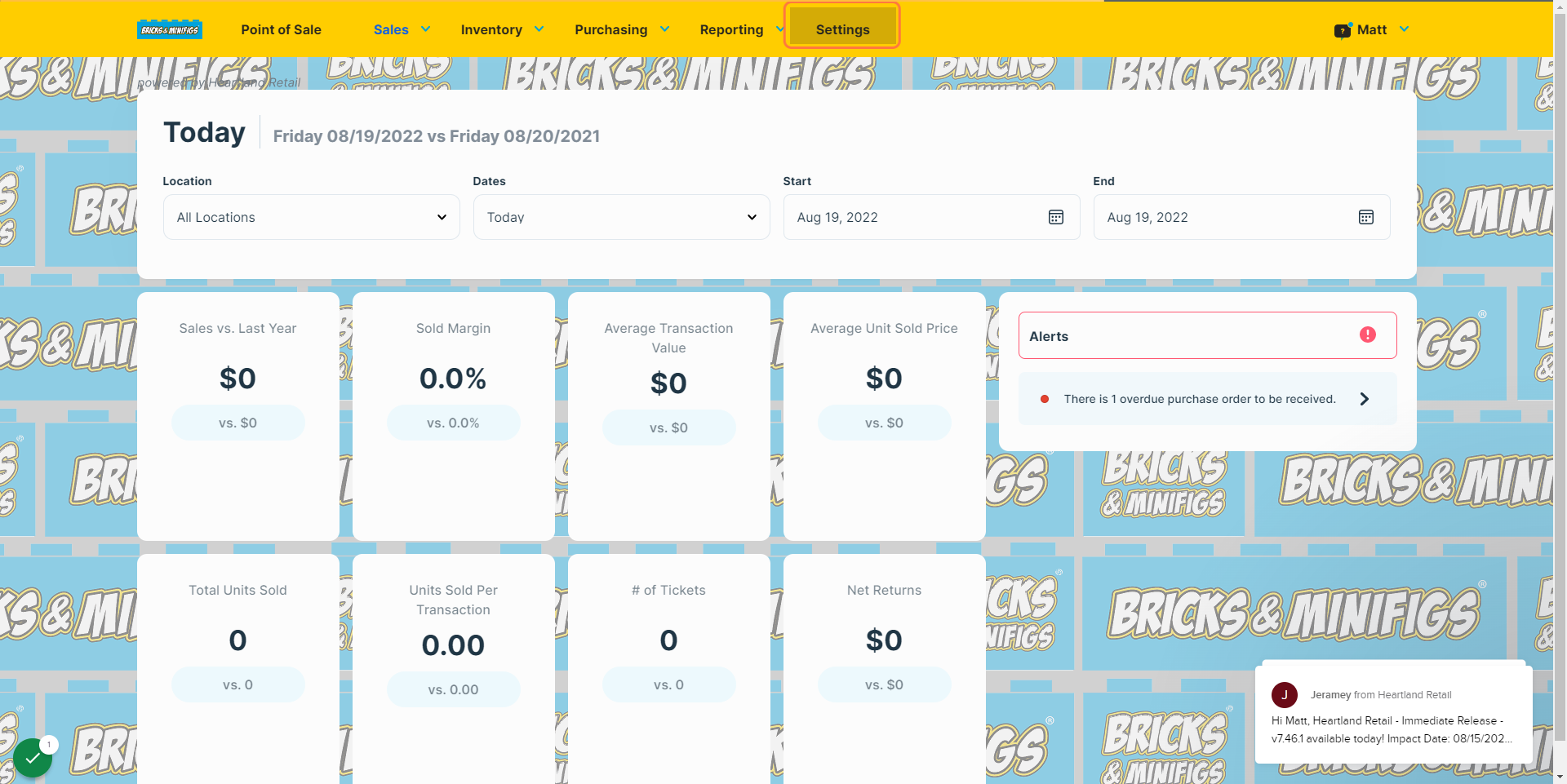
2
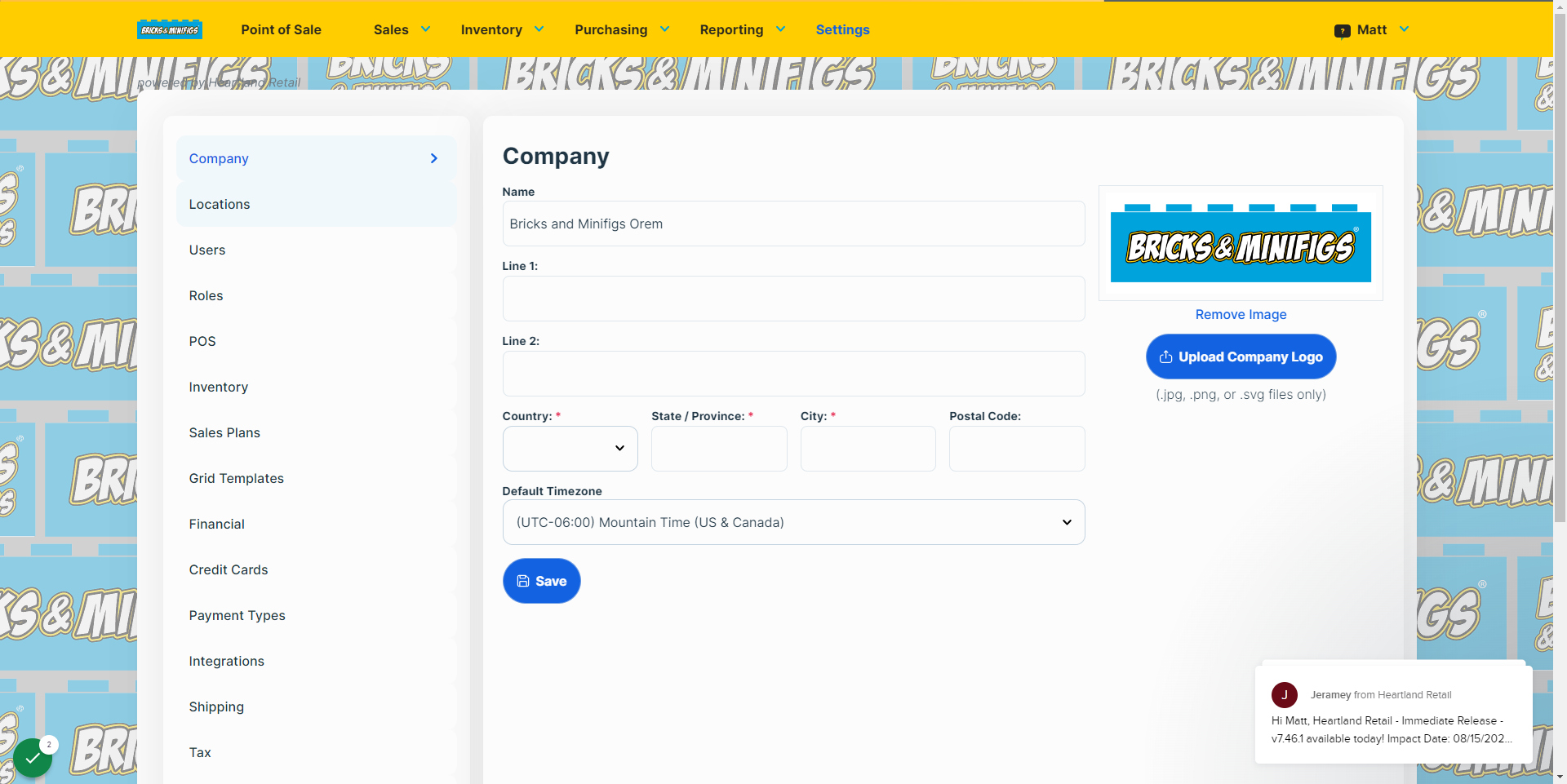
3
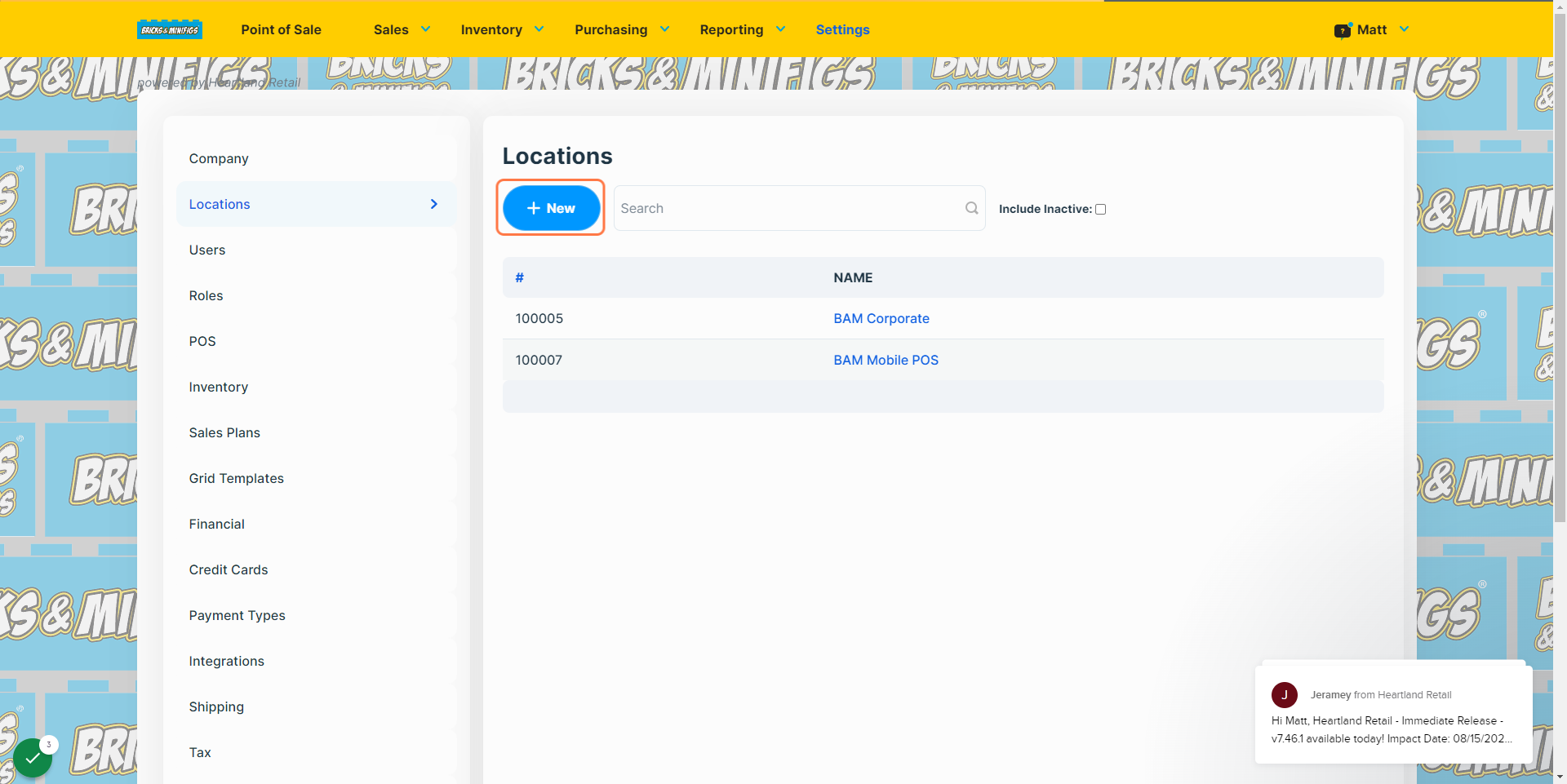
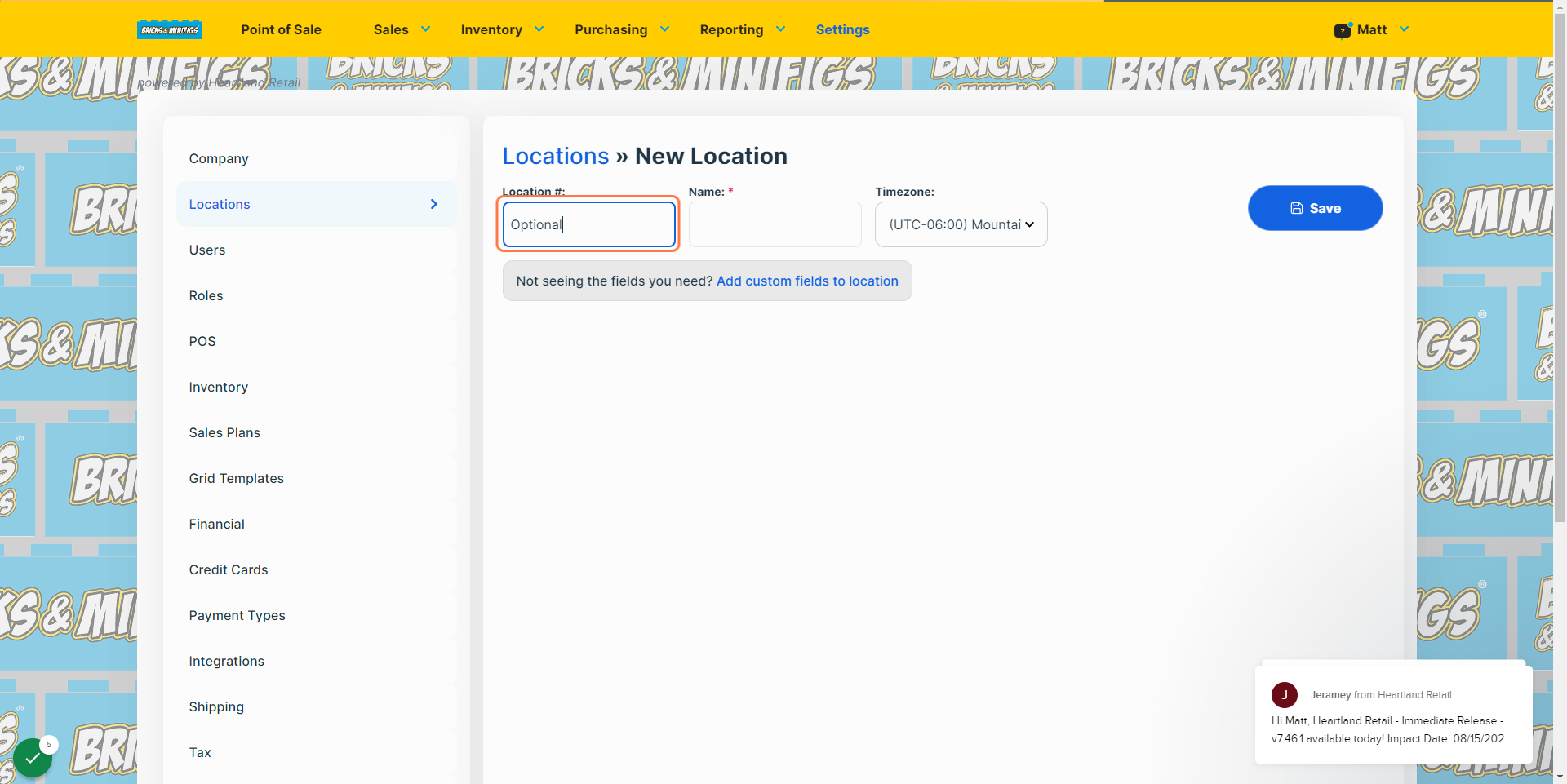
4If left blank, an ID will be assigned to it automatically
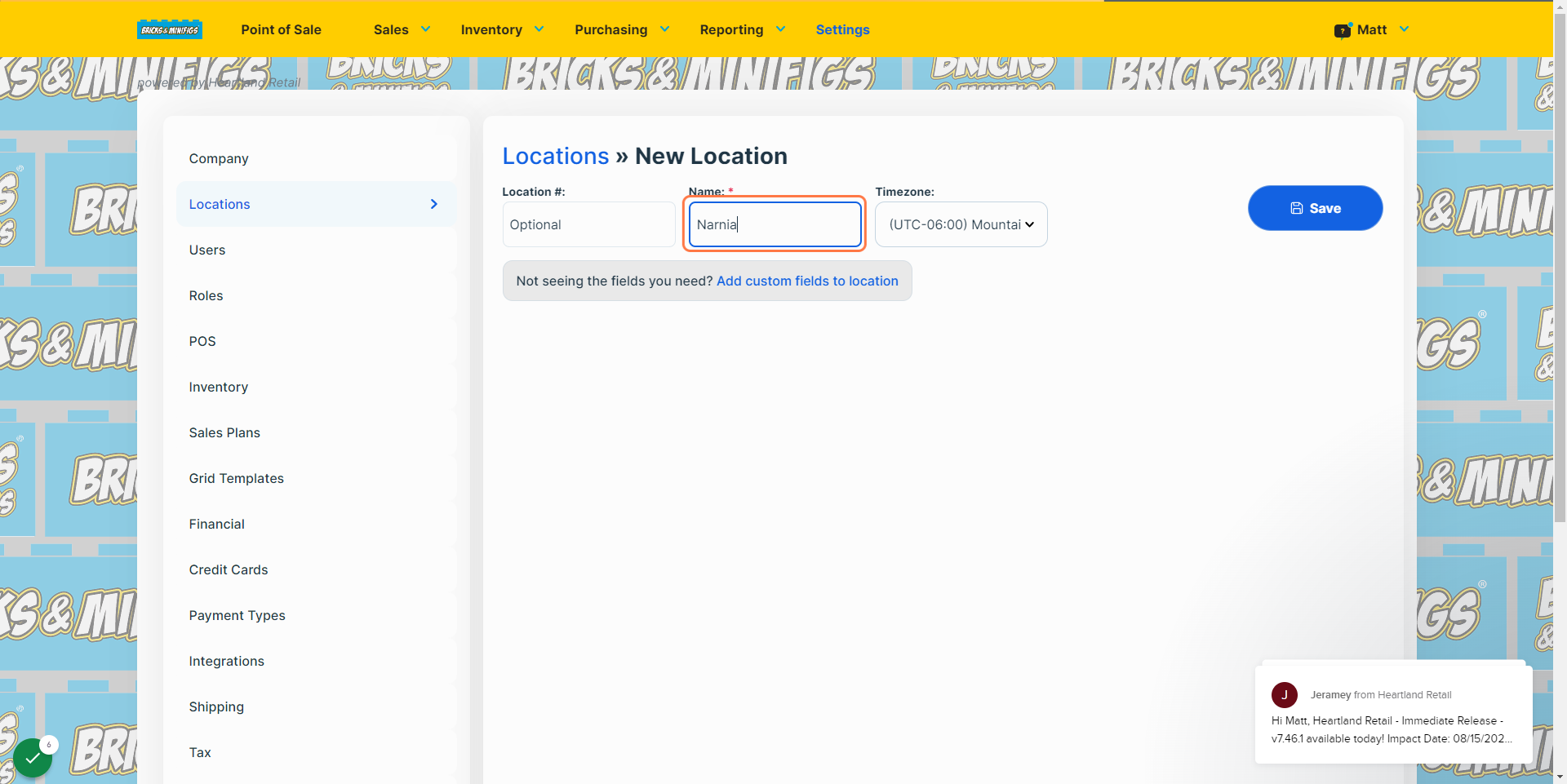
5This will typically be the city or area the store is located in.
6
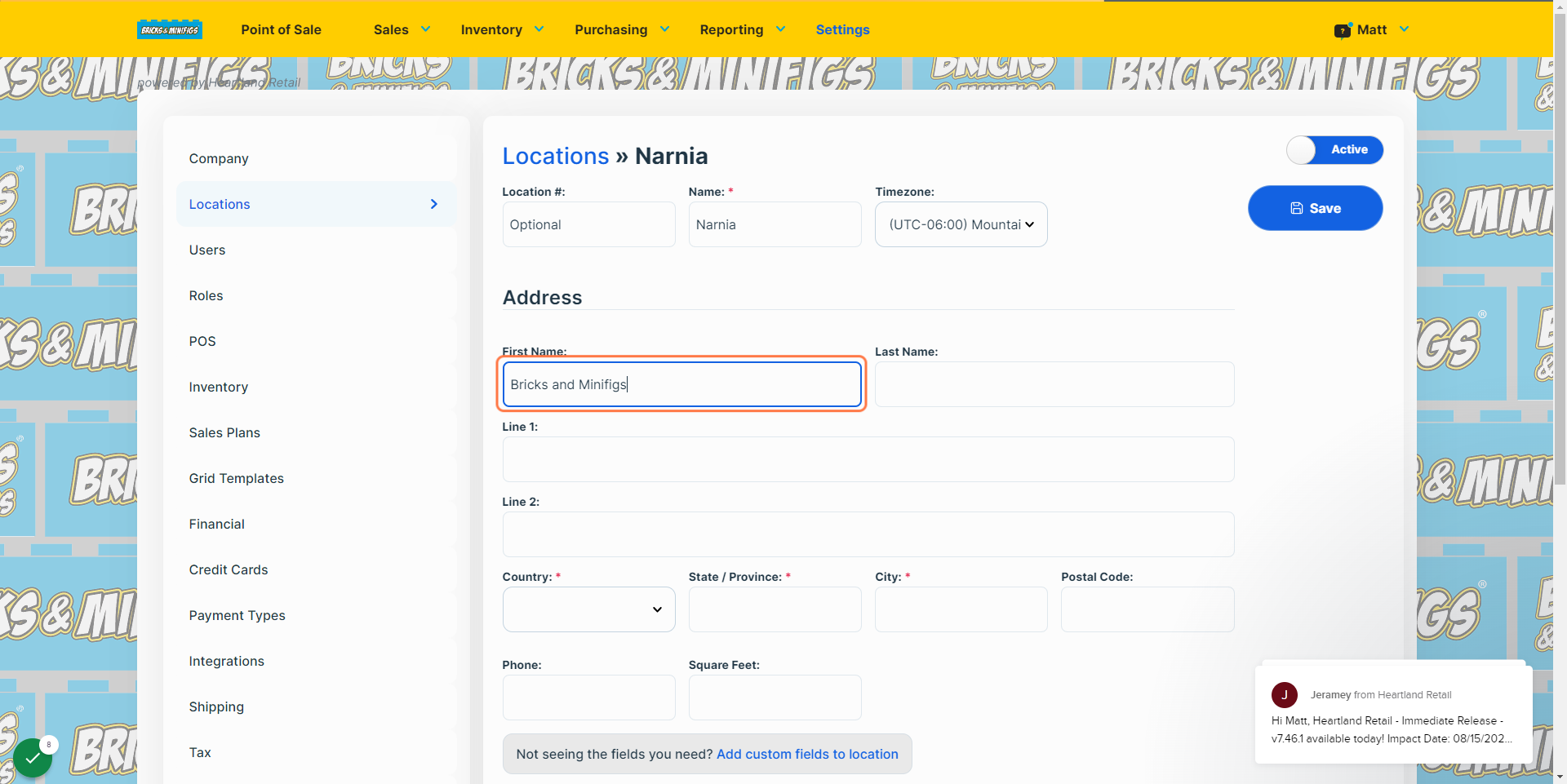
7Adding something along the lines of "Bricks and Minifigs (location)" will suffice. This may also be left blank.
8
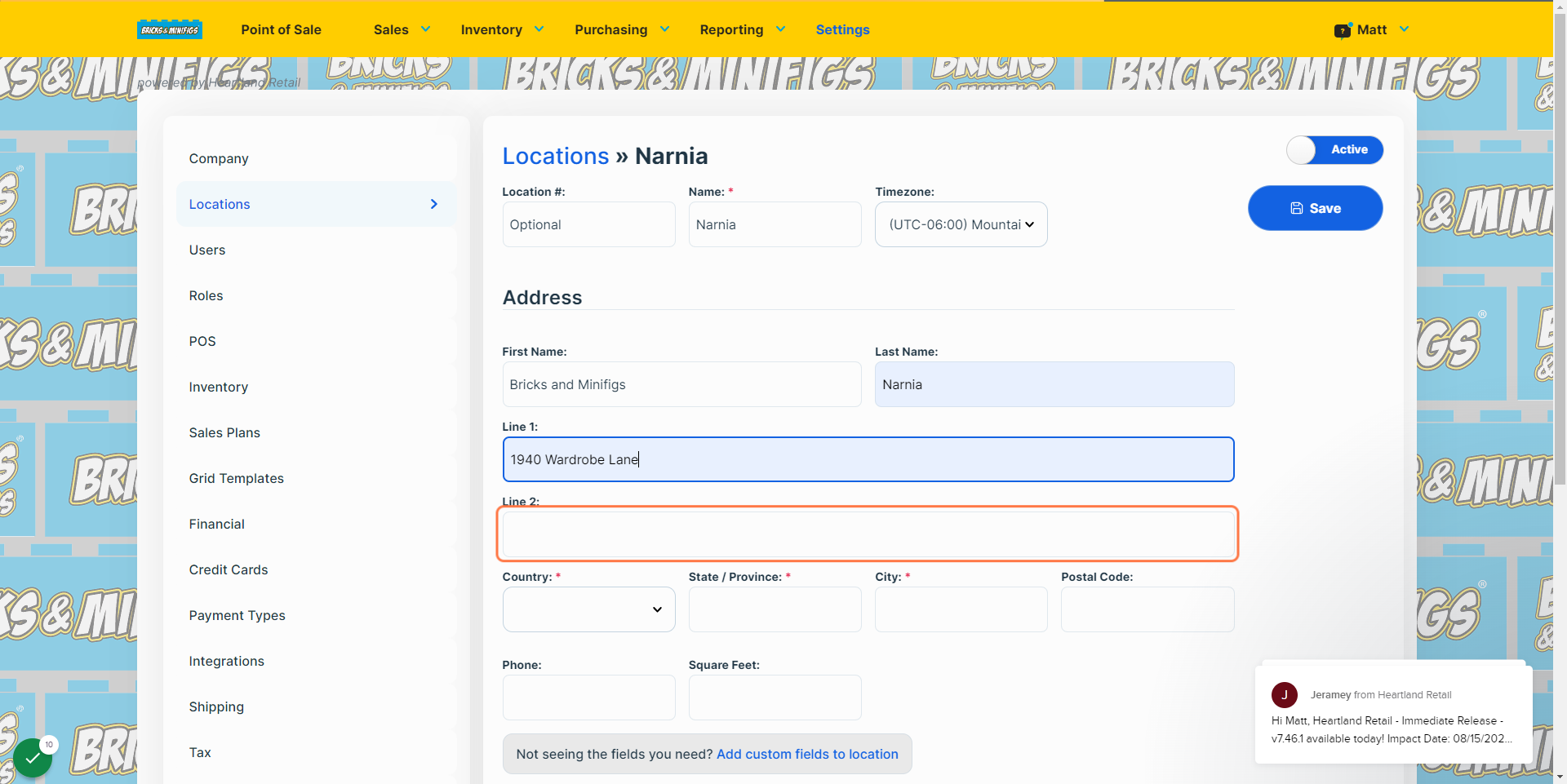
9this will allow users to find and call the location specifically
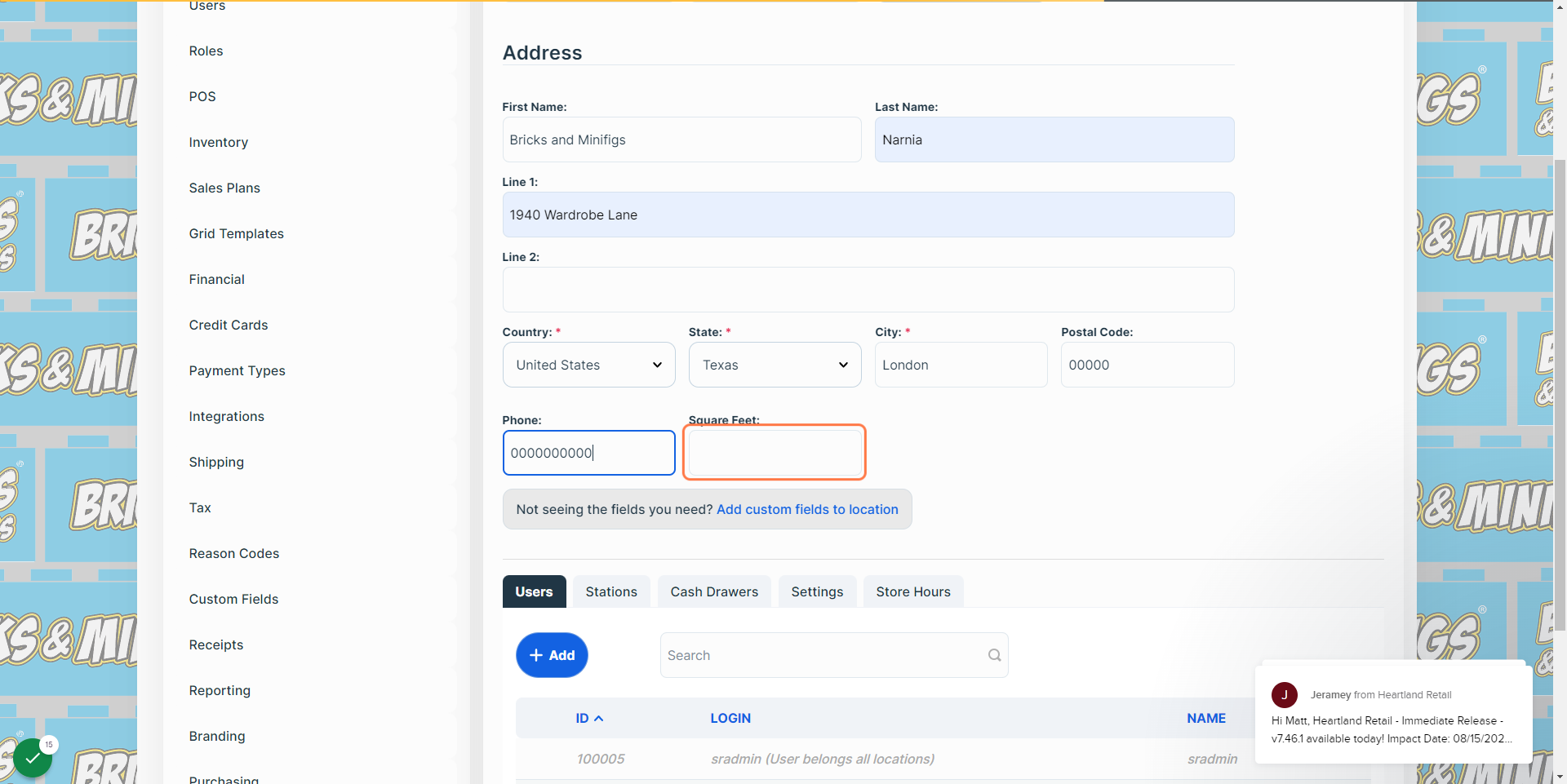
10
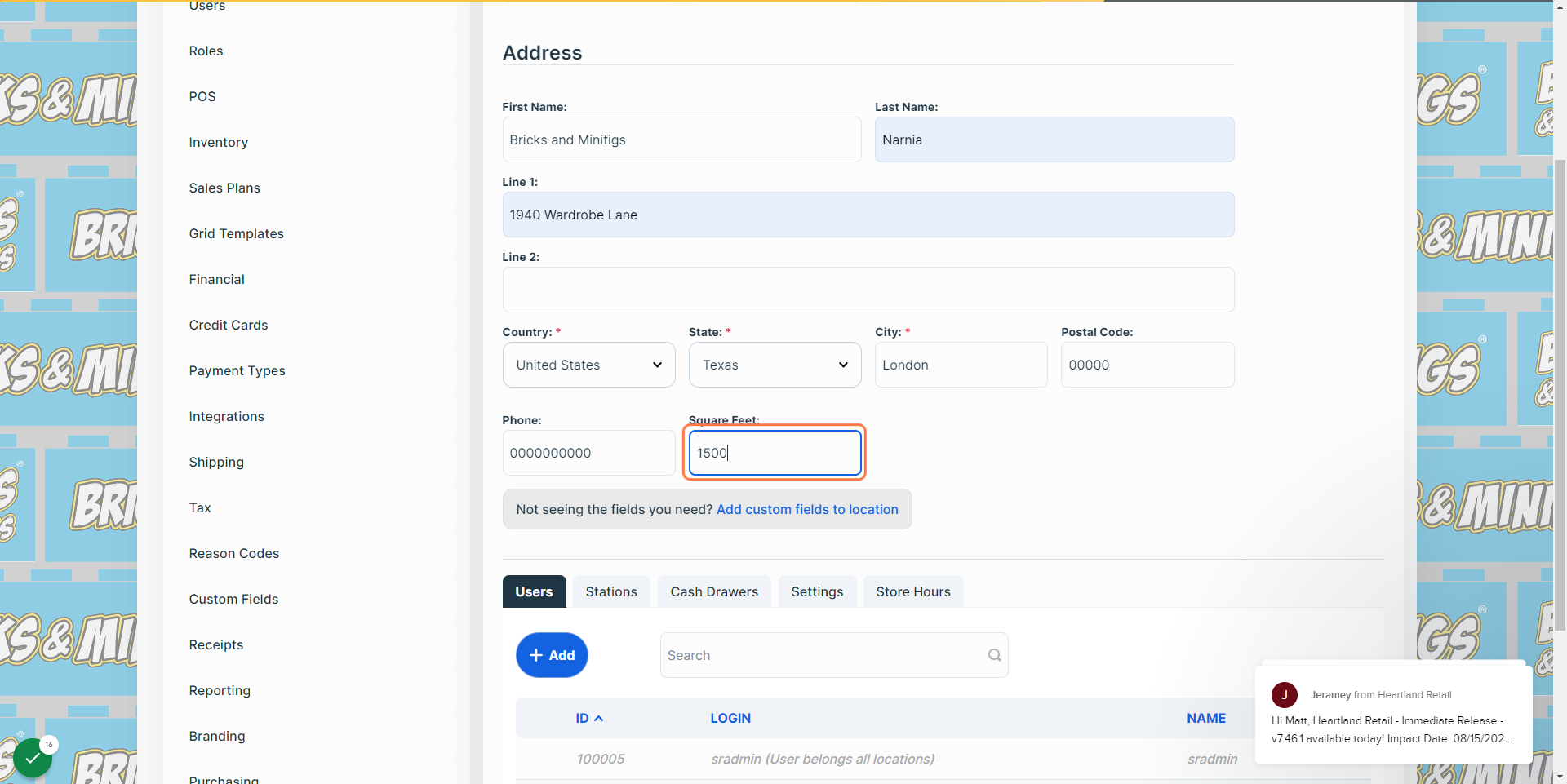
11
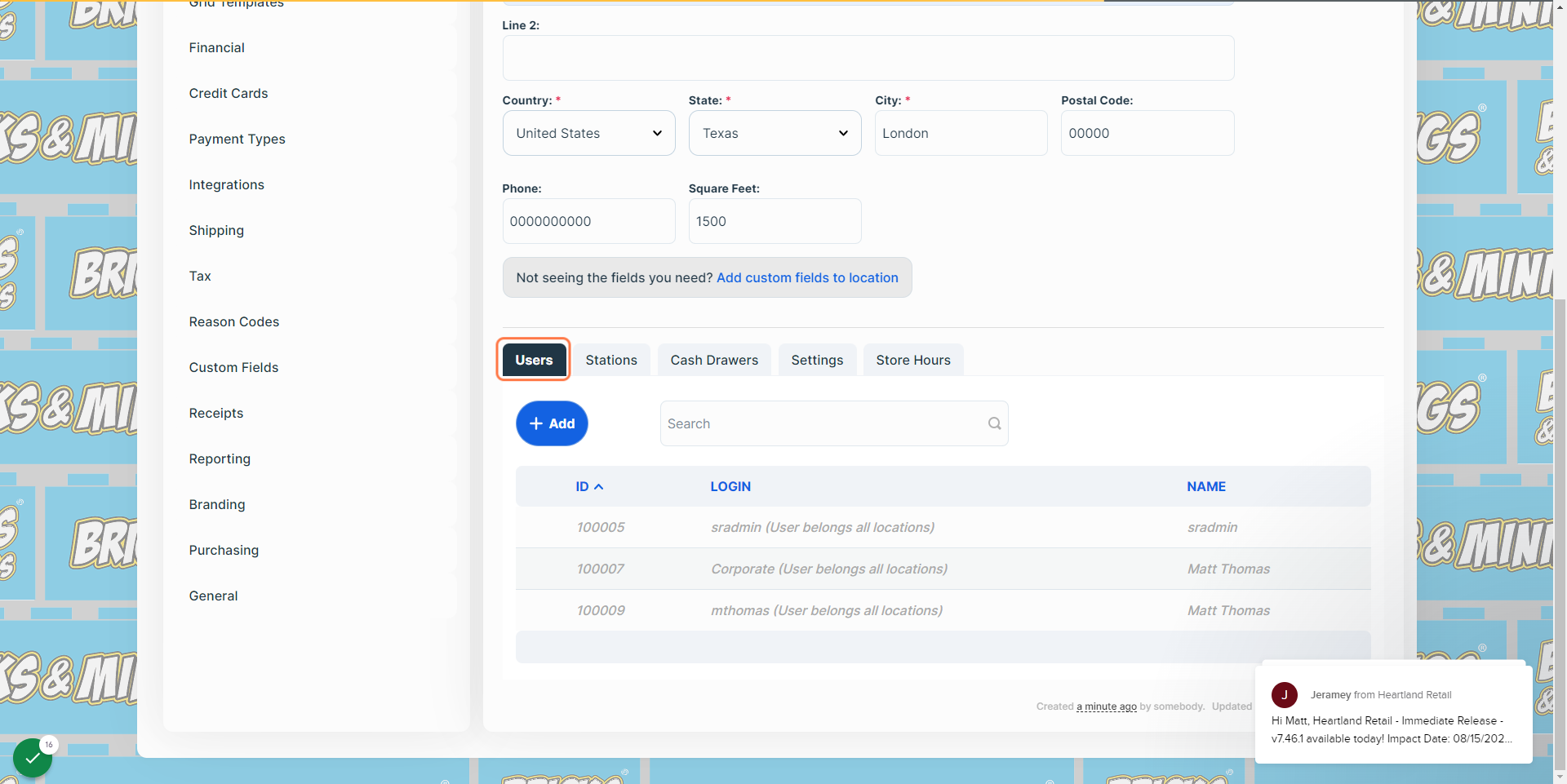
12
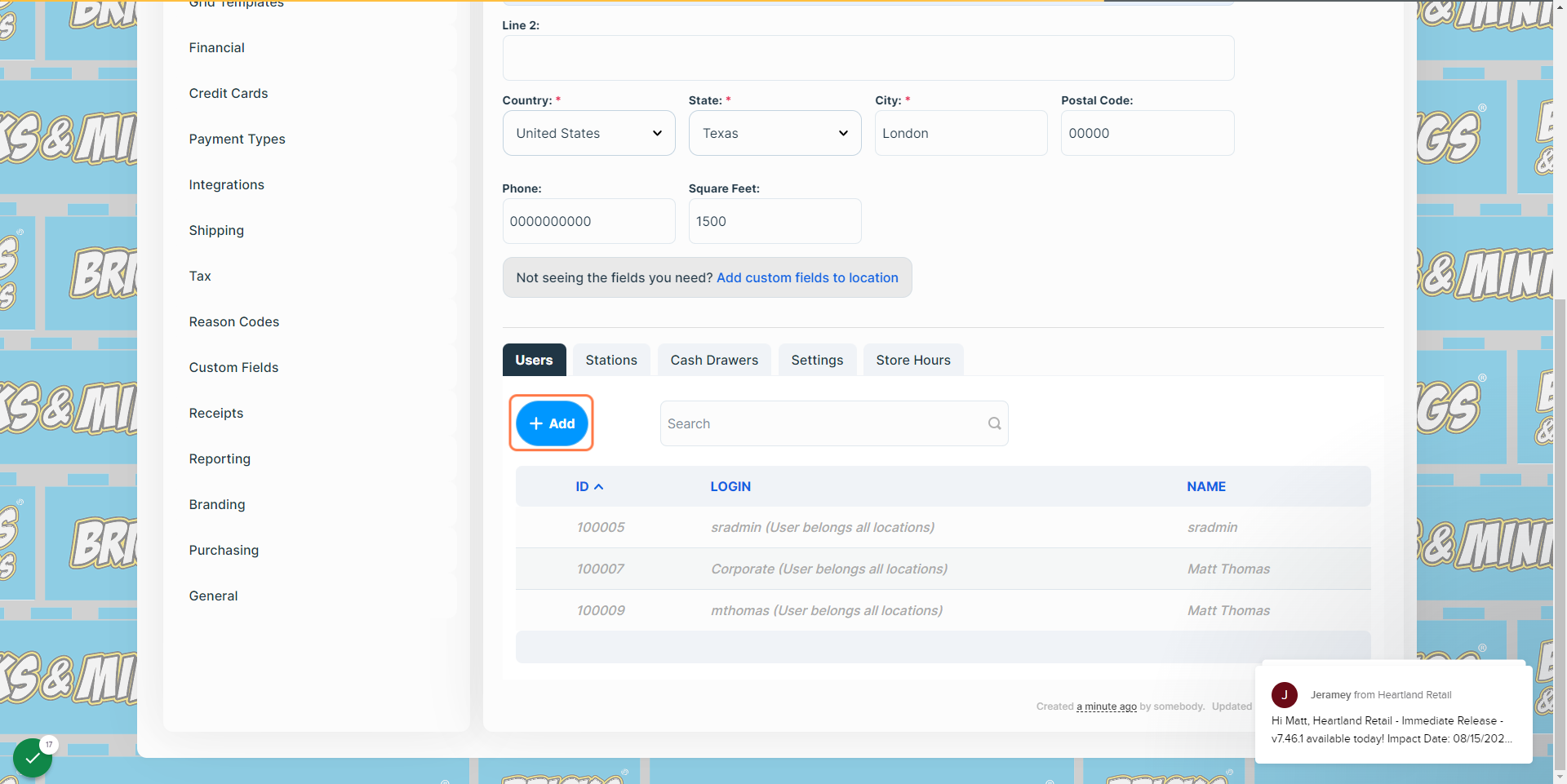
13
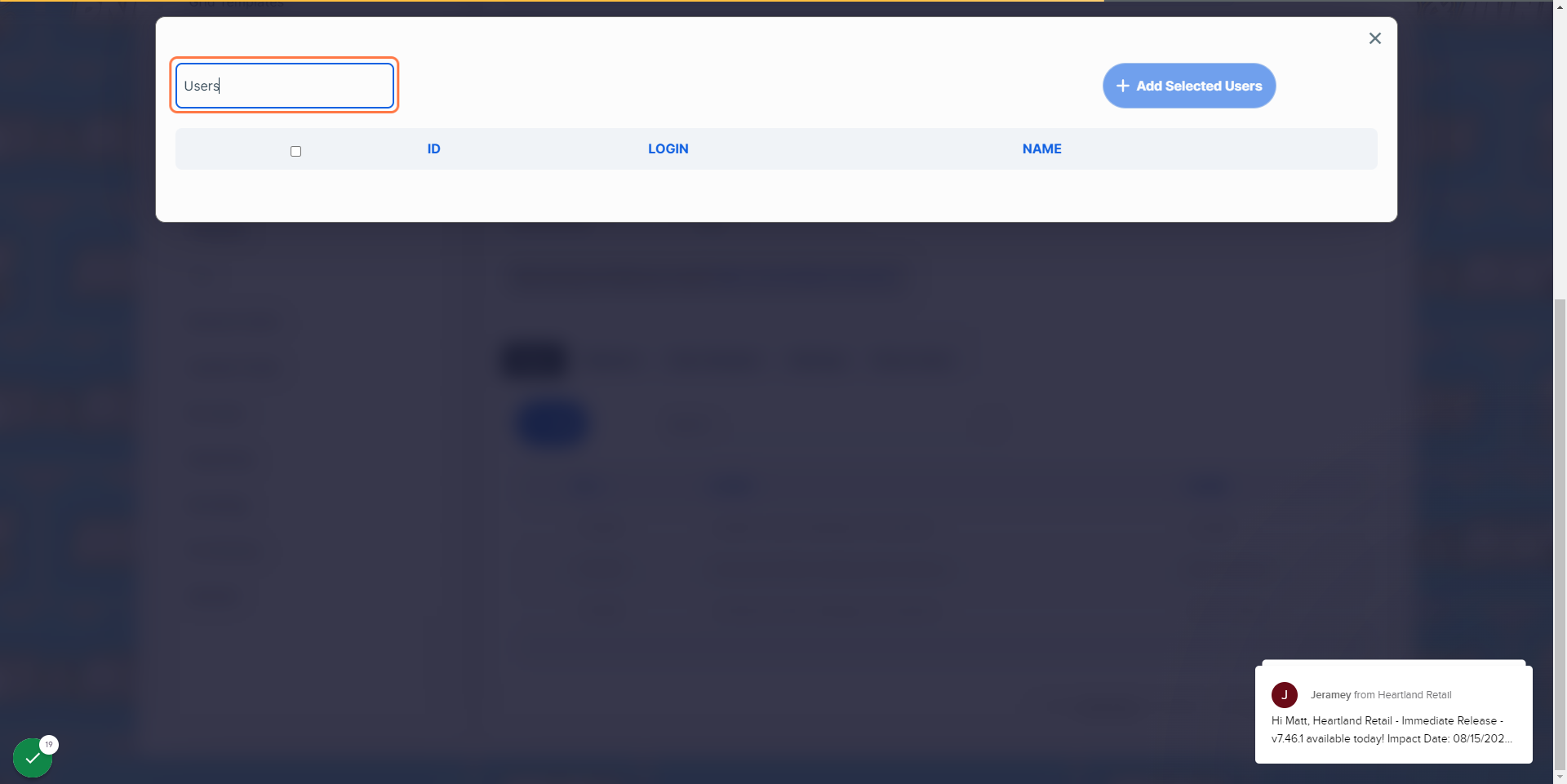
14
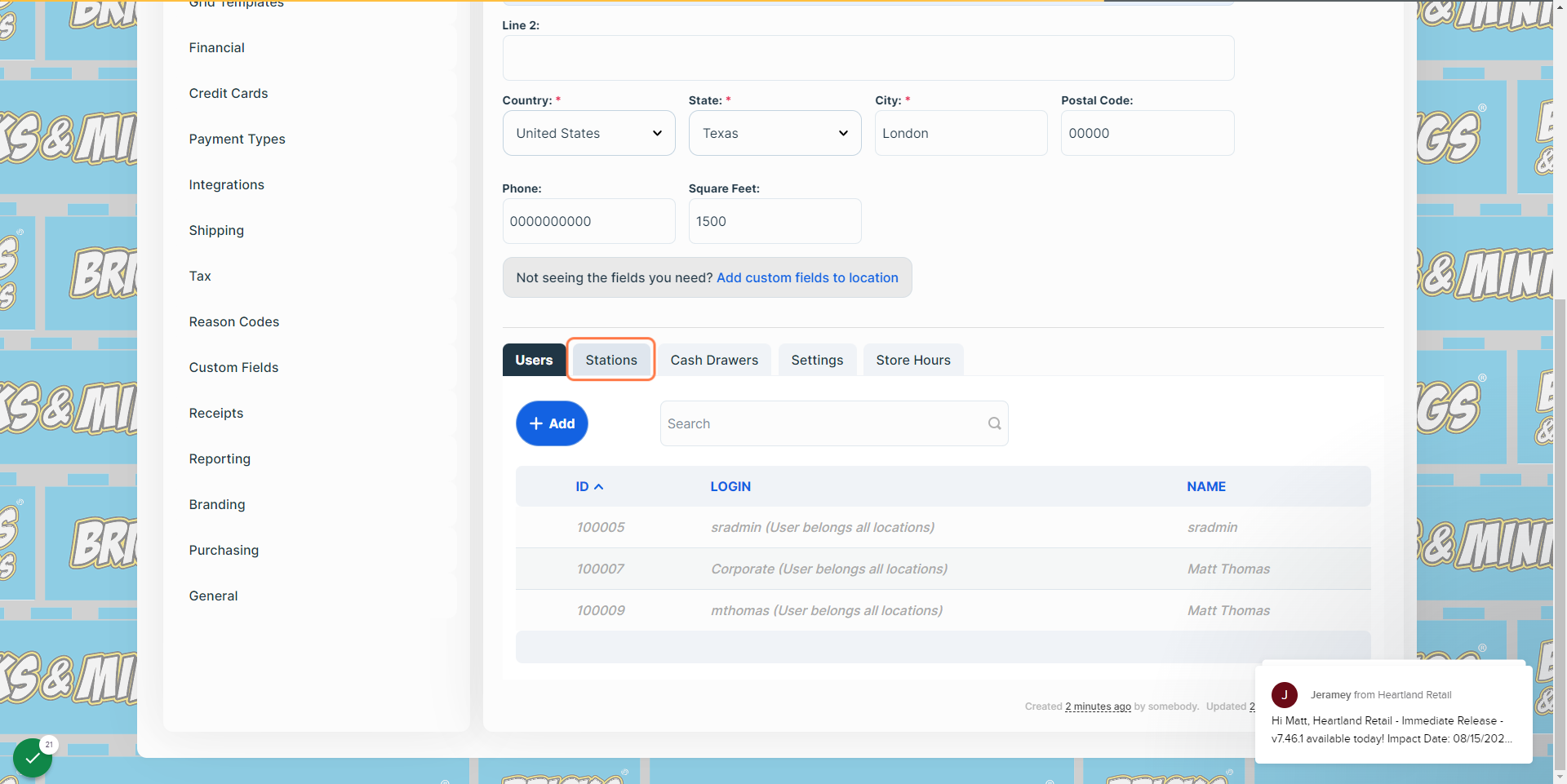
15
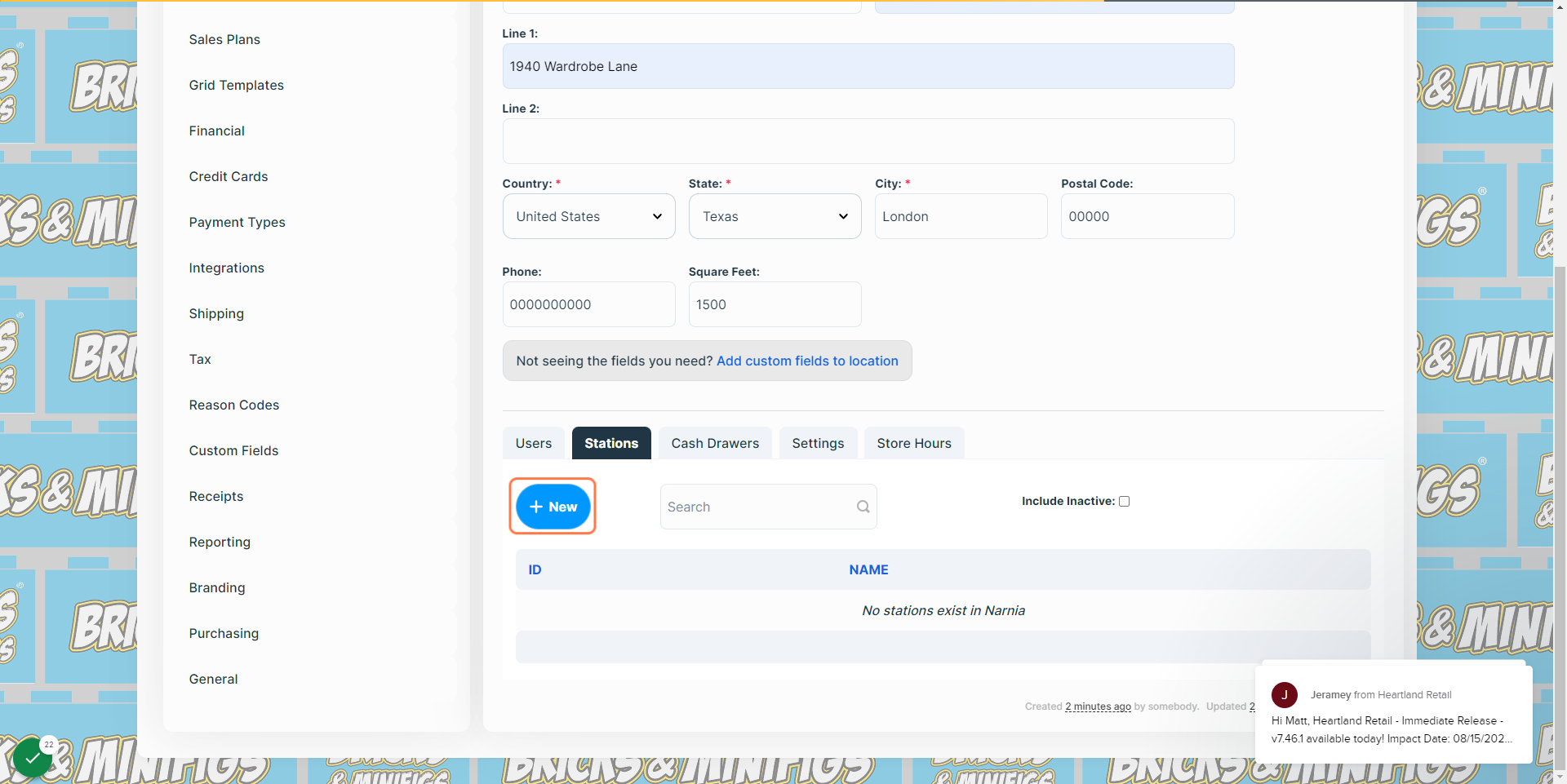
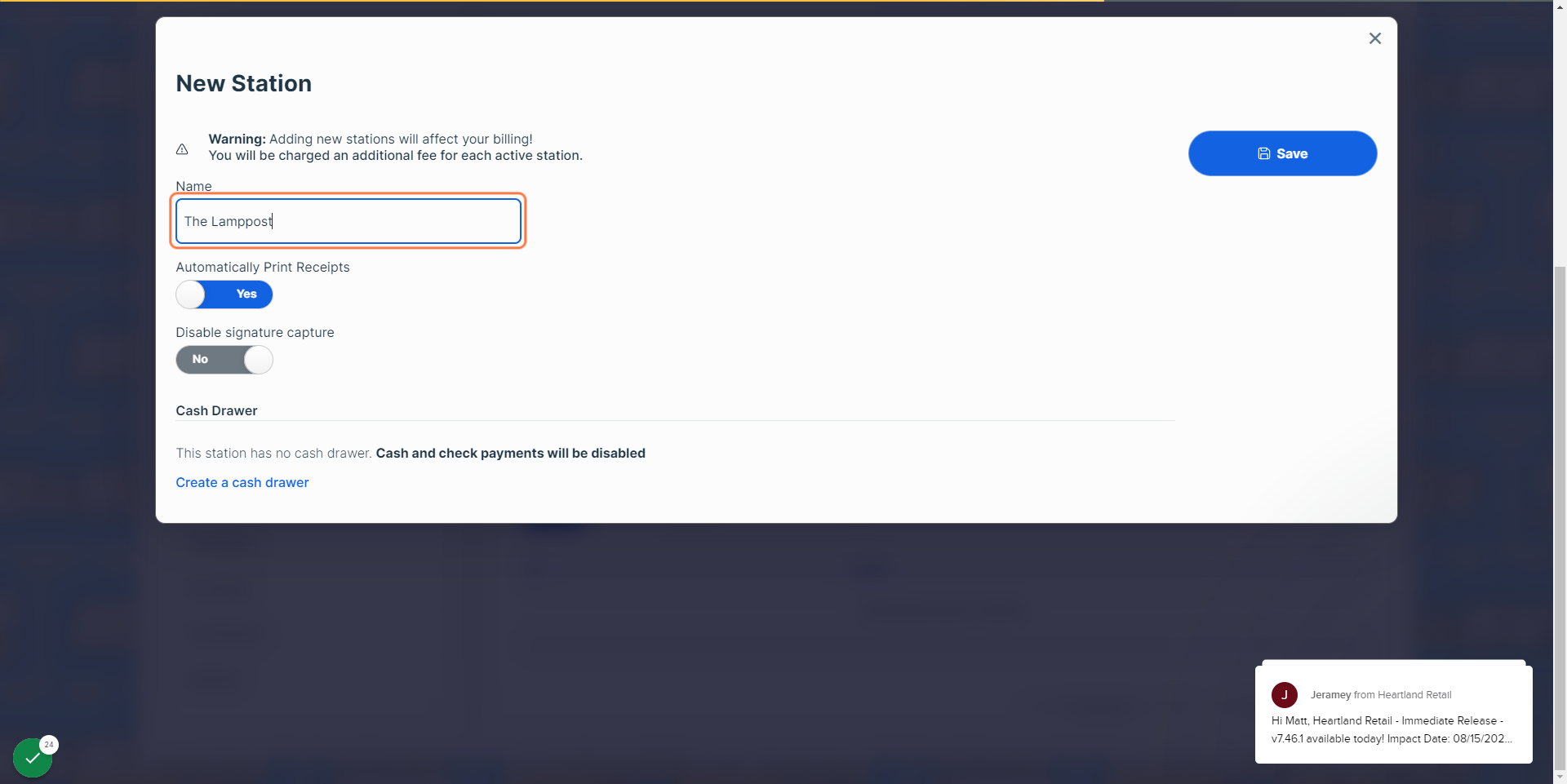
16This can be the physical location in the store, or it could be the job that station is assigned to do.
17
18
19
20
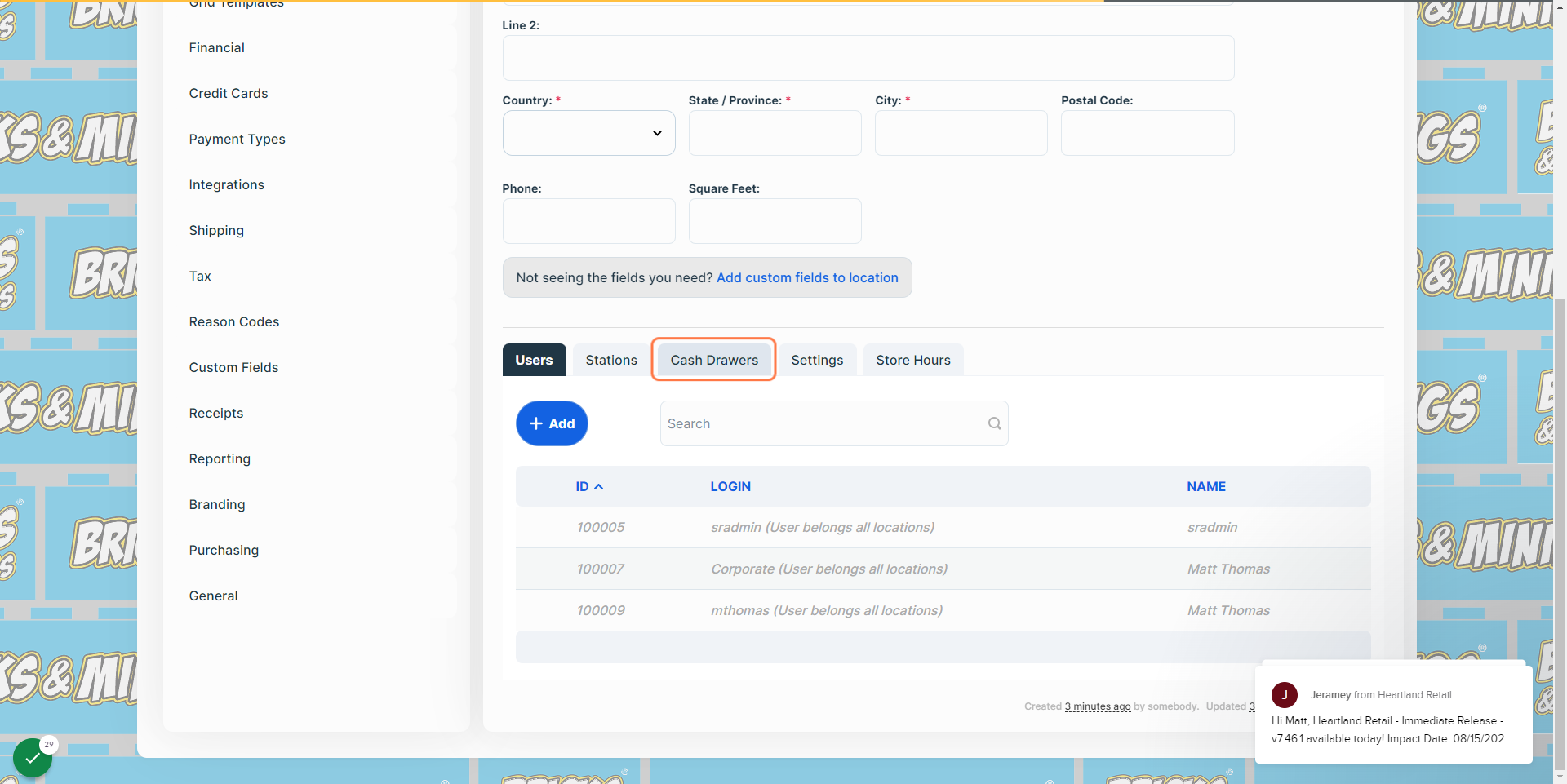
21
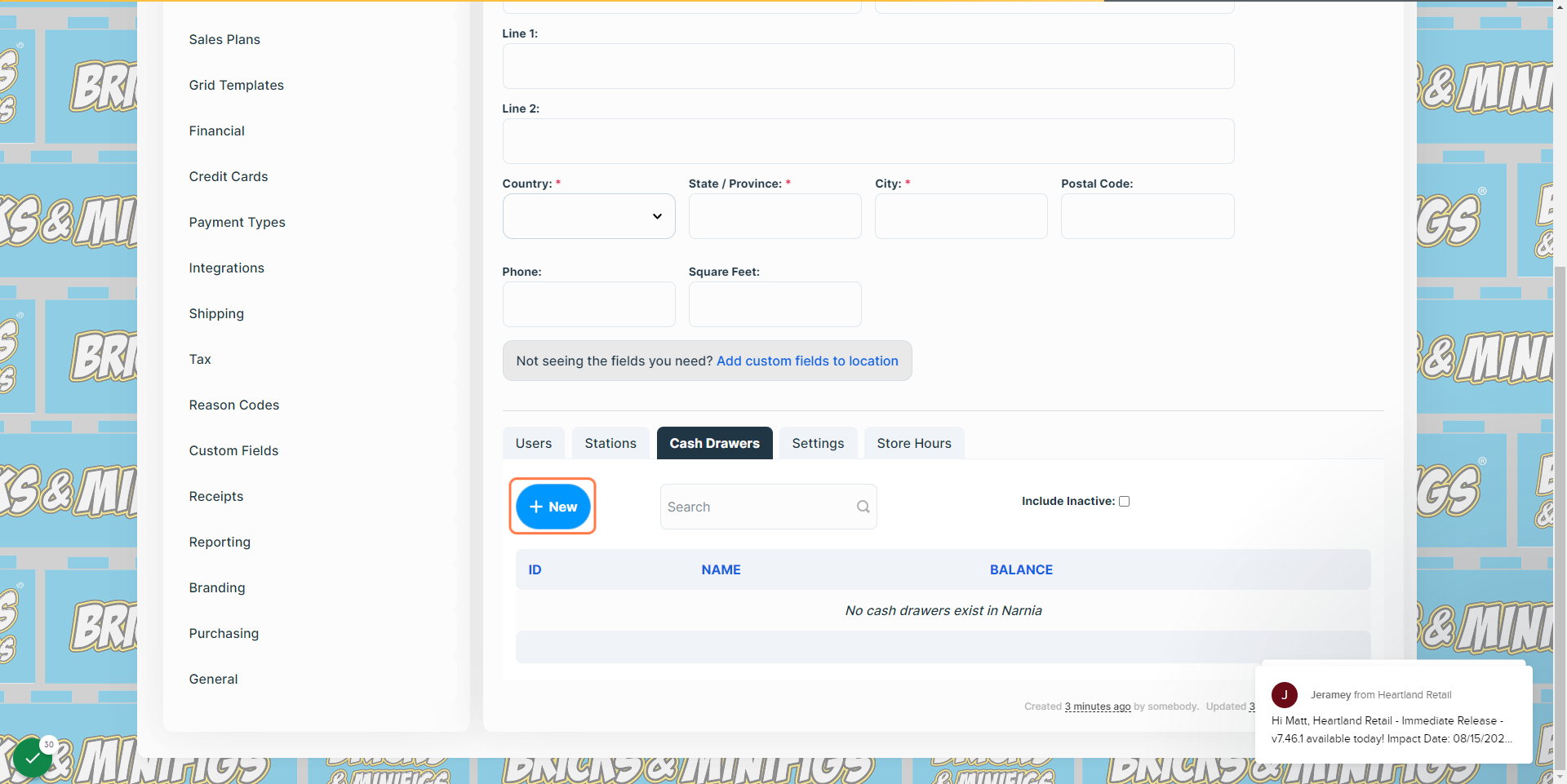
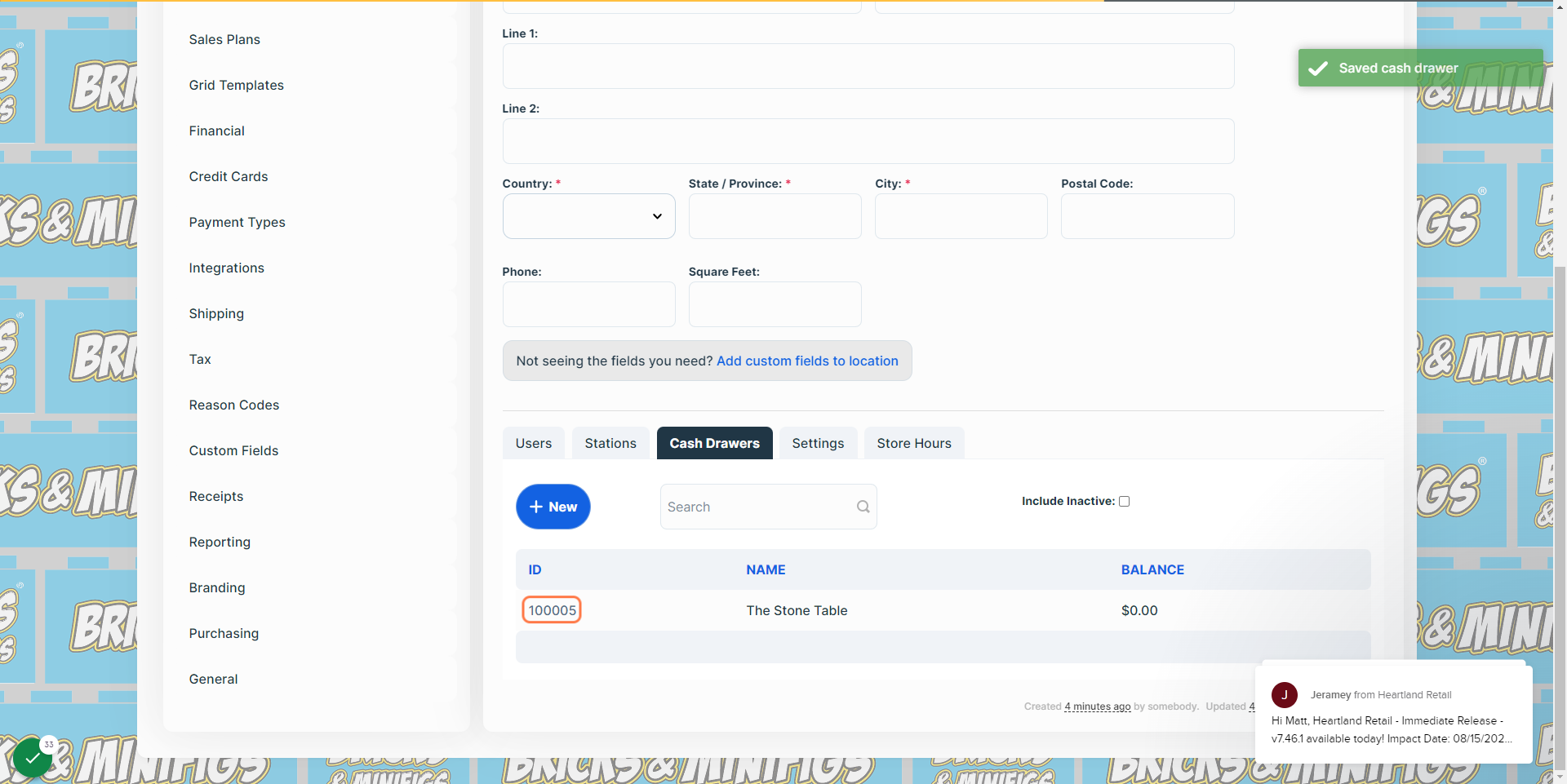
22As with a new Station, this can be the physical location of the cash drawer, or the task associated with it (such as purchasing NIB sets or trades).
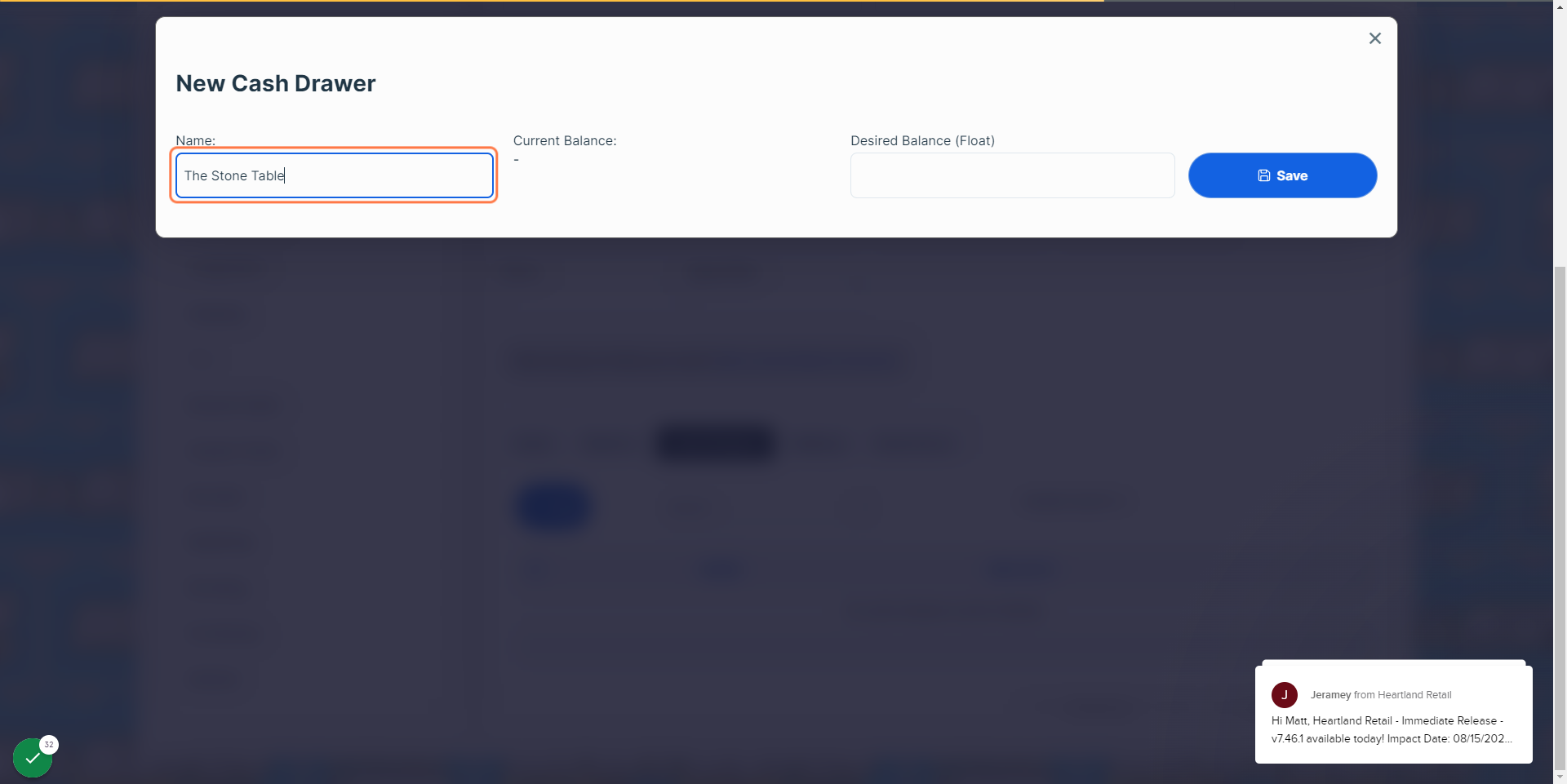
23
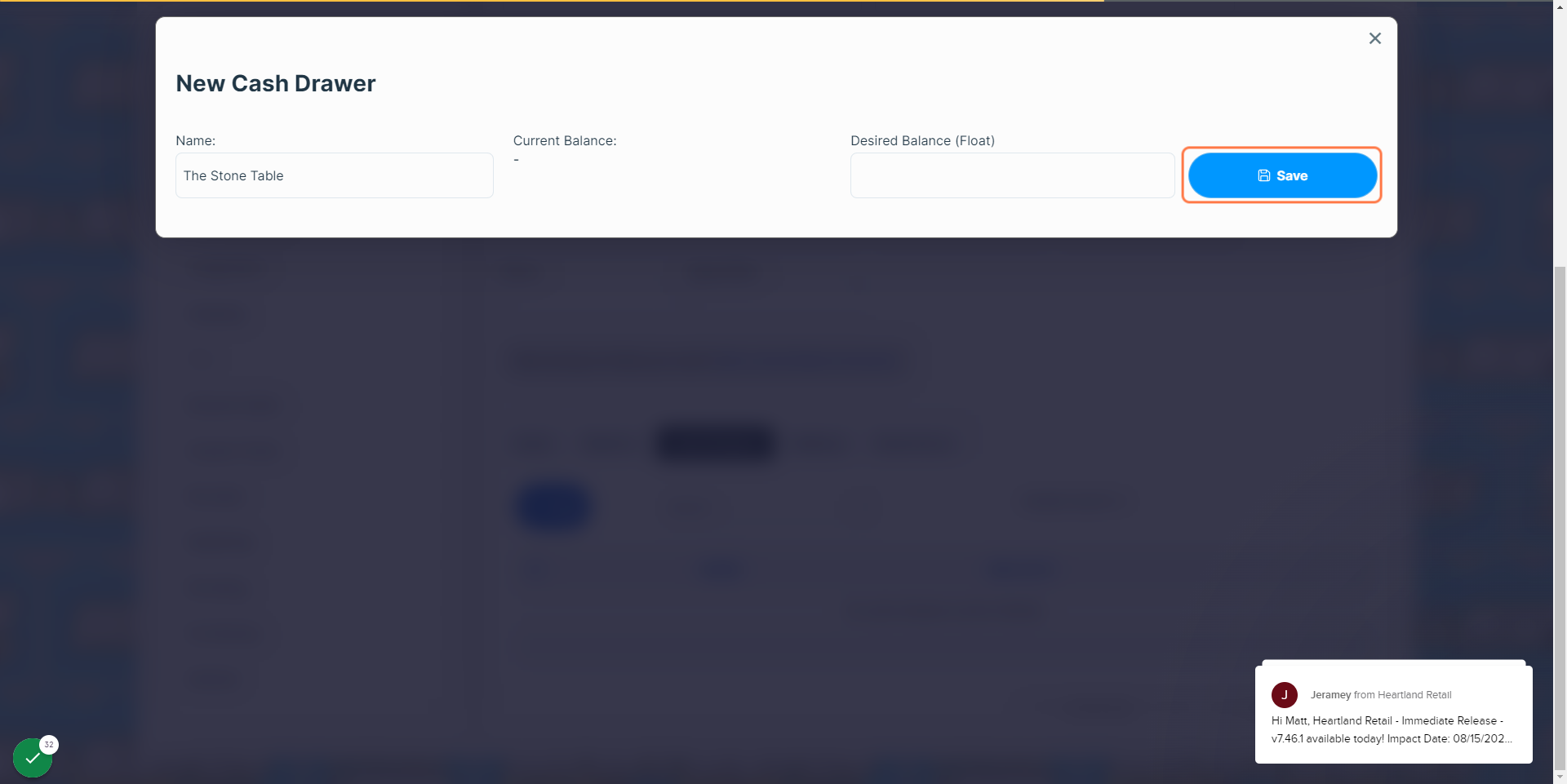
24
25