What are Roles?
Roles are the responsibilities and associated permissions assigned to an employee, and will dictate what an employee will be spending their time doing while on the clock.
Creating Roles
Creating a Role
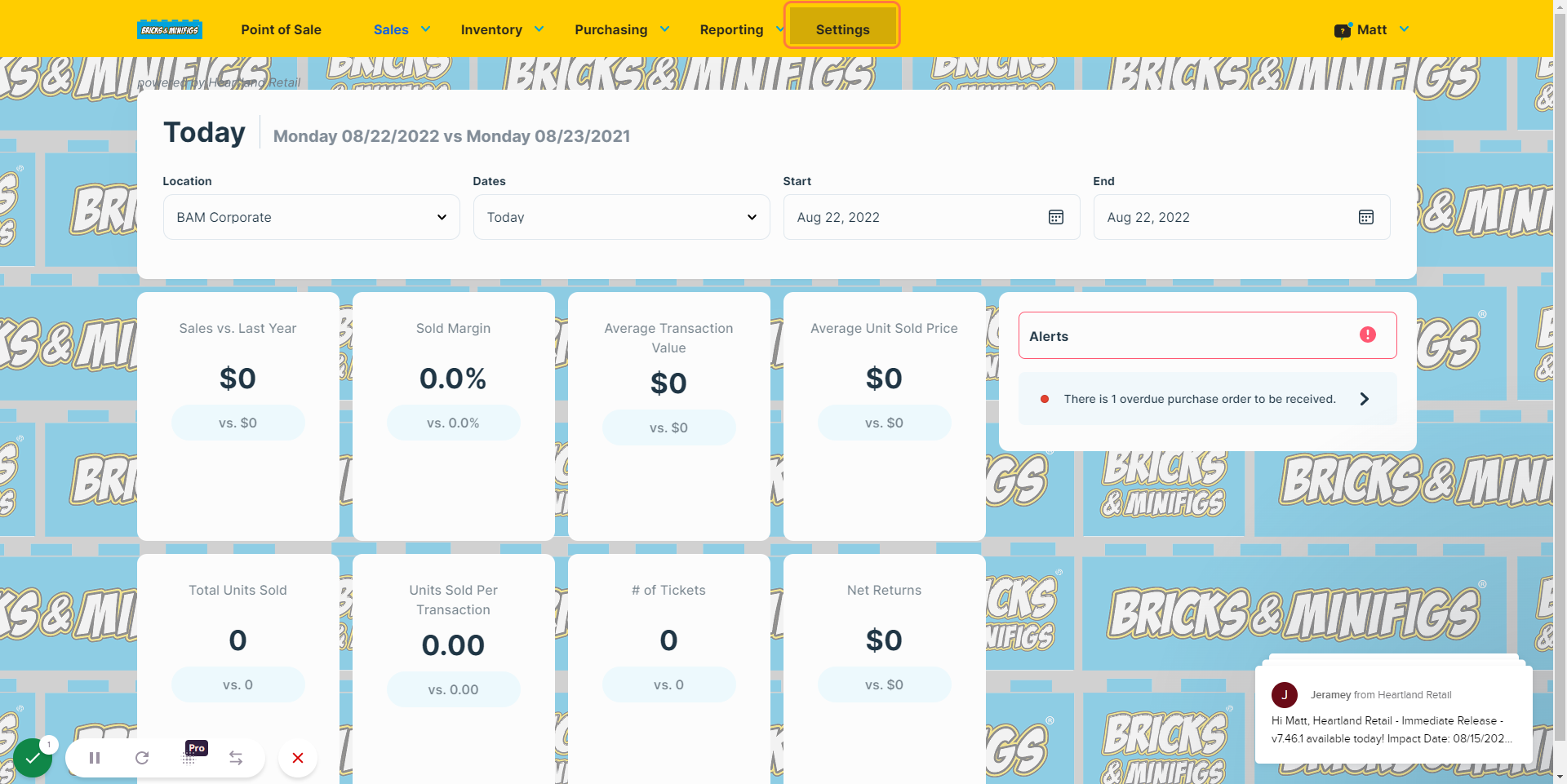
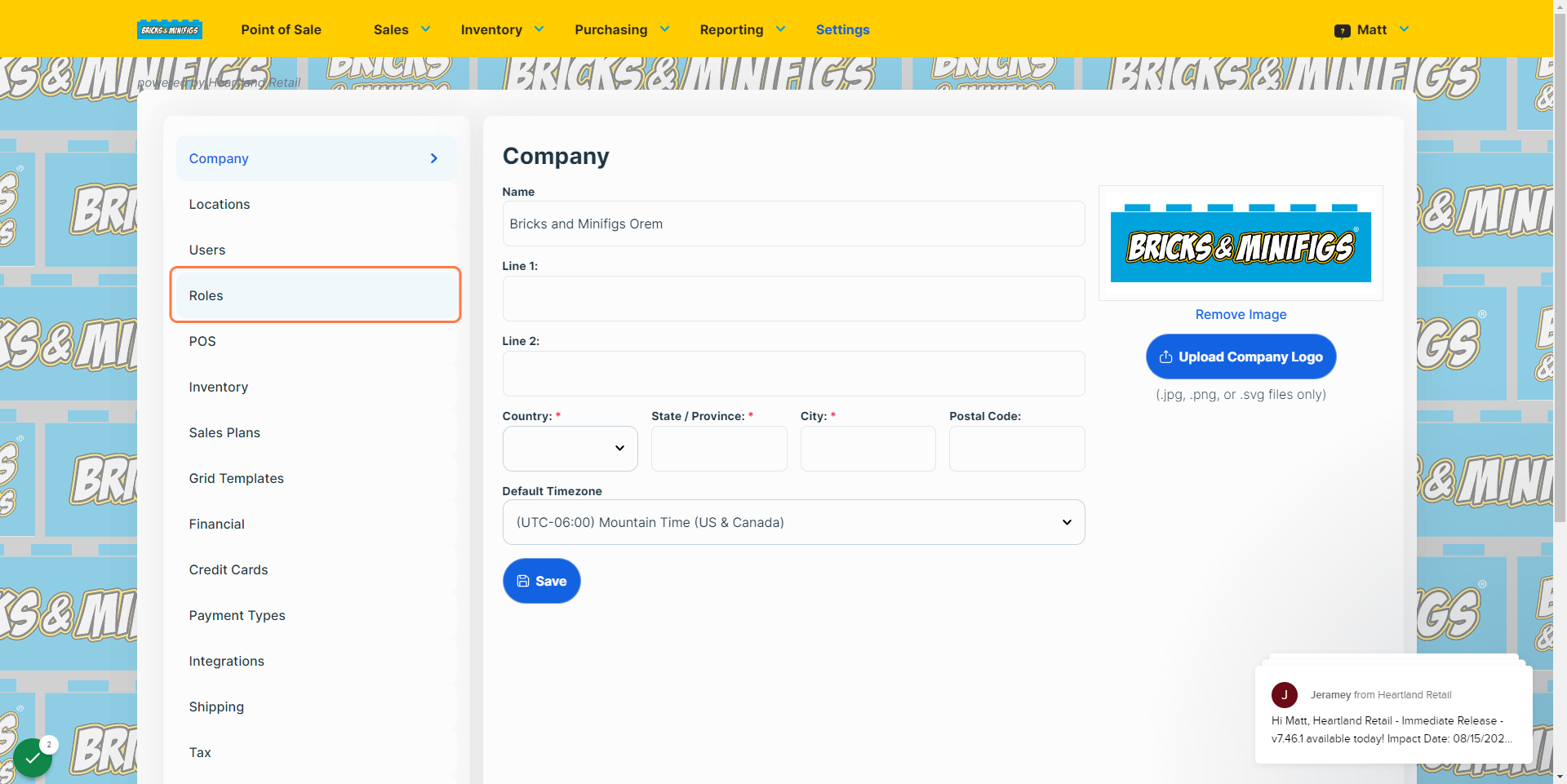
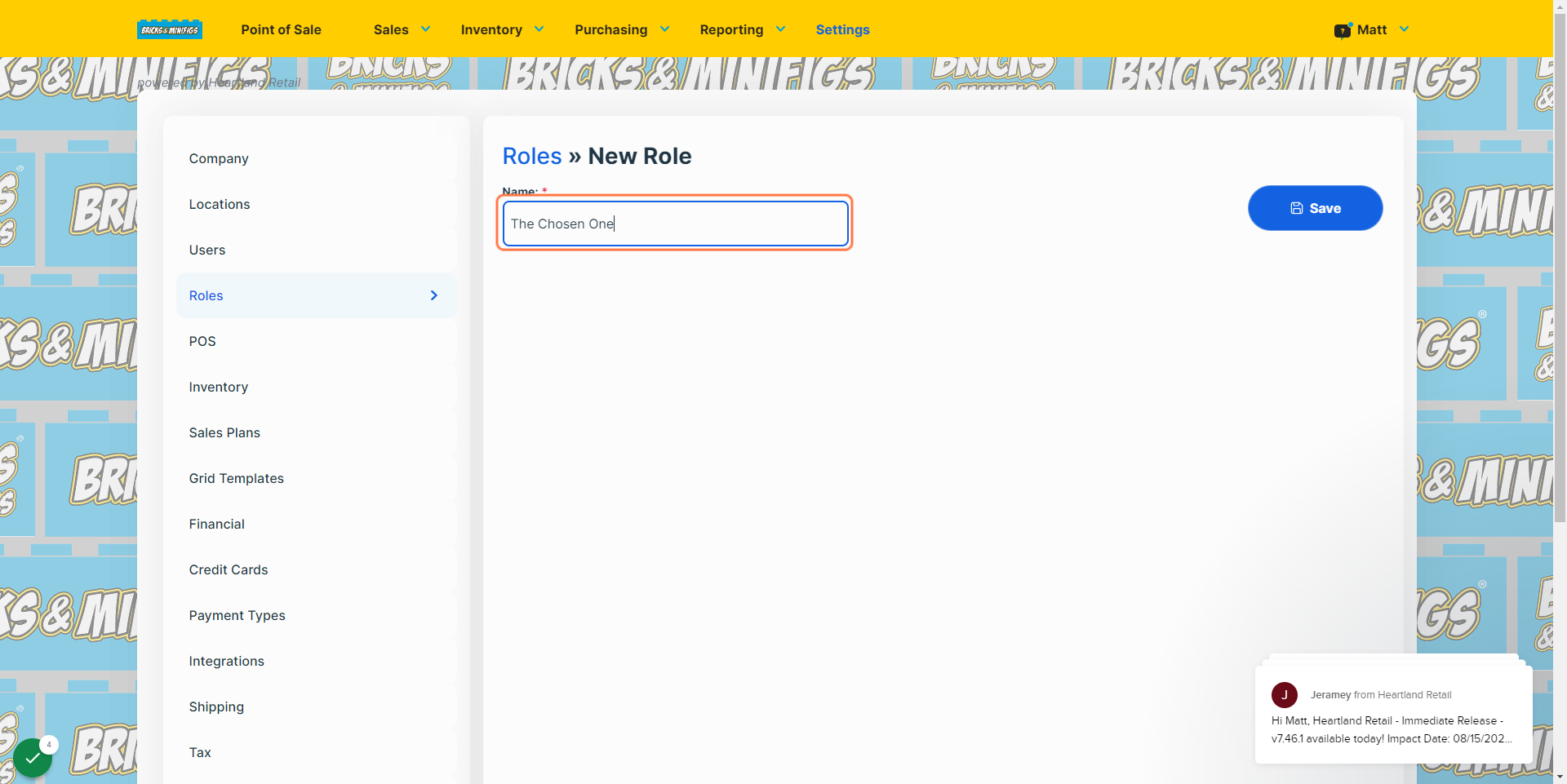
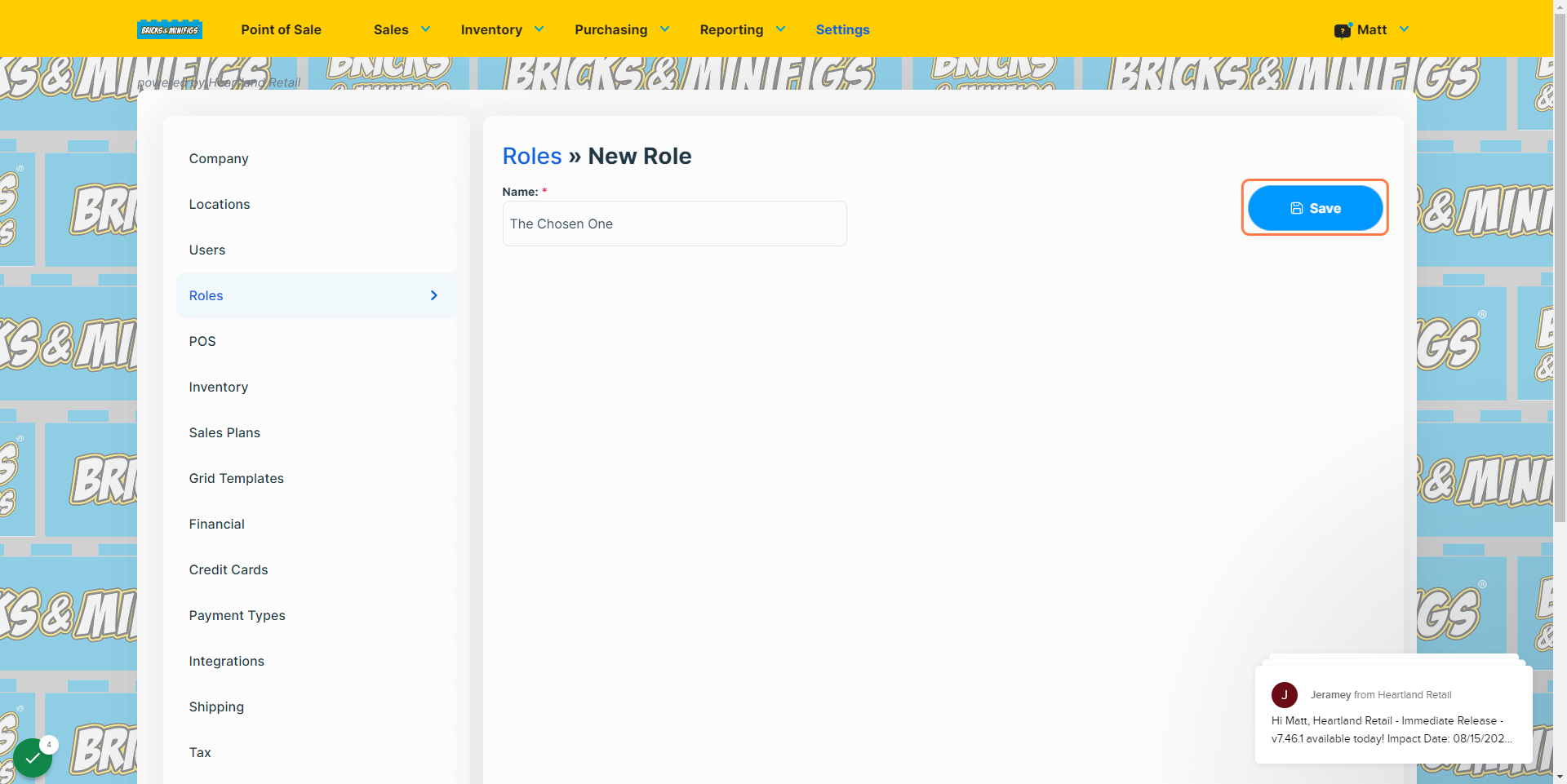
Roles are created through Heartland POS, and a walkthrough can be found at the bottom of this article.
What Roles can do
Necessary Roles
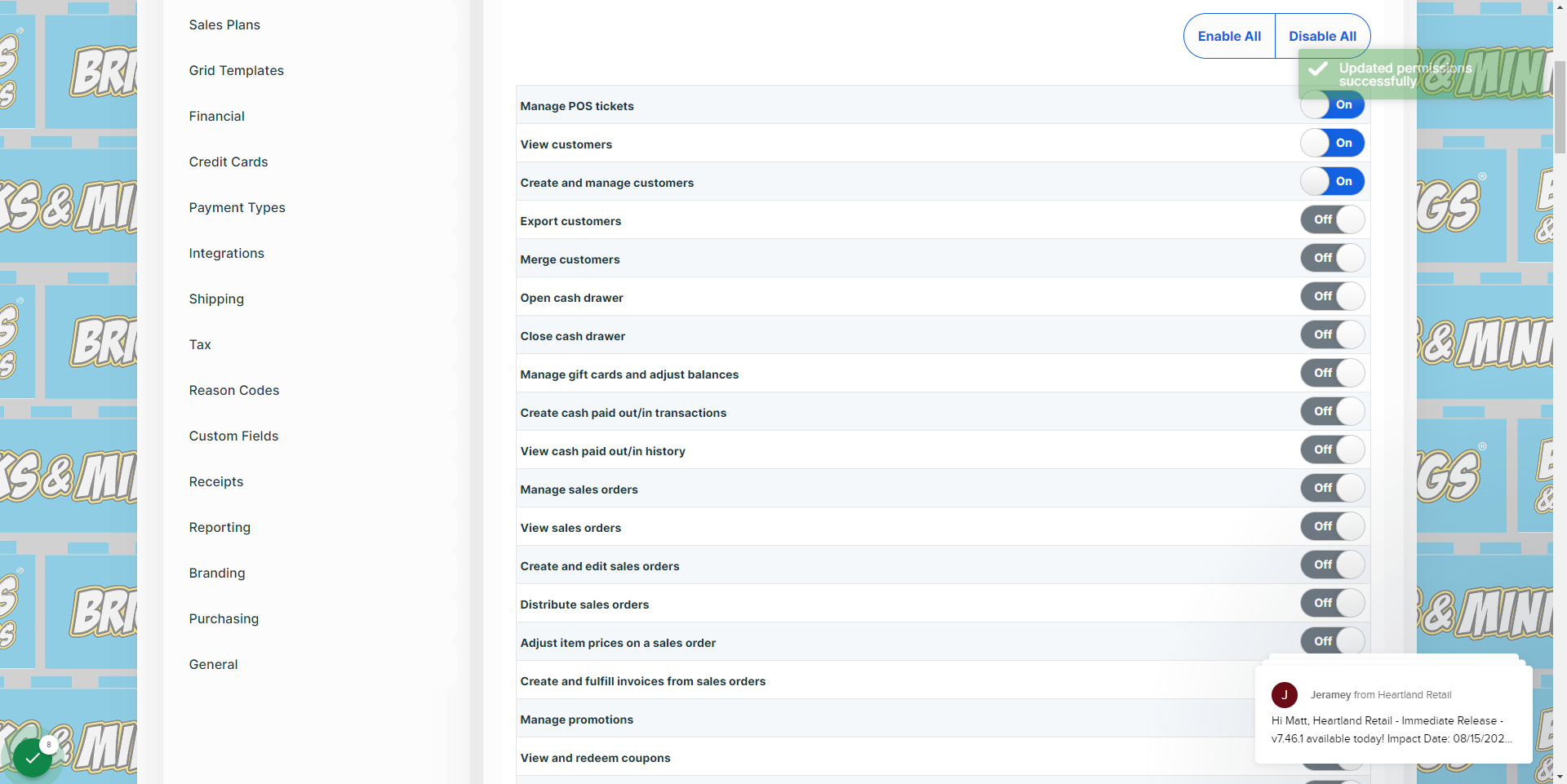
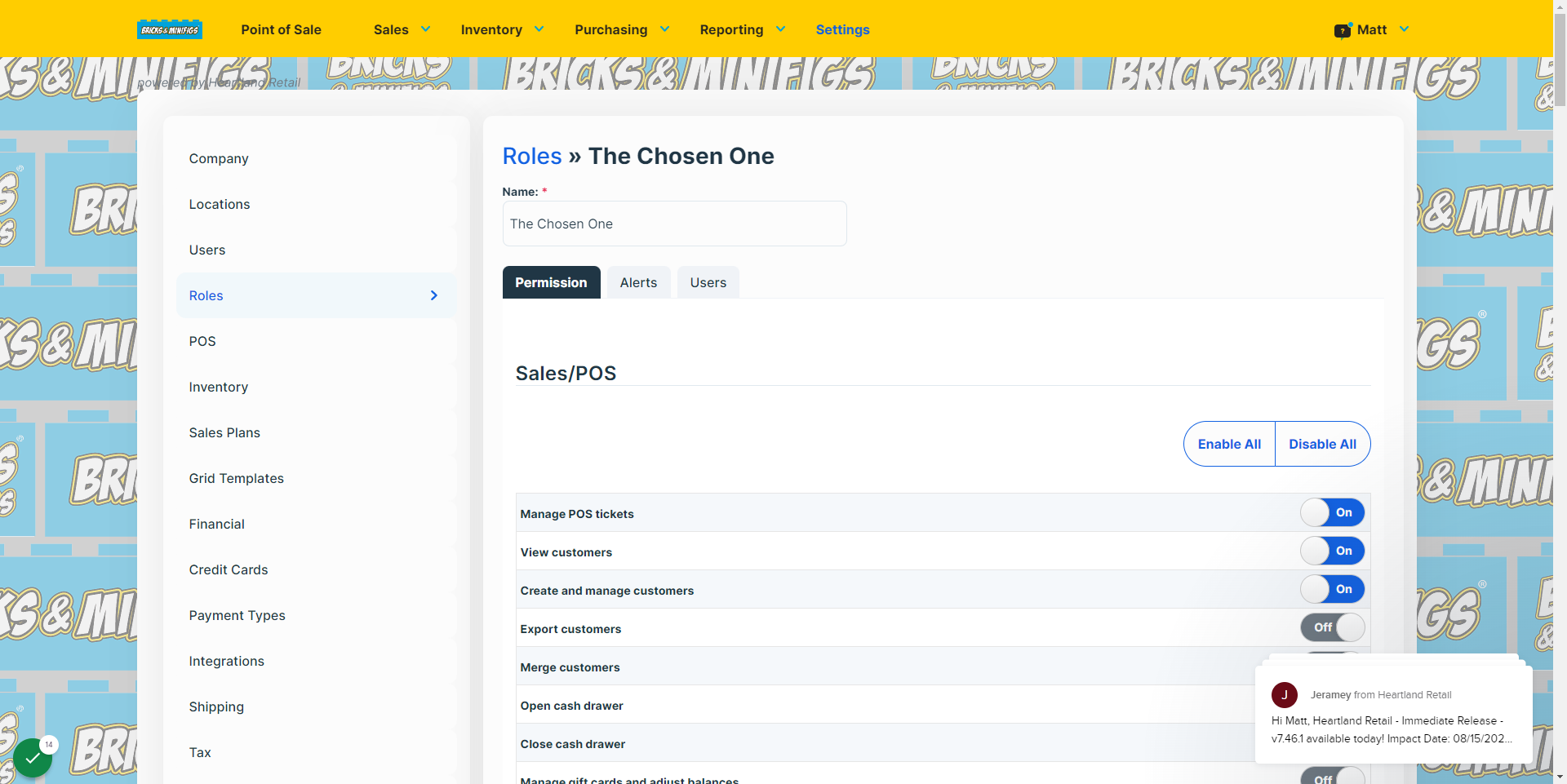
Necessary roles for any franchise location include Cashier, Store Manager, and Account Admin. Cashier will be the role for the majority of your employees, and will grant them the access required to manage POS tickets, apply coupons to those tickets, as well as create, manage, and view customers in the POS system. Store Managers typically have a lot more responsibilities and permissions within the POS system, though the full extent of their capacity is entirely up to you. When making this decision, keep in mind that anything that they cannot do themselves you will need to do for them, so finding a good balance of trust between you and your store managers is essential. Your role in the system will be the Account Admin. As such, you should have full access to the POS system, and every permission enabled.
Optional Roles
While there are thousands of potential roles you could hire employees to fill, having a short list of roles and varying permissions attached will keep things simple and straightforward. For example, a Cashier Plus role could be helpful for cashiers who have proven themselves to be reliable and capable of handling more responsibilities should the need arise. Such a role would act as a form of assistant to the manager, and can handle some management tasks that the manager may not have the freedom to complete in a timely manner.
Interactive walkthrough, captured from the company’s help desk (originally an embedded Tango guide), reconstructed step by step: